

Windows 10 reached EOS (end of support) on October 14, 2025. If you are on Windows 10, see this article.

Prohledat stránky podpory

Vyhněte se podvodům. Za účelem poskytnutí podpory vás nikdy nežádáme, abyste zavolali nebo poslali SMS na nějaké telefonní číslo nebo abyste sdělili své osobní údaje. Jakékoliv podezřelé chování nám prosím nahlaste pomocí odkazu „Nahlásit zneužití“.

Zjistit více
Vyřešeno Archivováno

OAuth sign in failed (Gmail)

blackspear1

One Gmail account imported all of the settings, including the Inbox. The other Gmail account recieves this:

Please sign in We'll redirect you to your email provider to sign in. You need to grant the app access to your email account.

Sign in with Google

Then the following error, as it won't open to Google to confirm (it did with the other account)

Please sign in Oauth sign in failed OAuth 2.0 is currently not supported with this provider Retry

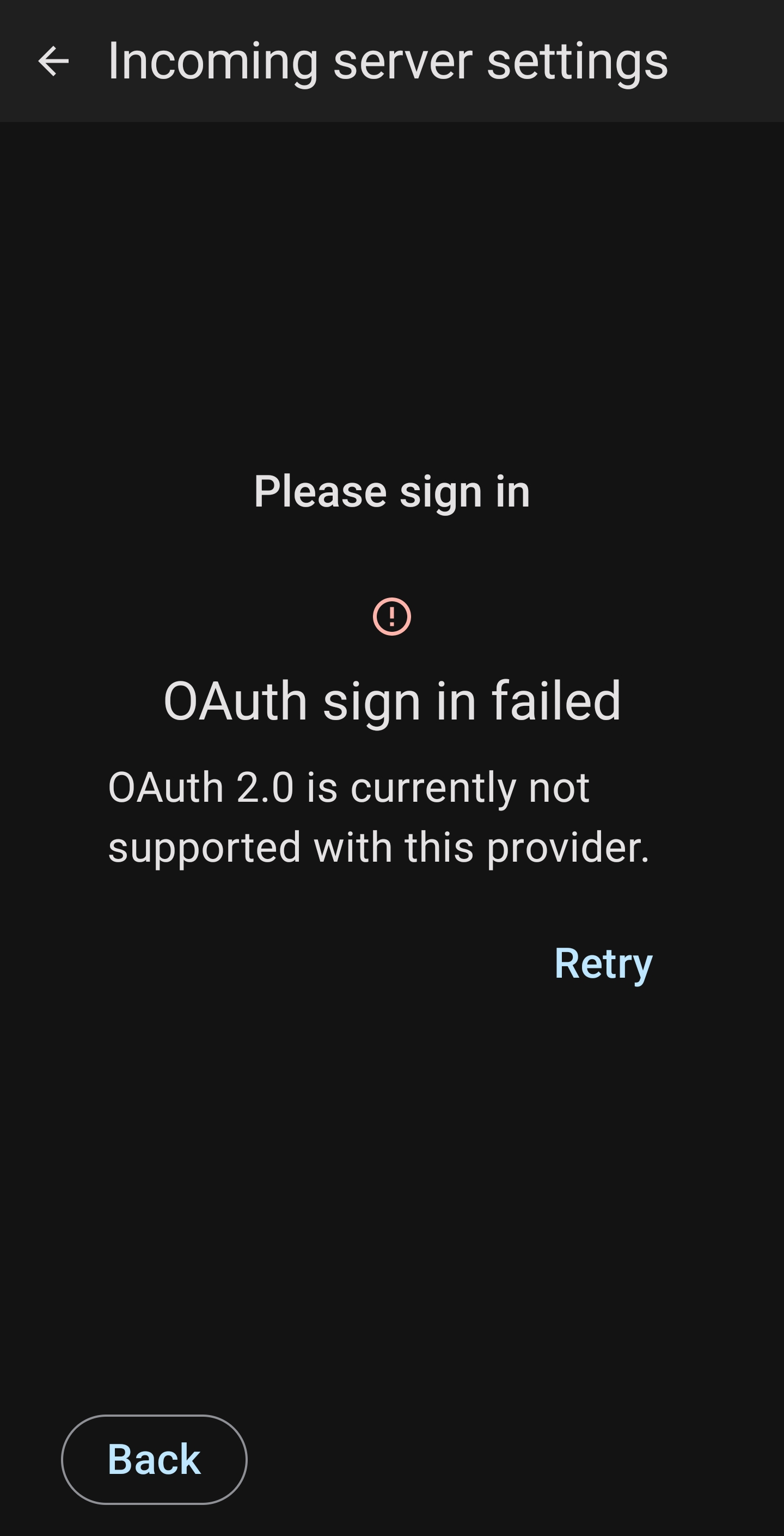
One Gmail account imported all of the settings, including the Inbox. The other Gmail account recieves this: Please sign in We'll redirect you to your email provider to sign in. You need to grant the app access to your email account. Sign in with Google Then the following error, as it won't open to Google to confirm (it did with the other account) Please sign in Oauth sign in failed OAuth 2.0 is currently not supported with this provider Retry
Přiložené obrázky

Všechny odpovědi (3)

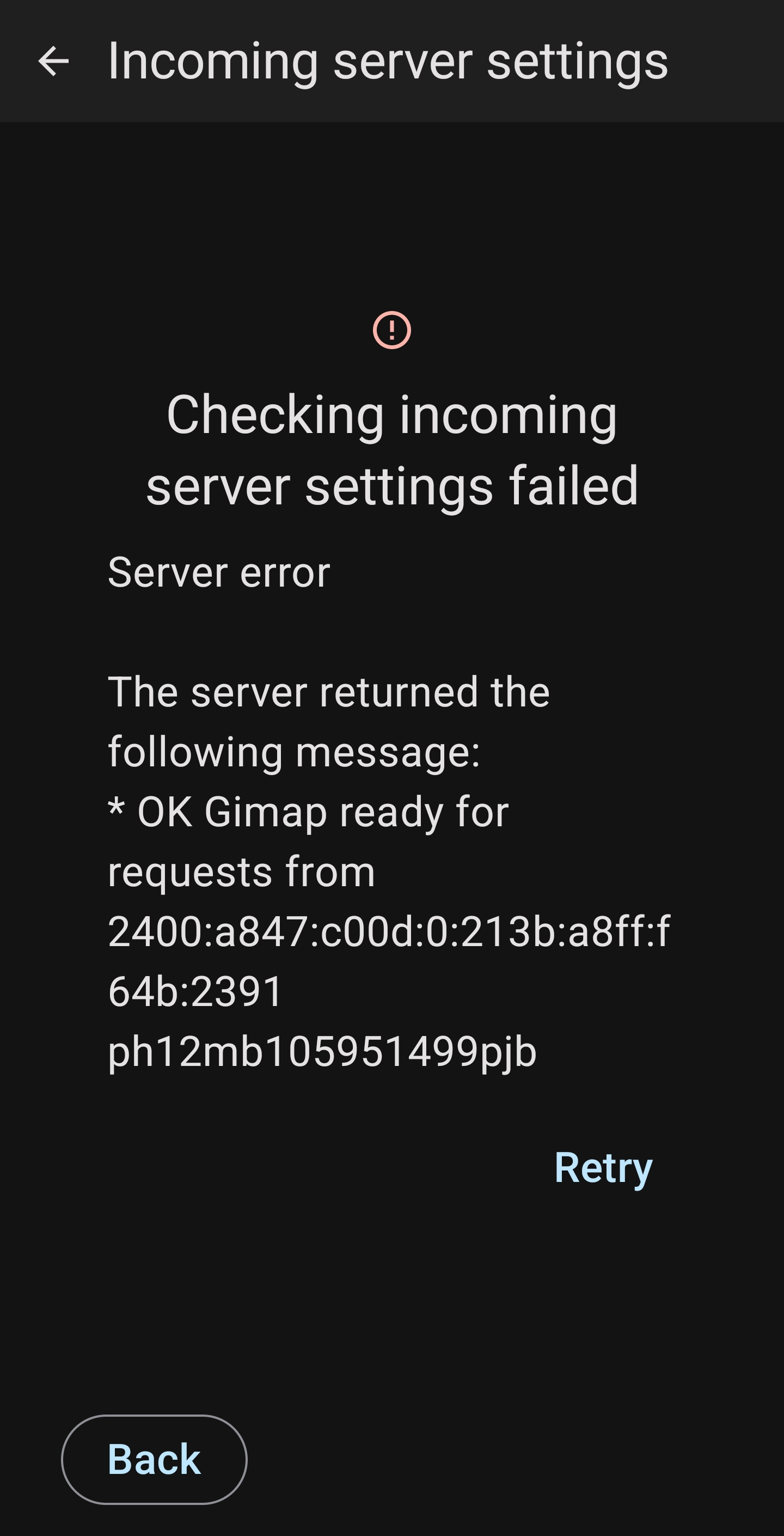
I changed the incoming settings to the same as the gmail account that works, then Gmail sign in popped up and requested to allow access. However, I recieved a further error (screenshot attached)

Upravil uživatel blackspear1 dne

Zvolené řešení

RESOLVED

Deleted the imported account that failed.

Added a NEW account.

Issue resolved.

Thanks, worked for me also.