

Toto vlákno bylo archivováno.
Pokud potřebujete pomoci, založte prosím nový dotaz.

Archivováno
Thunderbird email

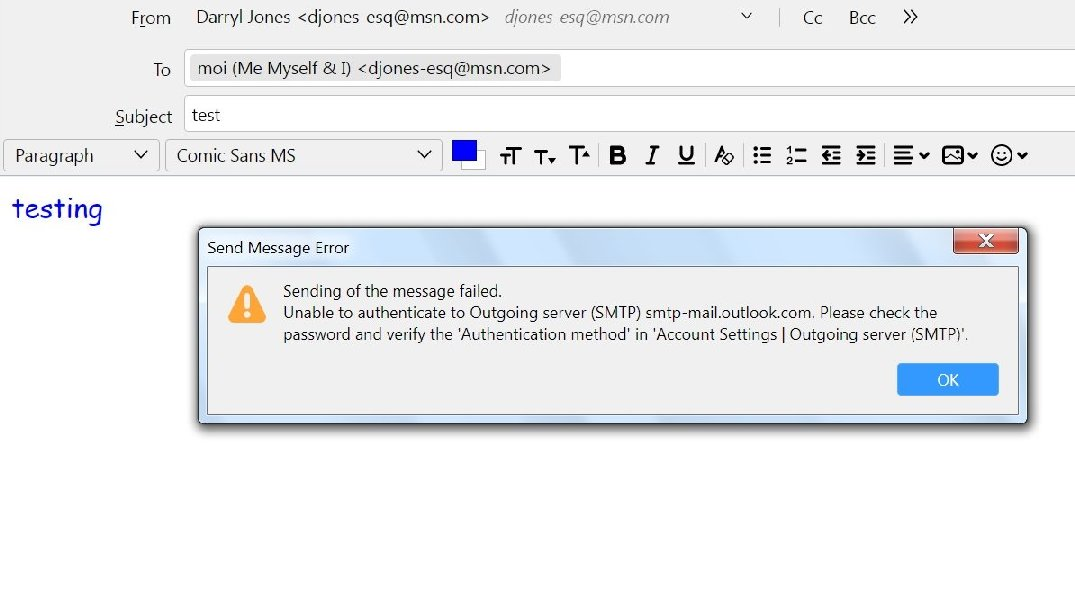
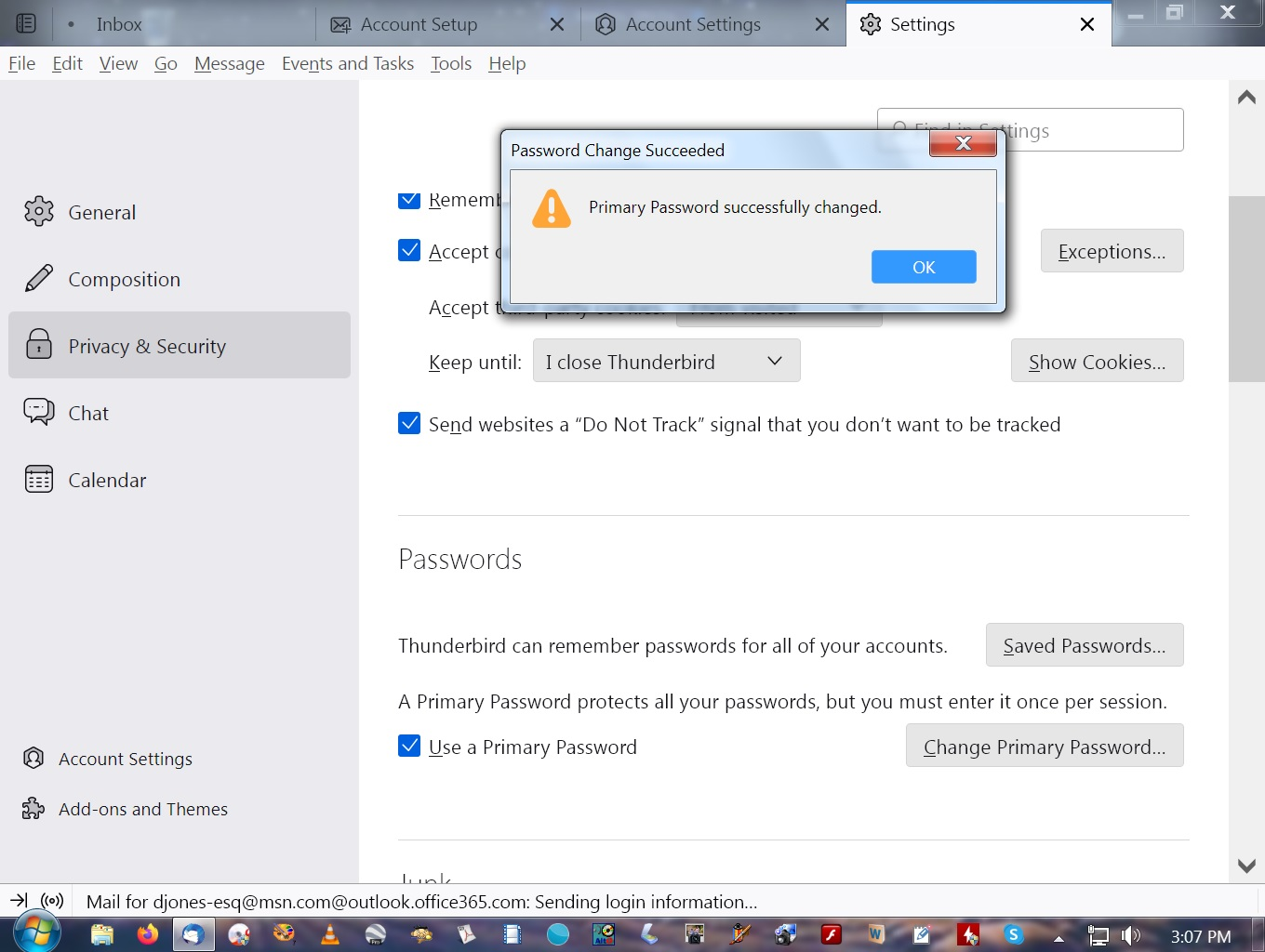
When I updated to Thunderbird 115.2.3 (64 bit) Supernova on my windows 7 pro my email stop working and would not accept my password
When I updated to Thunderbird 115.2.3 (64 bit) Supernova on my windows 7 pro my email stop working and would not accept my password
Všechny odpovědi (1)

You need to update your account's SMTP settings as follows:
Server Name = smtp.office365.com Port = 587 Connection security = STARTTLS Authentication method = Normal Password
Then, using a browser, sign in to your Microsoft account and generate an app password. It is that app password that you will use when Thunderbird asks for a password when you send mail. Your regular password will NOT work with Normal Password Authentication method, because Microsoft has stopped supporting basic authentication using your MS account's regular password on its MS (Office) 365 platform that powers your msn email service.