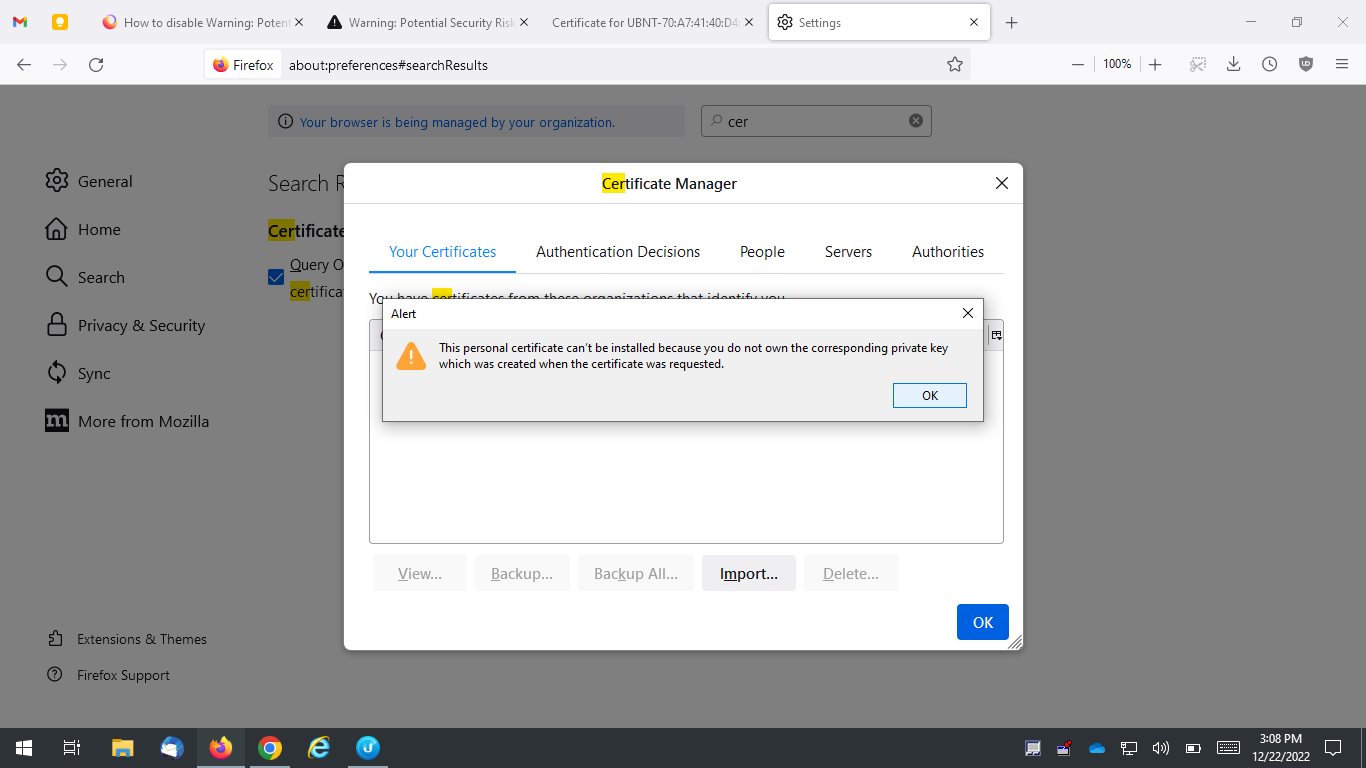
How to disable Warning: Potential Security Risk Ahead warning?

This annoying warning pops up everytime I remote into the webui of a ubiquity wireless antenna for my consulting job. How do I make this stop so I don't have to be bombarded by this nonsense at my already difficult job?
Všechny odpovědi (4)
Setting security.ssl.enable_ocsp_stapling to false in about:config did not solve the issue.
You can inspect the certificate by clicking the blue error code or the "View Certificate" button. I assume that you do not have a root certificate for this certificate that you can install to trust this certificate ?
cor-el said
You can inspect the certificate by clicking the blue error code or the "View Certificate" button. I assume that you do not have a root certificate for this certificate that you can install to trust this certificate ?
I'm not sure... Is there anyway to disable this warning for all sites? This annoyance outweighs any benefits obtained from this security feature. I really just want it gone for good.
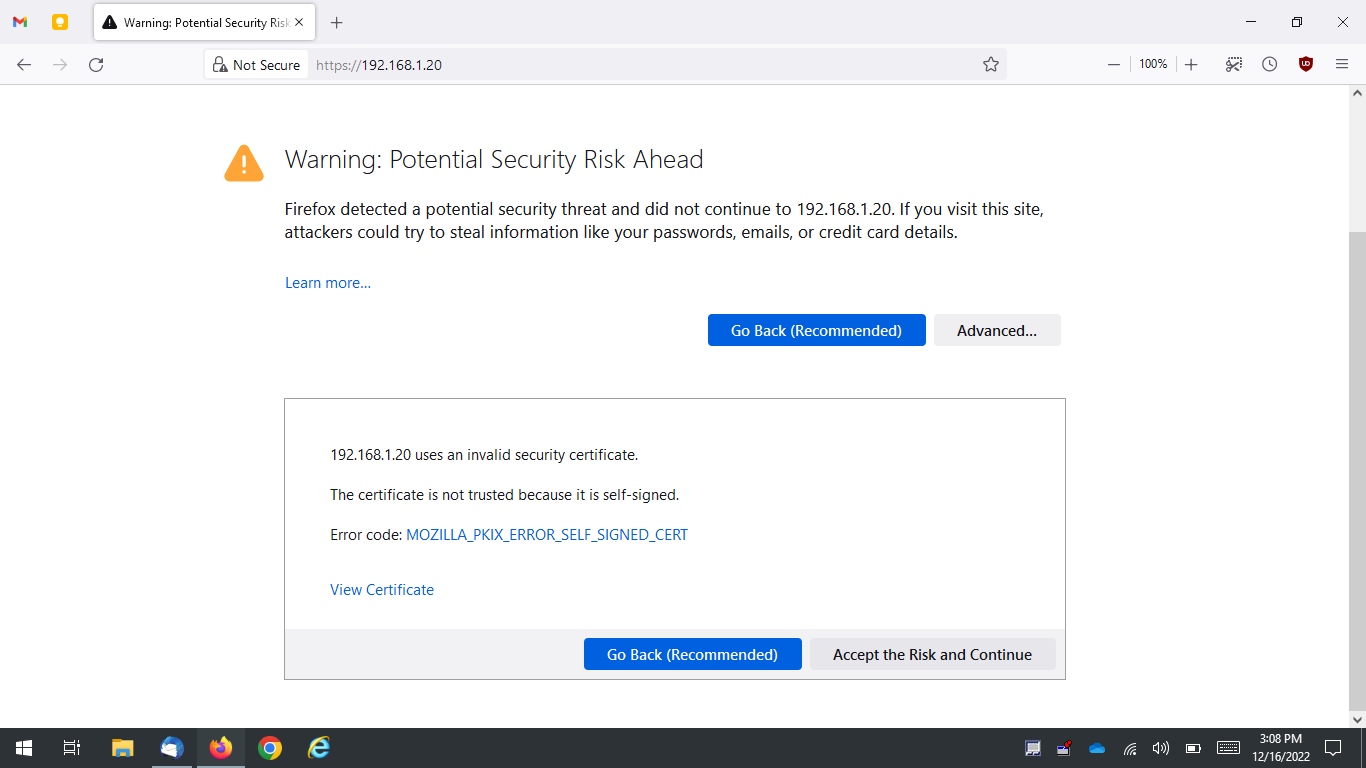
I tried following your advice but I get this error. Is there a way I can just disable this warning when an untrusted certificate is detected? I don't care about the additional "security", this message is ANNOYING!