


Really Annoying Firefox will not connect to the AT&T forums!

Safari does, other browsers do. This is annoying, and happens a lot with Firefox. Can get on this site.
What is going on?
Všechny odpovědi (9)

It works for me, can you show a similar screenshot?
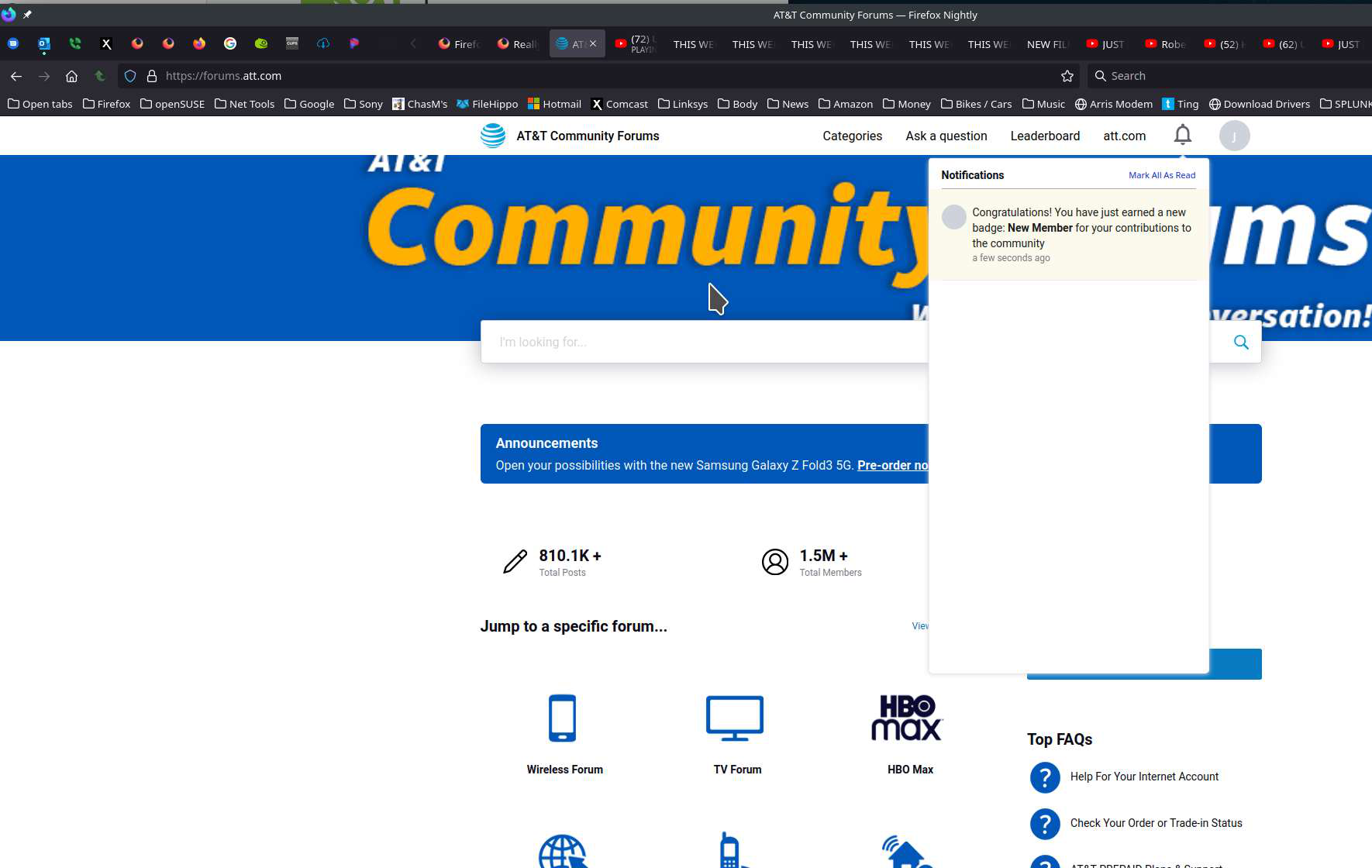
This happens on a lot of web sites with Firefox. Screenshot shows Safari opens web site, but Firefox does not.
This particular web site is forums.att.com.
But it happens on many websites.
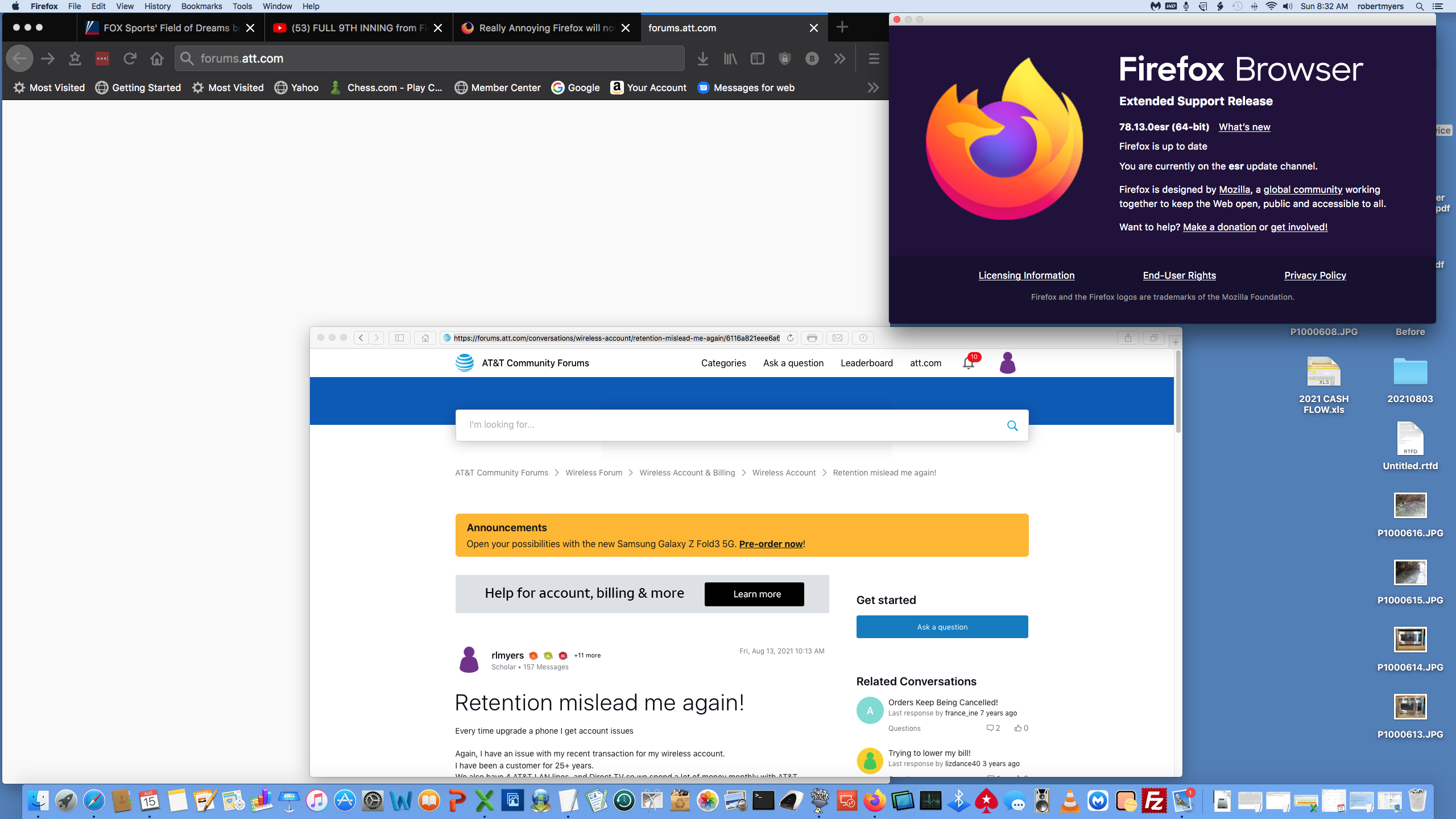
Is there a reason for that version of Firefox? https://www.mozilla.org/en-US/firefox/all/#product-desktop-release
Have you tried safe mode? Firefox safe mode: Click the menu button, click Help and select Restart with Add-ons Disabled…. Firefox will start up with the Firefox Safe Mode dialog.
Have you cleared the browser cache? https://support.mozilla.org/en-US/kb/delete-cookies-remove-info-websites-stored https://support.mozilla.org/en-US/kb/how-clear-firefox-cache
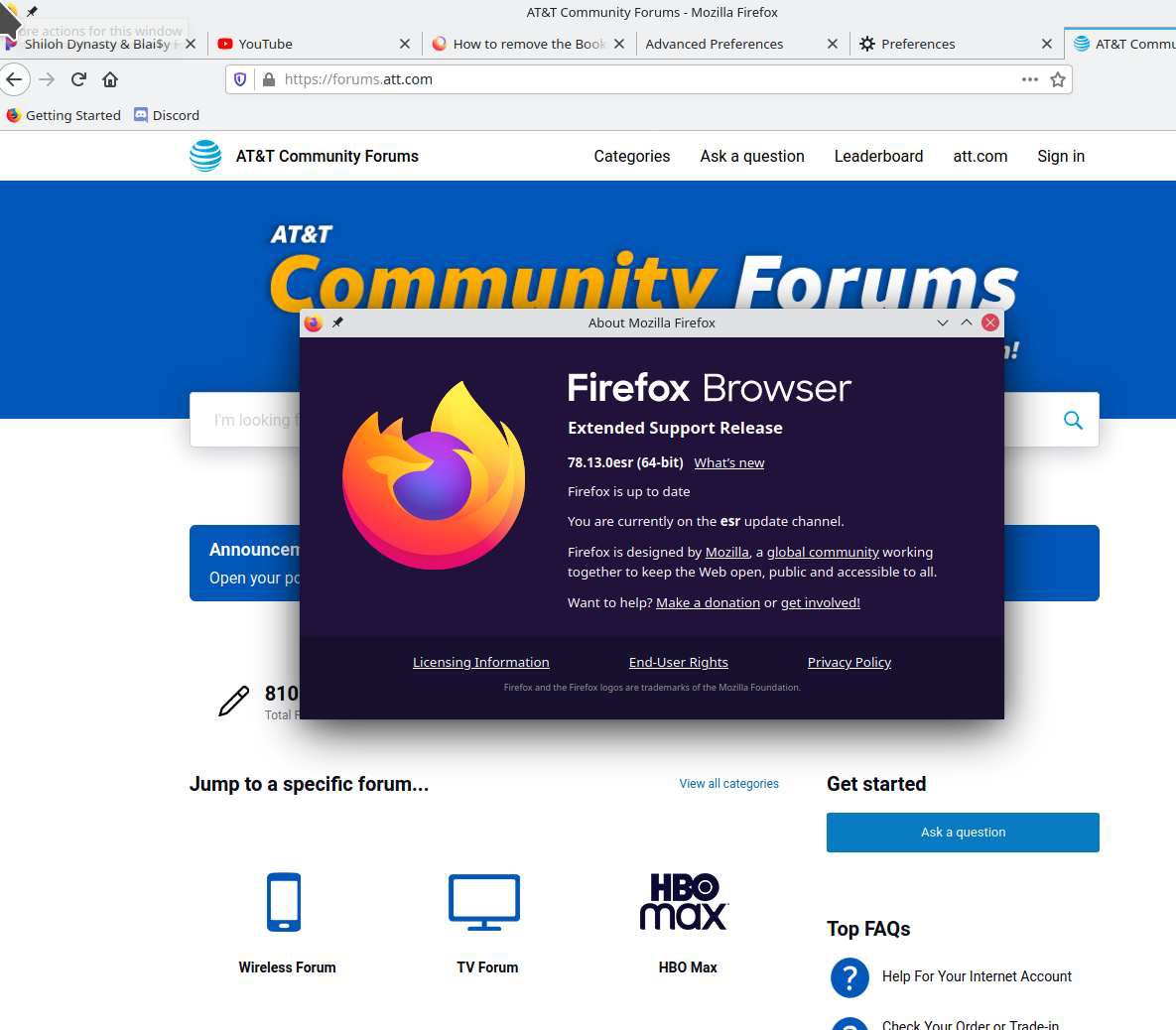
Upravil uživatel jonzn4SUSE dne
Hi rlmrlm,
Try Refreshing your Browser:- ( It will definitely solve your problem )
- To do this, click the menu button at the top right corner of the Firefox window.
- Click the “Help” option near the bottom of the menu.
- Click the “Troubleshooting Information” option in the Help menu.
- Click the “Refresh Firefox” button at the top right corner of the Troubleshooting Information page.
- You’ll be warned that this will remove your browser add-ons, reset your customizations, and revert other browser data to the default settings. Click “Refresh Firefox” to confirm you want to make these changes.
You’ll be warned that this will remove your browser add-ons, reset your customizations, and revert other browser data to the default settings. Click “Refresh Firefox” to confirm you want to make these changes.
I do not want to do this?
About Firefox says it is up to date.
This happens with a lot of web sites using Firefox, never with Safari on the Mac.
Right, that version is up to date for the ESR. https://support.mozilla.org/en-US/kb/switch-to-firefox-extended-support-release-esr
You want to run the version for Mac from this page. https://www.mozilla.org/en-US/firefox/all/#product-desktop-release
Upravil uživatel jonzn4SUSE dne
Here is Firefox in safe mode with all extensions disabled. Search finds ATT forums will not open.
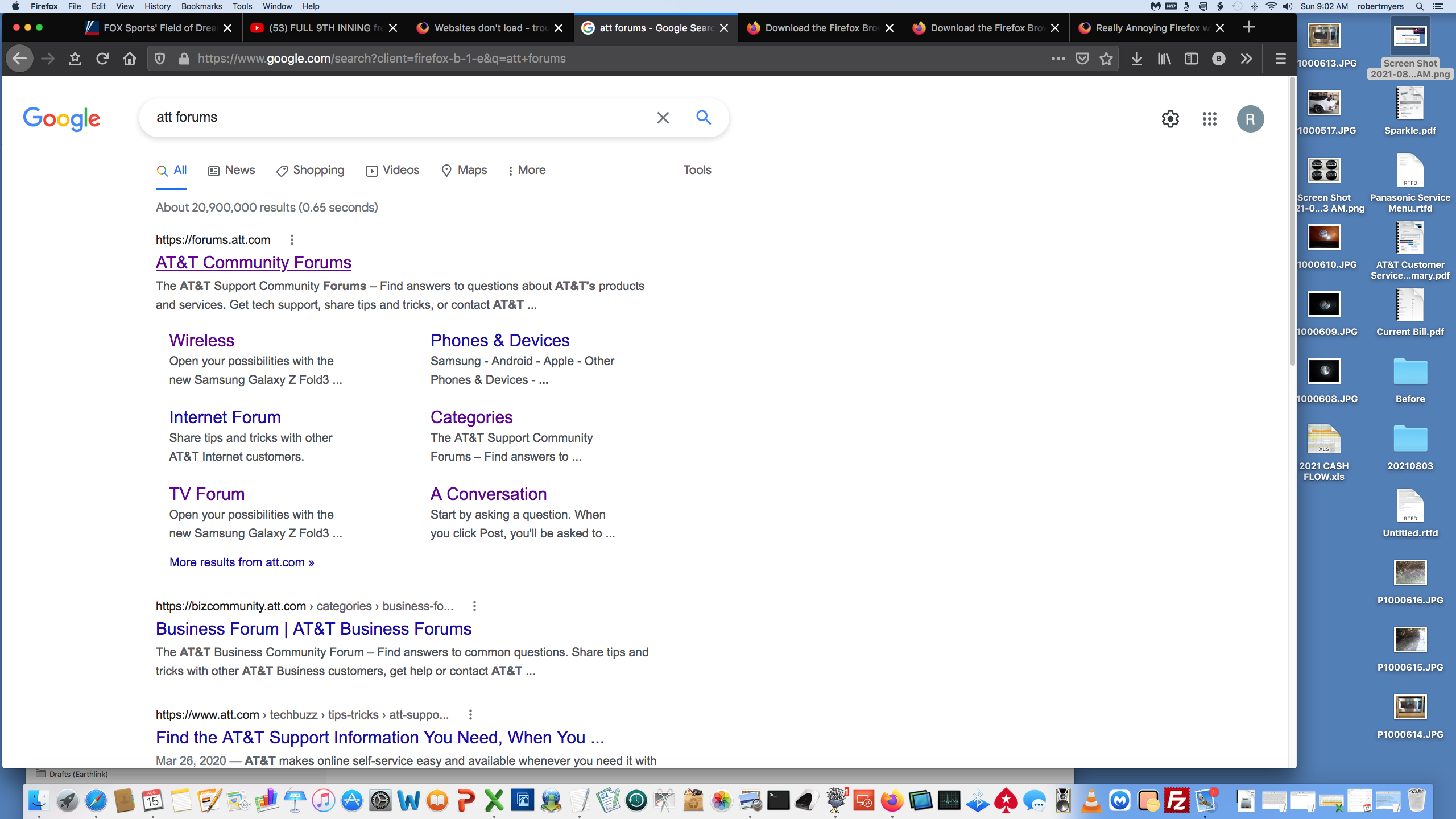
I am using Mac OS 10.11.6 EL Capitan.
The version you sent me will not work for that version of Mac OS.
Thank you for the info.