


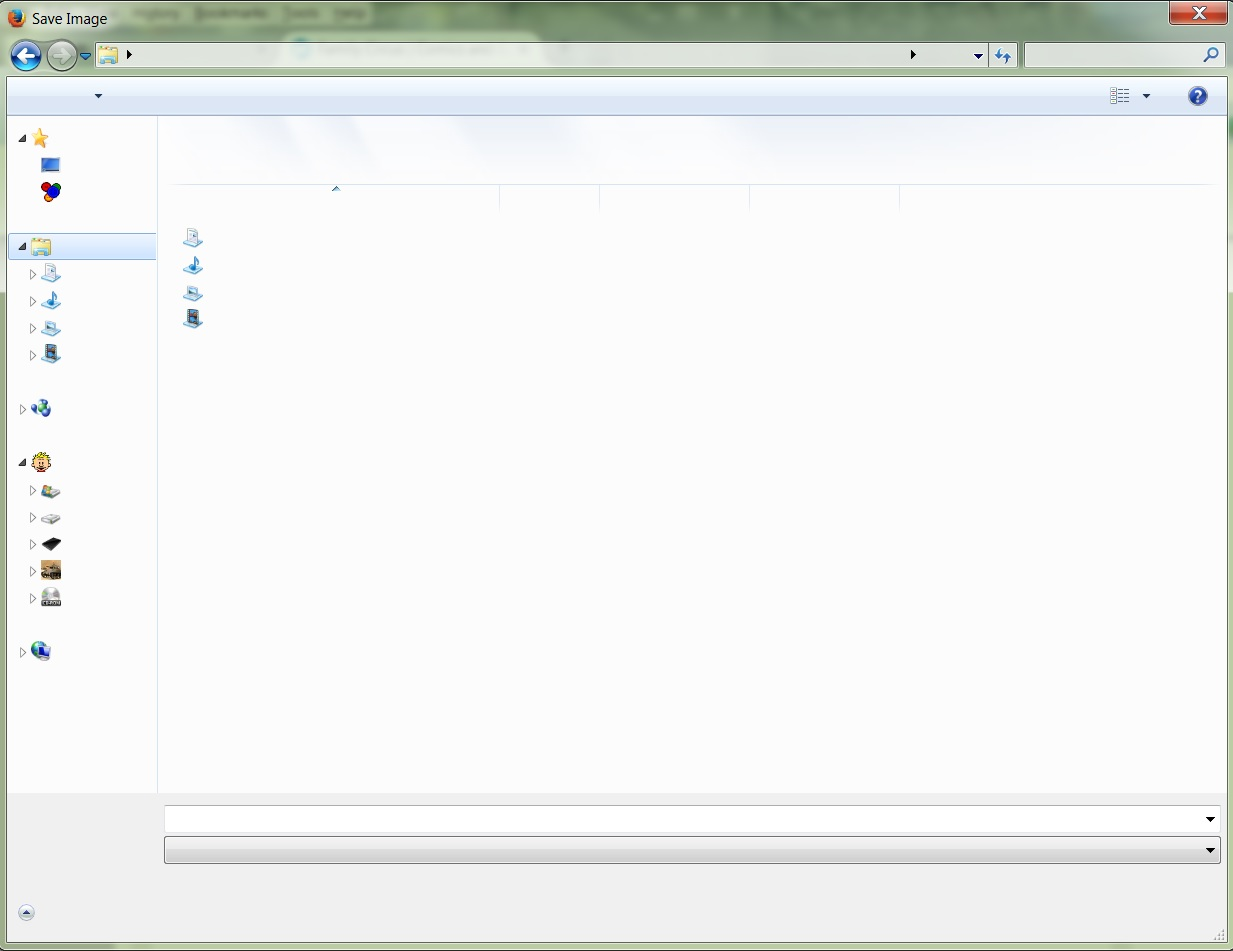
"Save Image As" menu only shows icons and no right click options.

When I "right click" an image I get the menu that shows the various folders- but only the icons, no text, and I can't type in a name for the image. It is the same when I start Firefox with Add-Ons disabled. However this still works if I try Chrome.
Všechny odpovědi (4)
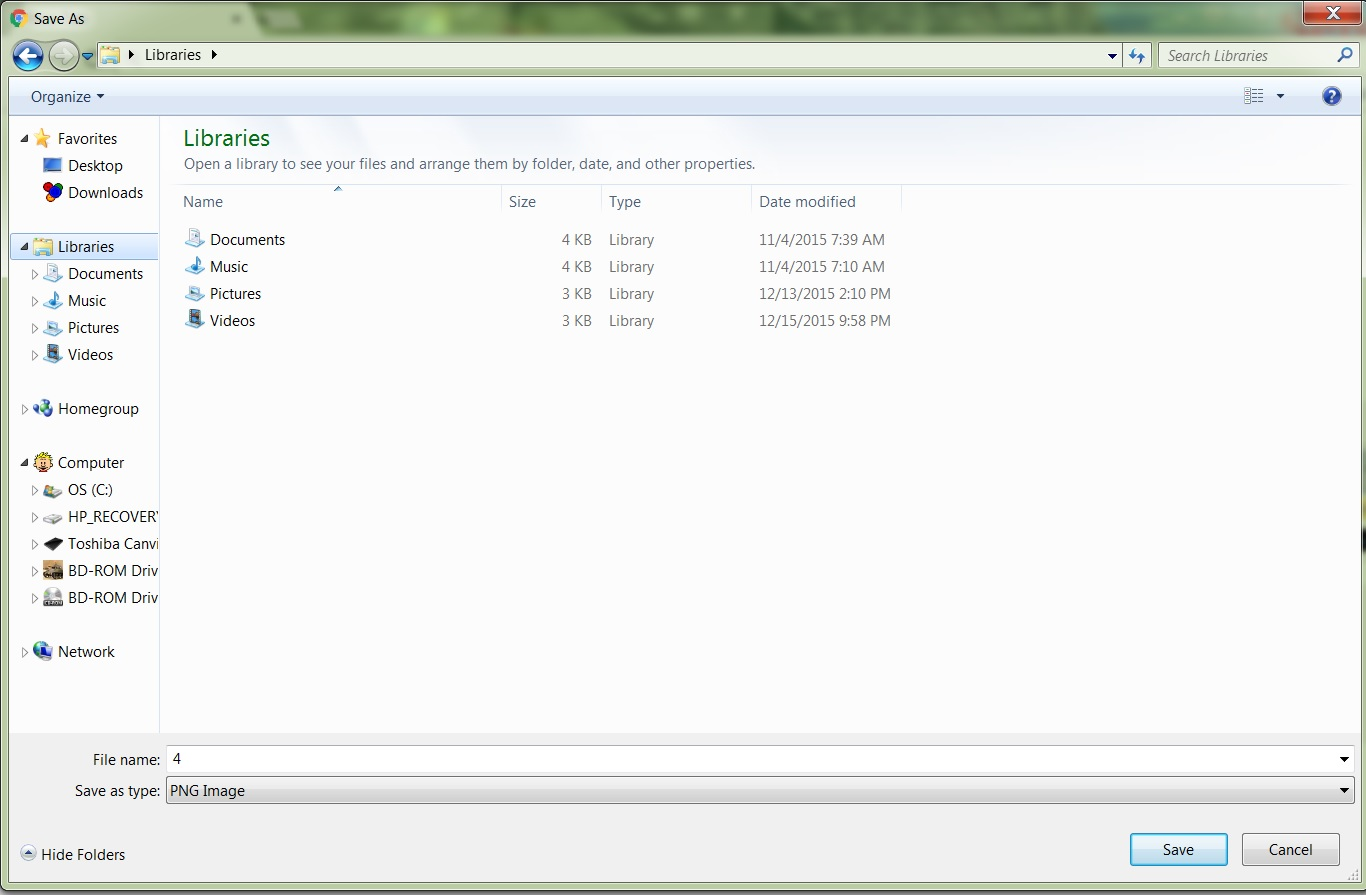
Here is how it should look, when I do the same in Chrome-
Hmm. Could this be a font issue where the font that Firefox tries to use is corrupted?
You can check in Font Book for corrupted and duplicate fonts and other font issues.
You can do a font test to see if you can identify corrupted font(s).
You can try different default fonts and temporarily disable website fonts to test the selected default font.
- Options/Preferences -> Content: Fonts & Colors -> Advanced
[ ] "Allow pages to choose their own fonts, instead of my selections above"
Thanks cor-el. That sounded promising, but no luck. I'm hoping it's something simple like that.
After having this problem for a week, everything is fine today- but I didn't do anything- it was still a problem yesterday, then I turned on the computer and went online today and everything is back to normal. I'm happy, but at the same time I wish I knew what caused it.