How to archive folder to a different Computer

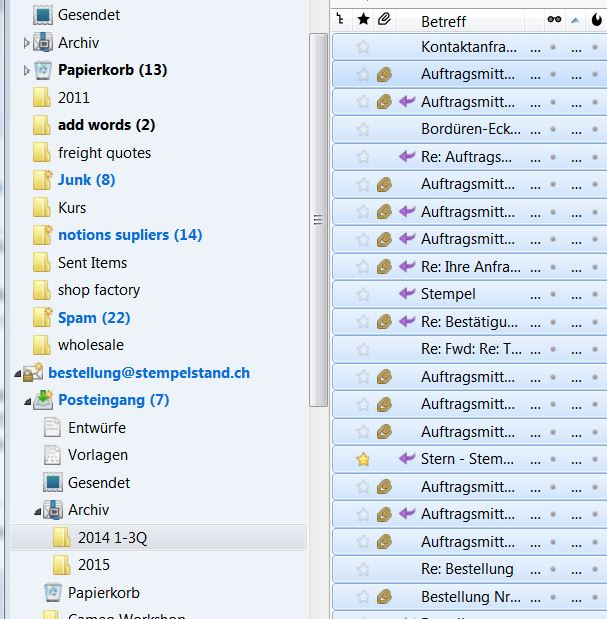
I have thunderbird on both computers. And I need to have an archive folder containing old emails on a different compuer. They were unfortunately deleted there. Both computers are synced, but the archive folder doesnt sync.
Thanks Gary
Zvolené řešení
Are you saying the archive folder was deleted one one or both of the computers? If the PC's are synced, be sure you have sharing abilities for TB. You say "They were unfortunately deleted there." If they no longer exist then you of course cannot transfer them by syncing or any other way for that matter. If you have a copy on one, then you can transfer them a different way. Open the TB that contains the archived folder and minimize it, so you can see your desktop also. Create a "new folder" on your desktop, in TB click ctrl a ( to highlight all), then ctrl c (to copy to you clipboard/mouse), finally open "new folder" and click ctrl v to paste the items into the folder. Then you can either zip an email it to the other PC or copy it to a thumb drive, offload it to your other PC, place on your desktop, open TB here, minimize it so you can see your desktop, create a new "archive" folder and repeat steps in reverse to transfer them from the desktop into TB. Hope this helps.
Přečíst dotaz v kontextu 👍 0Všechny odpovědi (2)
Zvolené řešení
Are you saying the archive folder was deleted one one or both of the computers? If the PC's are synced, be sure you have sharing abilities for TB. You say "They were unfortunately deleted there." If they no longer exist then you of course cannot transfer them by syncing or any other way for that matter. If you have a copy on one, then you can transfer them a different way. Open the TB that contains the archived folder and minimize it, so you can see your desktop also. Create a "new folder" on your desktop, in TB click ctrl a ( to highlight all), then ctrl c (to copy to you clipboard/mouse), finally open "new folder" and click ctrl v to paste the items into the folder. Then you can either zip an email it to the other PC or copy it to a thumb drive, offload it to your other PC, place on your desktop, open TB here, minimize it so you can see your desktop, create a new "archive" folder and repeat steps in reverse to transfer them from the desktop into TB. Hope this helps.
Upravil uživatel Bob dne
Thanks. It worked. By the way. TB was synced, but when I deleted one the other was turned off. Then I archived the other computo off line and the deleted the same mails in the folder.
Regards Gary