


Saving PDF to Files on iOS

Hello,
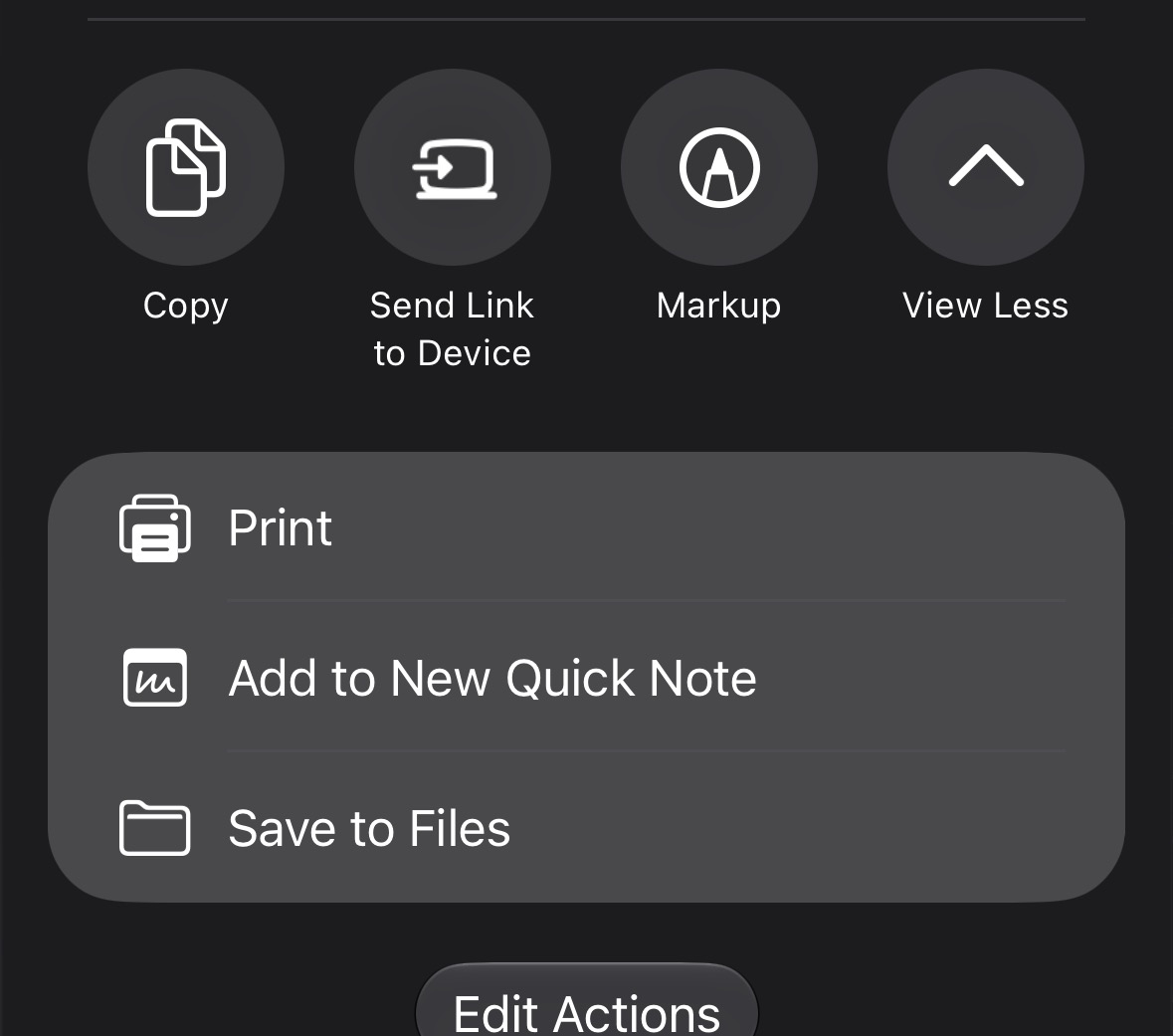
I used to be able to save PDFs opened in Firefox to my Files app on my phone, but that option is no longer there. I want to save a copy of the PDF on my phone/iCloud, not share it. There is a "save as PDF" option, but saving to Files is not one of the options that is provided.
Chosen Solution
Thanks for the info Esther! I'm now keeping an eye on that based on iOS versions, as I'm honestly surprised I do see it on some devices, but not others:/ — If I find a pattern, I'll report a bug for it, now it just feels… inconsistent. Glad it got resolved for you!
All Replies (7)
Hi Esther, there has been a security patch causing this for a subset of users, a fix starts shipping today: github.com/mozilla-mobile/firefox-ios/issues/36513
Once you're able to check your app store for updates to version 161.0 please verify your PDF access works as before — thanks!
Hi jbr,
I updated my app, but there is still no "save to files" option. I checked both in "share" and "save as PDF." I can view the PDF, no problem, but its saving it to my device that is the issue.
The "Save to Files" share item is provided by the system, so it might have moved or re–set between versions and updates — what iOS version you're currently running? By default on 26.2 with no customization I see the Files app item first "below the fold", i.e. you'd have to pull the share sheet upwards to get to that item: (will check iOS 18 & 27 in a bit as well)
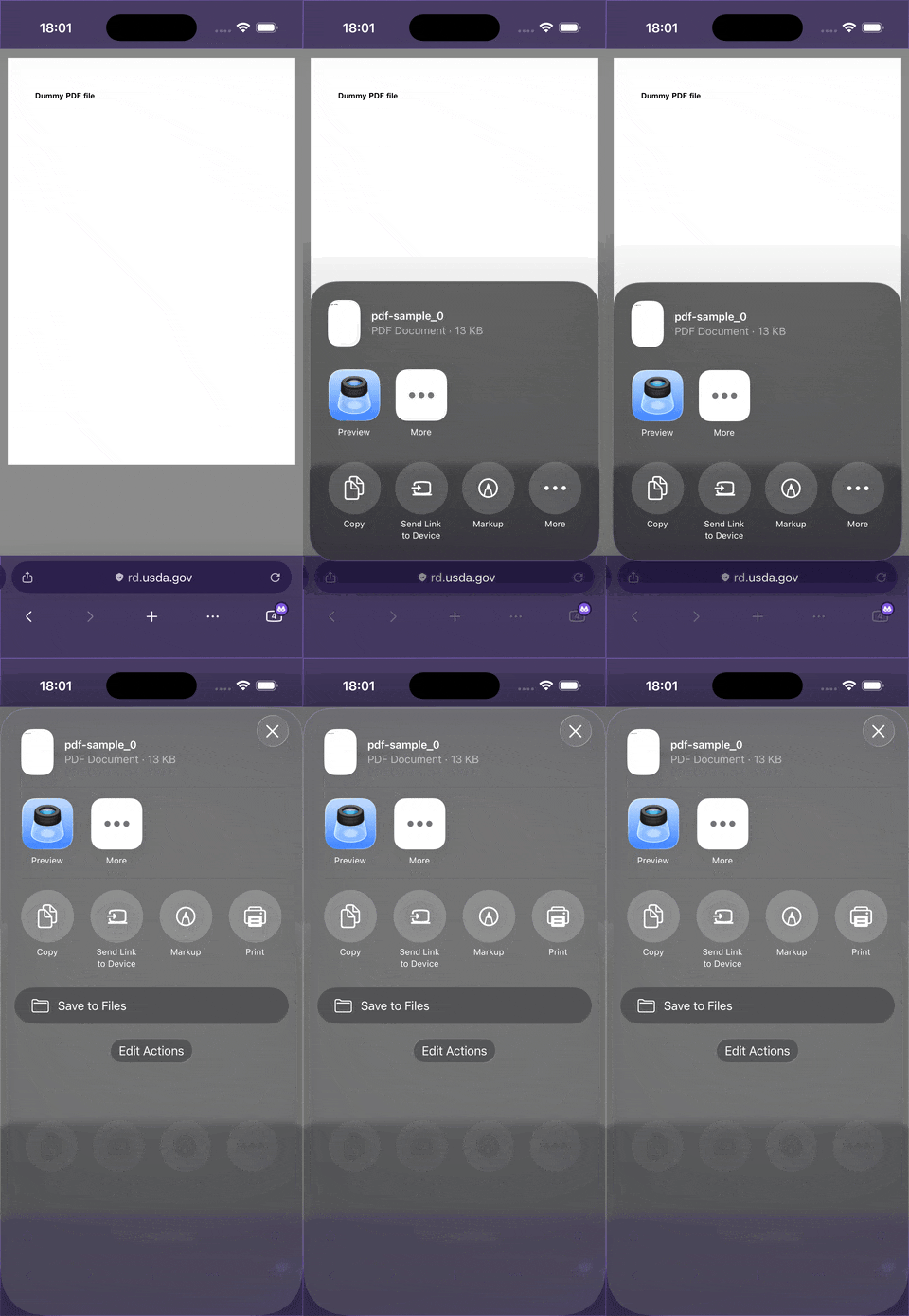
(Hmh so I see it on iOS 18 and iOS 26 but not on iOS 27.)
Yeah, I'm currently on 27.2.1, but the issue was happening before I updated just earlier this week.
Hello! I just tried saving a PDF again, and the option is now back!! I guess they snuck it back in. Thanks for your time! 🙂 I really appreciate it.
Chosen Solution
Thanks for the info Esther! I'm now keeping an eye on that based on iOS versions, as I'm honestly surprised I do see it on some devices, but not others:/ — If I find a pattern, I'll report a bug for it, now it just feels… inconsistent. Glad it got resolved for you!