


Thunderbird lauches with No Response

Hi, I have been a Thunderbird user for many years and have over 16,000 emails in my account.
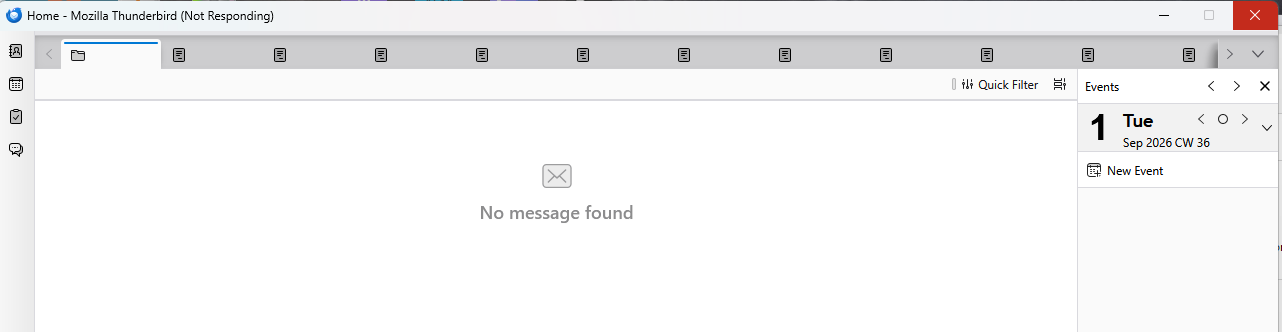
Today when I launched TB it comes up with blank screen with No Response on the top left. See screen shot image upload.
I have tried launching with Thunderbird -P and it only shows default account named default.
- other places show 3 accounts with one having -release
--Users\myuserID\local\Thunderbird\profiles:
   9qflpwnsdefault
   8593y64.default-release
   fsomy6as.default
--Users\myuserID\AppData\Roaming\profiles\ shows the 3 listed above.
I have tried launching Windows 11 in Safe Mode, same issue. I have tried the Troubleshoot Tool with same result.
Any ideas on how I can get TB to load correctly and show me my emails?
Please let me know if you need additional information.
thank you, George
George Miller দ্বারা পরিমিত
All Replies (3)

Could it be that you run out of memory or space?
Don't think so: 42 GB HDD free and 7(of 16 GB) free memory
I suggest that you reinstall Thunderbird https://support.mozilla.org/en-US/kb/custom-installation-thunderbird-windows