Manage cookies no longer appears

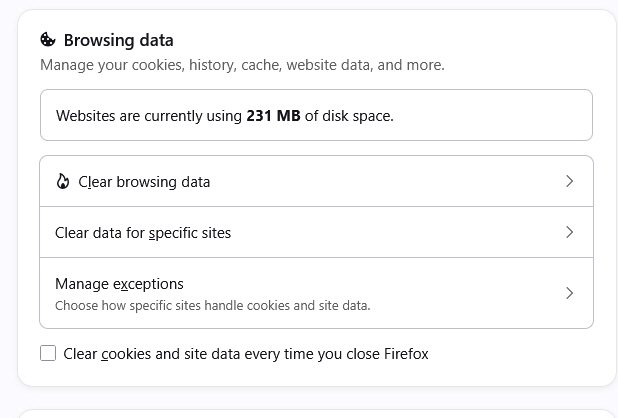
Under Settings>Privacy/Security>Browsing Data there is no longer the option to Manage Cookies, despite the help section saying that is where to find it. There is no other place in all of Settings to find the list of cookies. There is only the ability to delete all cookies in History, which I have no desire to do. I edit the cookie list weekly, and it is only now, mid August 2026, under Firefox 153 on Win 10 that I no longer have access to them. How do I get it back?
All Replies (10)
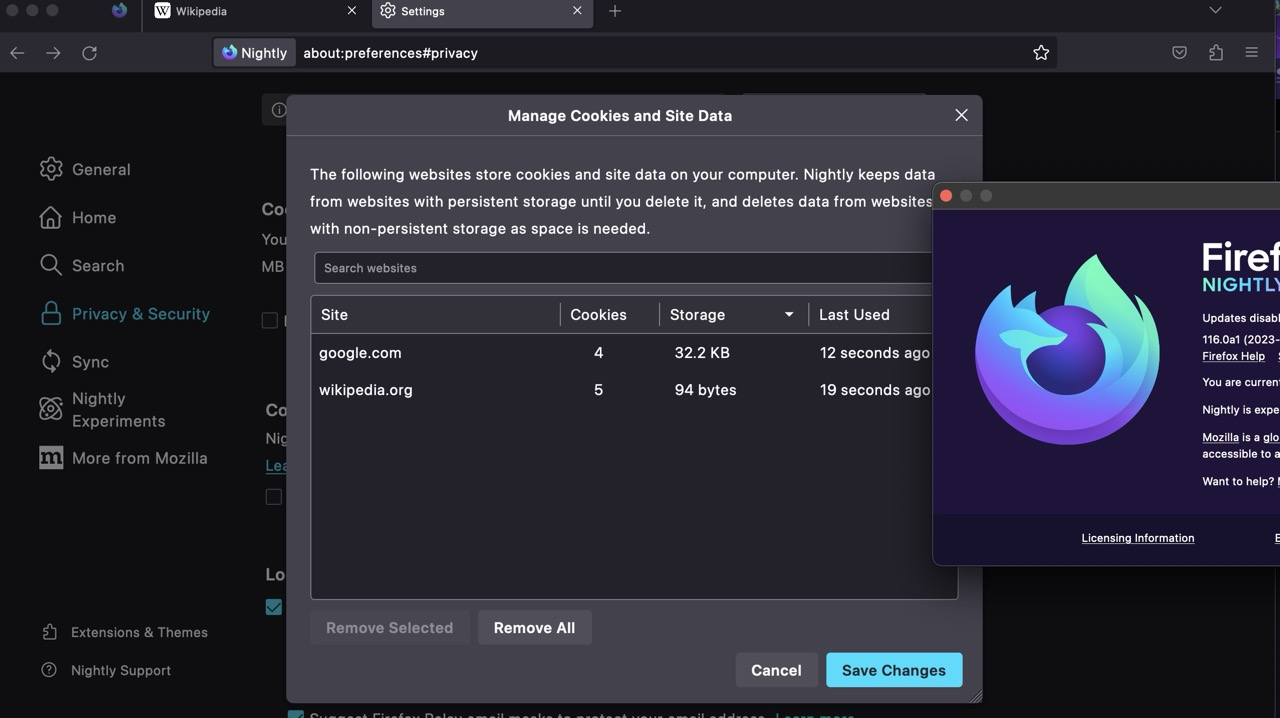
Selecting Clear data for specific sites will bring up "Manage Cookies and Site Data" list of domains showing the number of cookies and storage associated with each one. You can then select specific ones to remove.
Hope that's what you are looking for.
Thanks, but no, that only shows websites, not the cookies in A-Z order themselves.
A small favor - could someone just go to the Manage Cookies page, where all the advertising cookies are displayed - listed by company, not by website - and post the URL here? I am hopeful I can turn that into a bookmark and never have to spend another hour in Settings for nothing again.
Hi,
I don't think there's such a page in Settings... Has it ever existed?.. Maybe one of your extensions provided it?
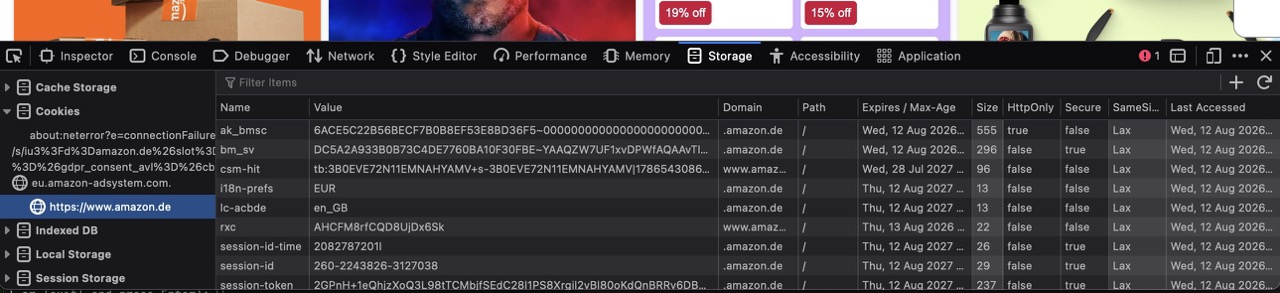
However, note that you can remove individual cookies for individual websites in the Storage Inspector.
Of course it existed. I used it weekly for DECADES. I have checked on four computers, and all have unfortunately been updated with the BIG LIE: "Same settings, new look!" This is an important function for seeing what third party cookies have been set, how many, and deleting objectionable ones without wiping out everything from the website that set them. So you can delete cookiess without losing,say, your logged in status. Kind of important. Firefox had a much easier UI than Chrome, which requires users to not only delete, but to confirm before deletion, making the whole operation pointlessly slow and annoying. However, Chrome's system is now better than Firefox's, because Firefox's system has been removed altogether. Less power to the user - again. Sickening.
Yes quite a few years/versions ago it was available.
You may have been using an old ESR version, but sadly that option isn't available for quite some time :(
Mind you it was a bit of a nightmare reading them, I just block all cookies with a wjite list exception etc.
Thanks. I don't like automatic clearing because they keep changing and adding things that might be useful. I don't want to switch to Chrome, but Firefox keeps pushing me there.
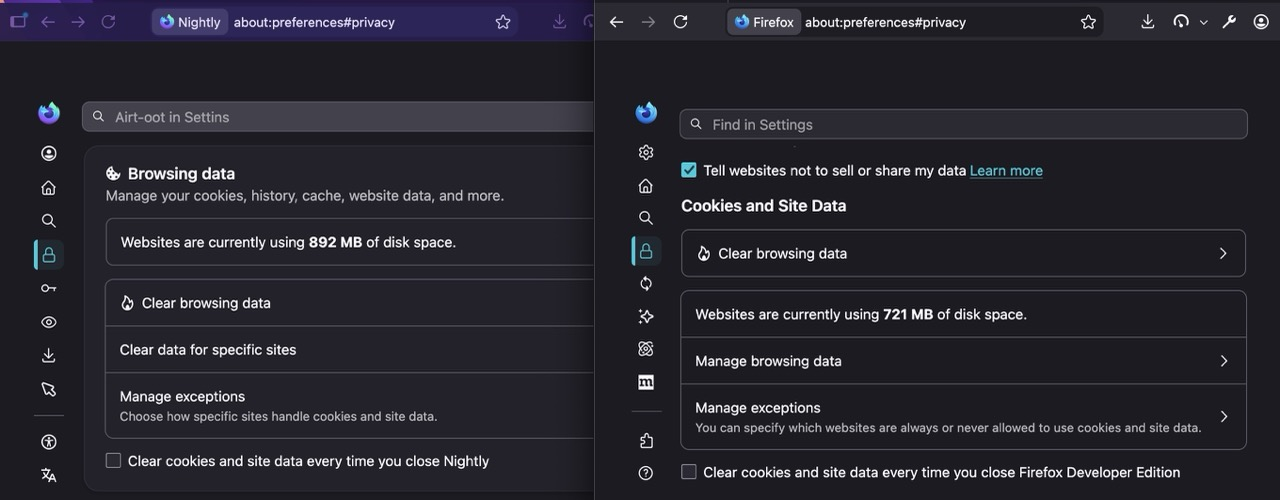
The only change is the wording of the item — the panel and its functionality is the same (for "years" I'd say) — below is v154 vs. v150:
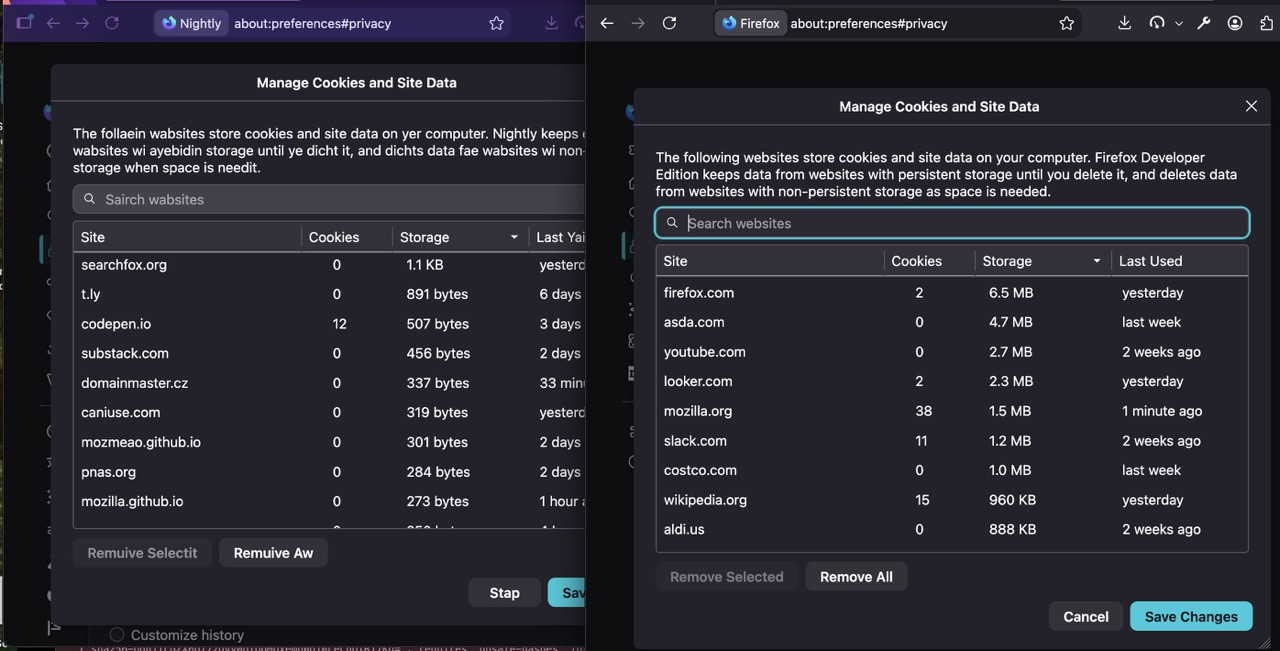
Even if you were on 115 from two years ago, this is the same panel:
+1 to the above
Even if we are taking about the settings redesign, it was shipped earlier than v153... So it's super weird you only got it know. Maybe your used some relatively ancient Firefox version?
Since I remember having to use the Storage Inspector 5 years+ ago, I just went back to v102–v92–v78 all the way to 2020 to check: and the panel, its functionality, and the sanitizer is the same as today.
(The only difference is, taking a stroll down the memory lane, back in the day there was not that much tracking protection in place, so cookies were pulled in from third parties, for multiple subdomains, from bounce trackers etc. so it was way noisier then. Today the list is pretty boring as it's all basically just first–party +some account SSO/auth crossdomain hits that need to behave or be purged;D)
If you ever removed cookies (their individual entries as responded with to the host) per key or name, the only place built in to the browser is the Storage pane as linked earlier in the inspector: