


New FF version colors the active tab and page to an ugly and vey annoying yellow. How do I turn that OFF?

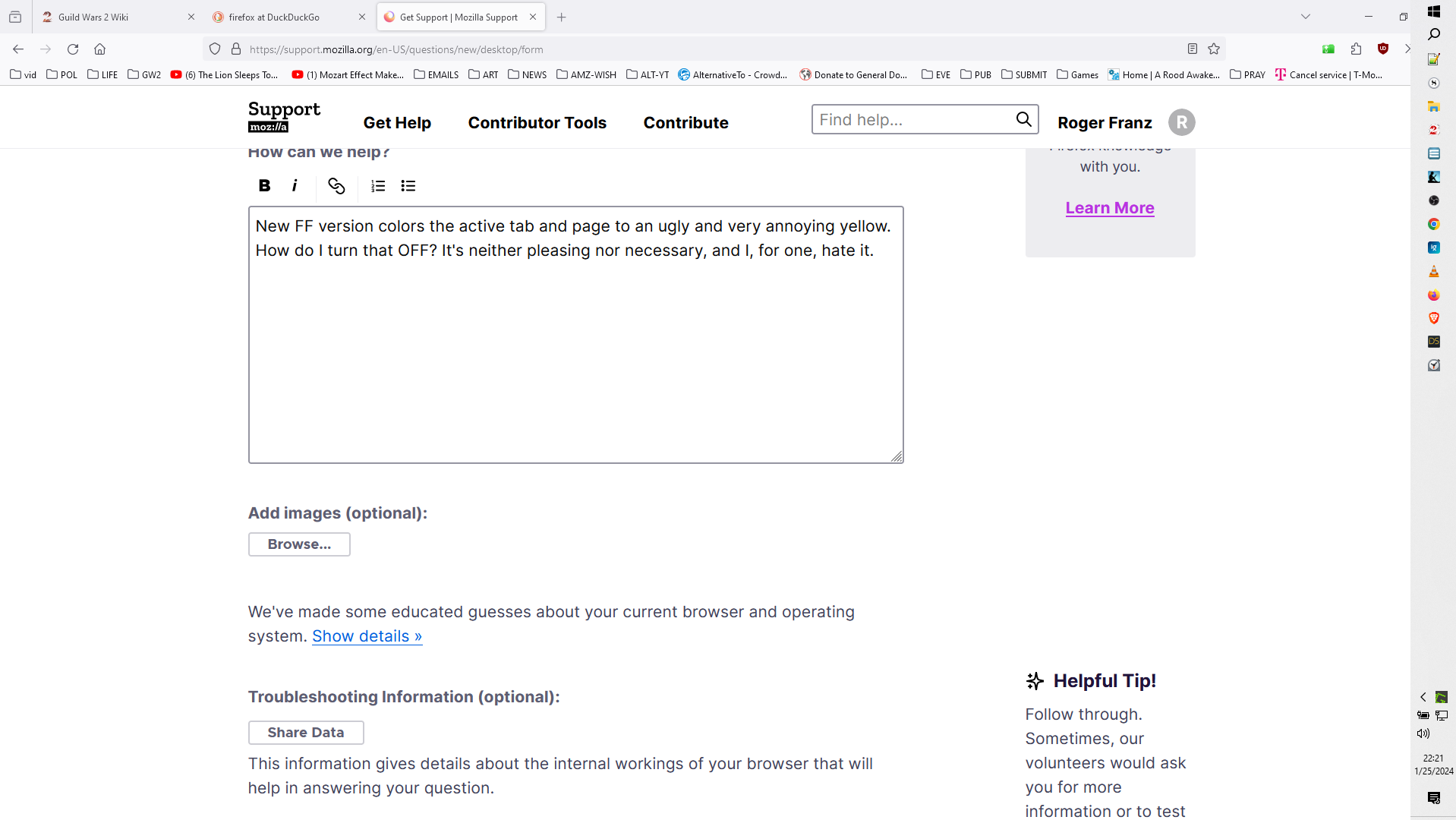
New FF version colors the active tab and page to an ugly and very annoying yellow. How do I turn that OFF? It's neither pleasing nor necessary, and I, for one, hate it.
New FF version colors the active tab and page to an ugly and very annoying yellow. How do I turn that OFF? It's neither pleasing nor necessary, and I, for one, hate it.
All Replies (2)
Hello
Color the active tab? https://forums.mozillazine.org/viewtopic.php?t=3114834
Your screenshot does not appear yellow. Is Firefox the only application affected? Are you sure you don't have Night Light mode active in Windows?
Does it still happen in Troubleshoot Mode?