


Initial setup Provider with Lightning for google Mail not working
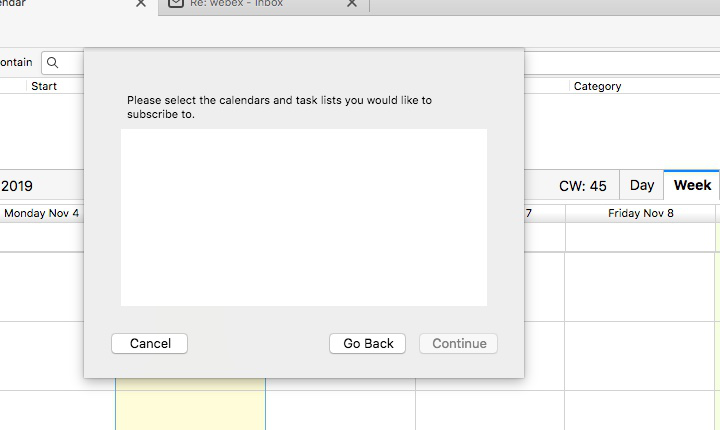
I installed Thunderbird (68.2.1) and the Lightning (68.2) with Provider (68.0), when I add a new calendar (from the network) and choose google, I connect to google (after successful authentication), but no calendars populate in the box where you are supposed to select the calendar to Sync. I have tried this with several accounts and calendars. It appears to be an issue with Provider? I have disabled and re-enabled with restarts both Add-ons. I completely removed both add-ons and reinstalled - restart. No dice.
সমাধান চয়ন করুন
This should be fixed in the latest version, 68.2.1, of the Provider add-on:
https://addons.thunderbird.net/en-US/thunderbird/addon/provider-for-google-calendar/
প্রেক্ষাপটে এই উত্তরটি পড়ুন। 👍 1All Replies (2)
চয়ন করা সমাধান
This should be fixed in the latest version, 68.2.1, of the Provider add-on:
https://addons.thunderbird.net/en-US/thunderbird/addon/provider-for-google-calendar/
Yes! worked