


as soon as i open anything in an email in thunderbird i get a new tab and it takes me out of my email account when i delete this opening

All of a sudden every time I open something in an email it automatically creates a new tab. When I delete what I have open it takes me out of my email account and I have to delete the tab to get back to my remaining emails. I have changed nothing so I am confused as to why it has recently changed.
Всички отговори (13)
Back up there. You have lost me and I would guess everyone else as no one has attempted a raply in this time.
Opening an email in Thunderbird has by default opened a new tab since version 3 was released in 2009. But I have no idea what " I open something in an email " actually means to you. Are you opening emails or links of attachments or what?
I guess I was not very clear and I apologize. I just opened your email reply and read it. As soon as I clicked on view and reply to your email it automatically opened a new tab and when I finished replying to your message and I leave the email it takes me out of my email account and I get my home page in Windows 11. As soon as I delete the new tab then I go back to my email account once again. I don't understand why it has recently started doing this. I hope this explains it better.
re :As soon as I clicked on view and reply to your email it automatically opened a new tab and when I finished replying to your message
Why does your info sound confusing:
'You said "I clicked on view and reply
'View' is an option on the 'Menu Bar' toolbar AND it's also an option on the Menu app icon (3 lines) Somehow I do not think you clicked on 'View' and anyway it does not offer 'Reply' as an option in the drop down menu. It's more likely you selected the email in Message List to read it. Depending upon your settings - if you have the 'Message Pane' enabled, a single click to select email will open the email in the 'Message Pane'. If you double clicked on email then it will open in either a new tab or a new window.
Then you say "when I finished replying to your message " When you get an email which has come from this forum because someone has posted a response to your question, you do not click on 'Reply' button in that email because you cannot reply to a no-reply message. You are not suppose to reply to the email itself. The email is telling you a response has been posted in the forum. You reply by posting a comment in this forum question. In the email you are reading, it will contain a green button 'Mark it as Solved' which you use IF and ONLY IF that email provided information which solved the issue - OTHERWISE you click on the text that is next to that button 'This doesn't solve my problem' and that should auto open on the correct Thunderbird forum question in a browser. It's a direct link.
However....If you mean replying to your message' is not an email sent from this forum, but just any email, then 'Reply' would open a new Write message window.
you also say "and I leave the email " What do you mean by 'leave the email' ? Did you click on 'Send' button? Did you minimise the Write new message window ? Did you use the main Thunderbird menu 'File' and then select 'Exit' ? Did you use shortcut keys : eg: Ctrl+Shit+Q
re :it takes me out of my email account and I get my home page in Windows 11. Do you mean Thunderbird completely closes and now you can only see your Desktop?
OR do you mean I click on 'Send' and the Write window closes and now I'm back looking at Thunderbird. But it still has focus on the opened email in a tab. I cannot see the Folder Pane.
the problem with that is because you then say " As soon as I delete the new tab then I go back to my email account once again. "
How can you delete an opened tab (I'm presuming it's the email which you originally opened in a tab) if Thunderbird program has closed. The answer is you cannot, so that implies Thunderbird did not close at all.
So I think this is what you mean.... Suddenly you have emails opening in new tabs. When that occurs, you cannot see the Folder Pane and all your mail accounts and folders. There is nothing new about that - it's normal and has always been the case when people open emails in a new tab. You either: A) stop opening emails in new tabs and use the Message Pane instead. Enable Message Pane: 'View' > 'Layout' > select 'Message Pane' OR toggle the Message Pane using the key 'F8' - A single click will open in Message Pane.
If Message Pane is already open: B) Stop double clicking on email because that is an instruction to open a new tab
If you want to open the email in a new tab to read it, C) then close the tab after reading the email.
Even if tab is still open, on the tabs row , look far left and you should see the tab that contains your Mail folder eg: Inbox - The first tab on far left is always the folder you selected. It will also display the Folder Pane.
D) click on the Inbox tab or it may have the name of the last selected folder.
Another case where a lot of emails in tabs can open suddenly:
If you have 'View' > 'Sort by' > 'threaded' selected and the threads are collapsed, when you click on the collapsed thread it is an instruction to open all threads in new tabs, so many tabs may get opened.
Either : Disable 'Threads' OR 'expand threads' before you click on the email that contains threads.
Променено на от Toad-Hall
I have no idea what you are referring to. At the bottom of the response you have sent me is a tab that says THIS SOLVES YOUR PROBLEM. Right next to that on the right is a a place that says view and reply. As soon as I open that option it automatically creates me a new tab. I am sorry but where you went I have no idea.
OK, it seems they have updated the response wording in emails sent out. I usually help to answer issues not create new questions, so I do not get to see the emails you see. It's good to know.
drmusgrave said
At the bottom of the response you have sent me is a tab that says THIS SOLVES YOUR PROBLEM.
A 'Tab' - do you mean a button.
Right next to that on the right is a a place that says 'view and reply'. As soon as I open that option it automatically creates me a new tab.
In email, you click on the text 'View and Reply' and it creates a new tab - It should be creating a new tab in your browser eg: Mozilla Firefox (not thunderbird) and that tab should be opening in this forum question so you are able to post a comment in a question you created. Does it do that ? If yes, then that's good.
Променено на от Toad-Hall
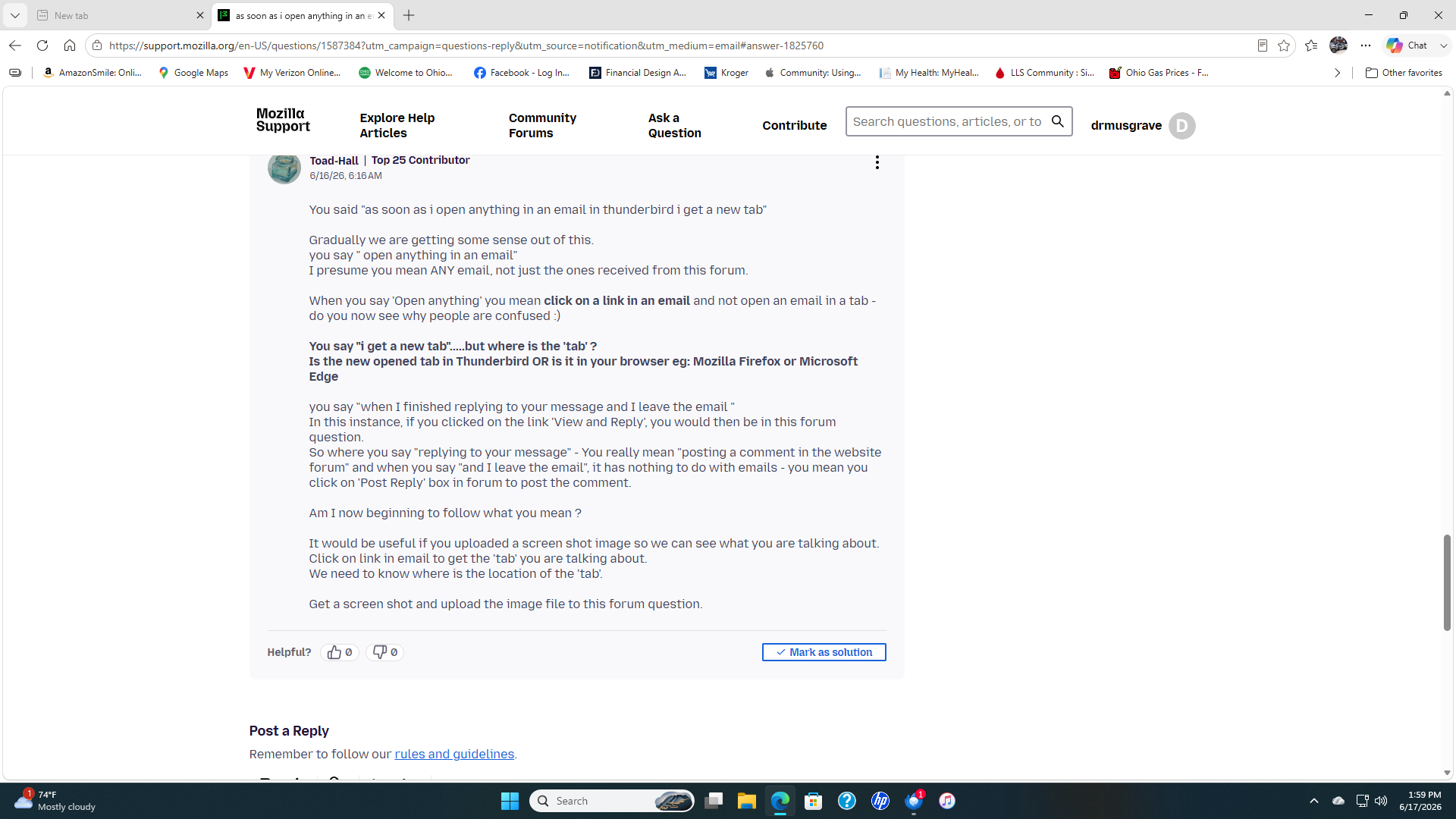
You said "as soon as i open anything in an email in thunderbird i get a new tab"
Gradually we are getting some sense out of this. you say " open anything in an email" I presume you mean ANY email, not just the ones received from this forum.
When you say 'Open anything' you mean click on a link in an email and not open an email in a tab - do you now see why people are confused :)
You say "i get a new tab".....but where is the 'tab' ? Is the new opened tab in Thunderbird OR is it in your browser eg: Mozilla Firefox or Microsoft Edge
you say "when I finished replying to your message and I leave the email " In this instance, if you clicked on the link 'View and Reply', you would then be in this forum question. So where you say "replying to your message" - You really mean "posting a comment in the website forum" and when you say "and I leave the email", it has nothing to do with emails - you mean you click on 'Post Reply' box in forum to post the comment.
Am I now beginning to follow what you mean ?
It would be useful if you uploaded a screen shot image so we can see what you are talking about. Click on link in email to get the 'tab' you are talking about. We need to know where is the location of the 'tab'.
Get a screen shot and upload the image file to this forum question.
If you look in the left hand corner at the top of the page it shows a new tab and if I leave this page it automatically takes me to my home page for Windows 11. I included a screen shot for your viewing.

What seems to be happening:
You click a web link in an e-mail message. That link opens a tab in your browser. That is how web links work.
The purpose of that link is to bring you to this forum where you can read people's responses to your posted messages and respond to them. This forum can be accessed only through a browser. Discussions are not conducted through e-mail. Through e-mail, you receive a notification of a posted a message. You must come to this forum to respond to it.
You don't have to "delete" or close a tab to return to e-mail. Just click on your e-mail app icon in the task bar (tray?) or use control+tab to switch back to e-mail.
This is not a recent change. Web links are opened in browsers.
I totally disagree with you. It only happens when I am using Thunderbird and nothing else on my computer and it just started happening recently.
drmusgrave said
If you look in the left hand corner at the top of the page it shows a new tab and if I leave this page it automatically takes me to my home page for Windows 11. I included a screen shot for your viewing.
That image shows your Browser and the click on link opened the correct page in a new tab. As I previously mentioned, if it opens the link in a new tab in a browser then it is working correctly. That's how all links to websites work. So it's good to know nothing is wrong.
If you intend to use the browser for anything else, you can click on the 'Minimise' icon (look top right there are three icons, Minimise, Maximise/restore down and exit X) so it stays open but is now easily accessible from the bottom Task bar by clicking on it's icon. Or click on the middle restore down icon so it makes the window smaller and reveals some of your desktop. You can move the smaller window over to the right so you see more of your icons on the desktop.
I can see your 'Thunderbird' icon on the bottom Task Bar - click on it to show Thunderbird again. You can show more than one window at a time on the desktop eg: Thunderbird on the left and the browser on the right - it depends upon the size of your screen as to whether that can work for you.
drmusgrave said
I totally disagree with you. It only happens when I am using Thunderbird and nothing else on my computer and it just started happening recently.
What used to happen when you clicked on a web link in Thunderbird? What would you prefer to have happen instead of what is currently happening?
You say "If you look in the left hand corner at the top of the page it shows a new tab " Your image shows two tabs. One on far left says 'New Tab' - that is the default so you can use the browser and search for stuff. It says 'new tab' because you have not set up a specific website as a default. That is not set up in Thunderbird - it is set up in your browser settings. If Firefox browser - Settings > Home > For new windows and tabs you might like to use : https://www.google.co.uk/ as the default setting to display instead of 'new tab'. But please note - any questions regarding your browser should be asked in the appropriate forum.
The second tab is to the Thunderbird Support Forum question - this is the one that got opened when you clicked on the link. That particular tab has a x. You would use it to close only that tab. It would mean the browser remains open for use.
You say "As soon as I delete the new tab then I go back to my email account once again. " The 'new tab' - I'm assuming you mean the very first tab. If you have closed the tab to the Thunderbird Support Forum question, the 'new tab' - that very first tab -will be the only one left - if you close that one and only remaining new tab then there are no tabs open, so the browser will close. It cannot function if there are no tabs.
You would not close that last remaining 'new tab' - if you do not want to close the browser window. You could minimise the browser window to Task Bar if you want it left open or click on the Thunderbird icon on Task Bar to put Thunderbird window in front of the browser window. Your choice.
But - closing the last one and only tab in a browser will close the browser. This is not new. It's normal.
Anyway - all these issue are talking about the browser and not Thunderbird.
This forum is all about Thunderbird. We help people will issues in Thunderbird. The only thing you mentioned is when you click on a link in an email it performs as expected and opens the link in a browser. That is correct, normal and not a problem.
I do recall a bug some time ago where certain links opened a new blank tab in a browser window, but that was many versions ago. But looking back you have never identified the actual version of Thunderbird you are using. What is it?
So to move on, I see it has already been mentioned here this does appear to revolve around your browser and this is a Thunderbird forum, having said that I really do not see the issue with your browser. Firefox does load a new tab on opening. That is the default action. I hardly recall that because I generally have dozens of tabs open, sometime dating back weeks but the default is to open a new tab if the program is not running
But I have to ask you some additional questions to gain clarity. Is Firefox open before you click your link? As I said a new tab is normal when it first loads. But I can transfer this discussion to the Firefox forum if you would like to gain the extra depth of knowledge the Firefox folk would have on settings.
Just say the word