


Thunderbird will not wrap preformatted text

Issue
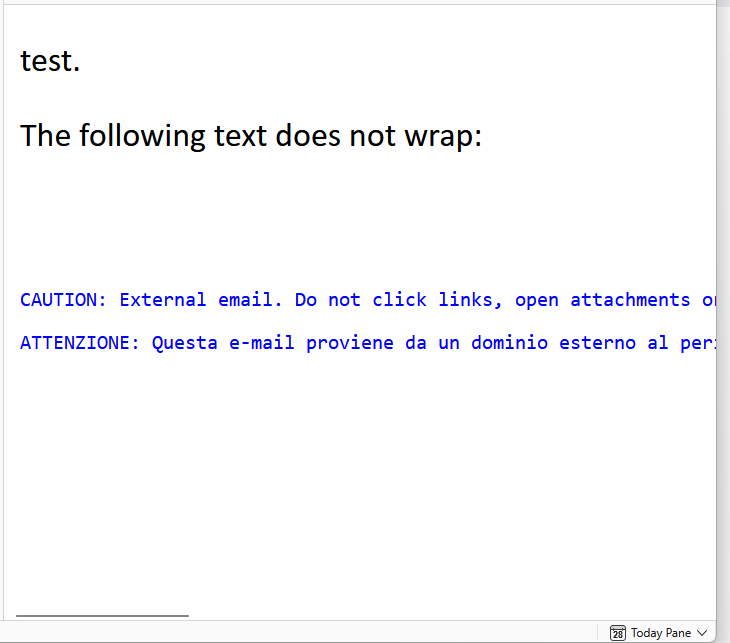
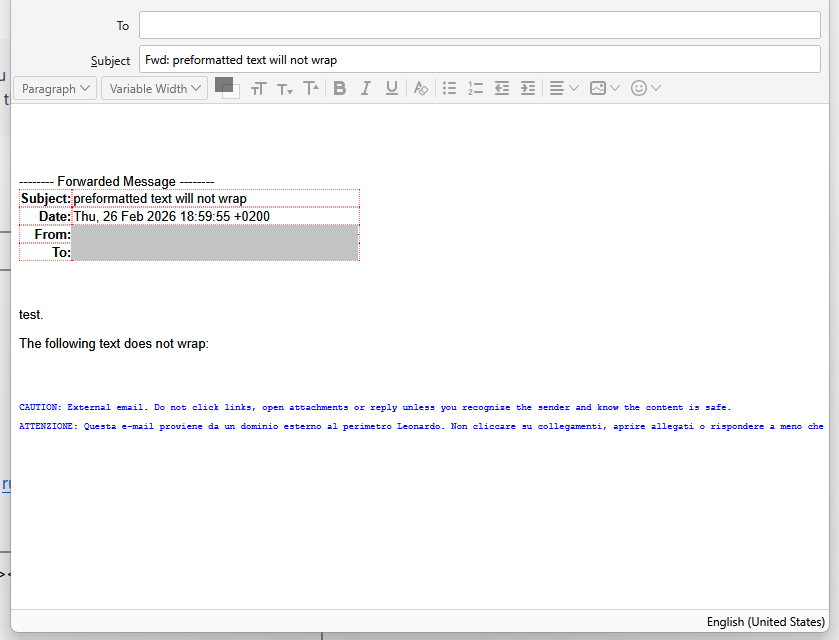
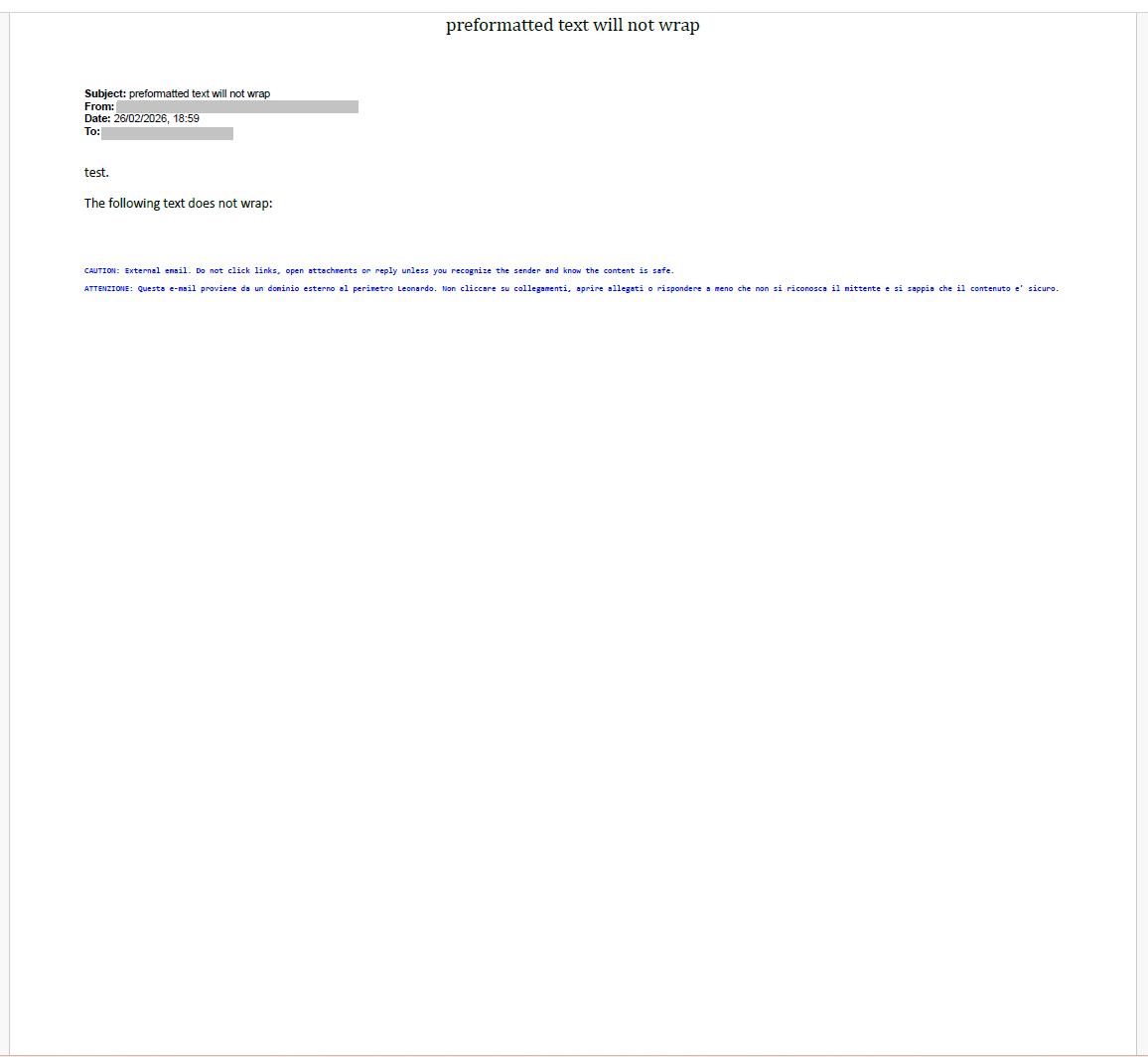
Thunderbird fails to wrap long lines of HTML-formatted text that is wrapped in a <pre> tag. This behavior is consistent in both the email viewer when viewing received emails, as well as in the email composer when writing an email containing preformatted text.
What I tried
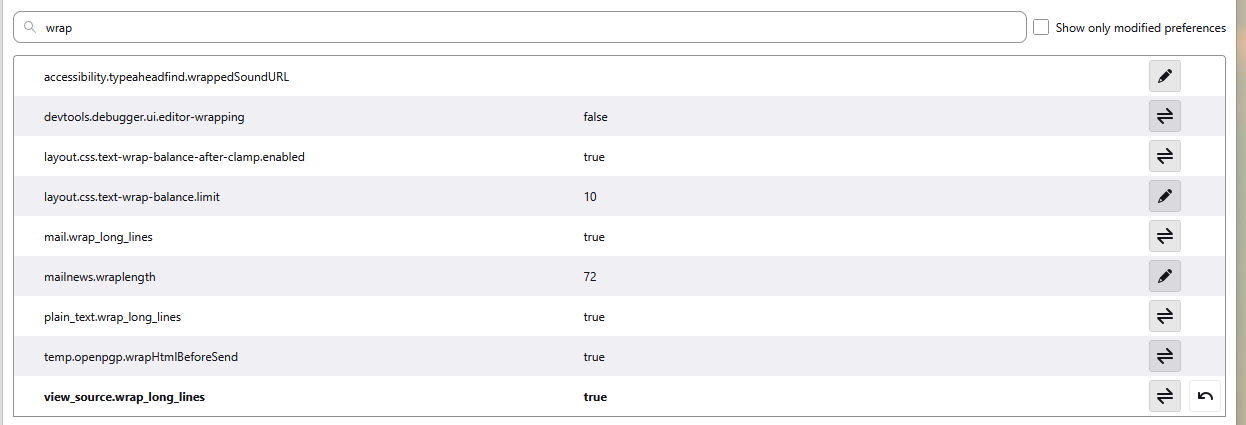
1. Make all settings of config editor that contain the word wrap as true 2. make a userContent.css stylesheet within the chrome directory within the profile directory.
Question
How do I post the offending HTML code (and the CSS file I tried) on this forum?
How do I force Thunderbird to wrap preformatted text?
Променено на от Angelos Vassiliou
Избрано решение
The CSS did not apply because I had not enabled toolkit.legacyUserProfileCustomizations.stylesheets
I set the following:
toolkit.legacyUserProfileCustomizations.stylesheets = true
And now all <pre> text wraps (at most at 75em).
Всички отговори (2)
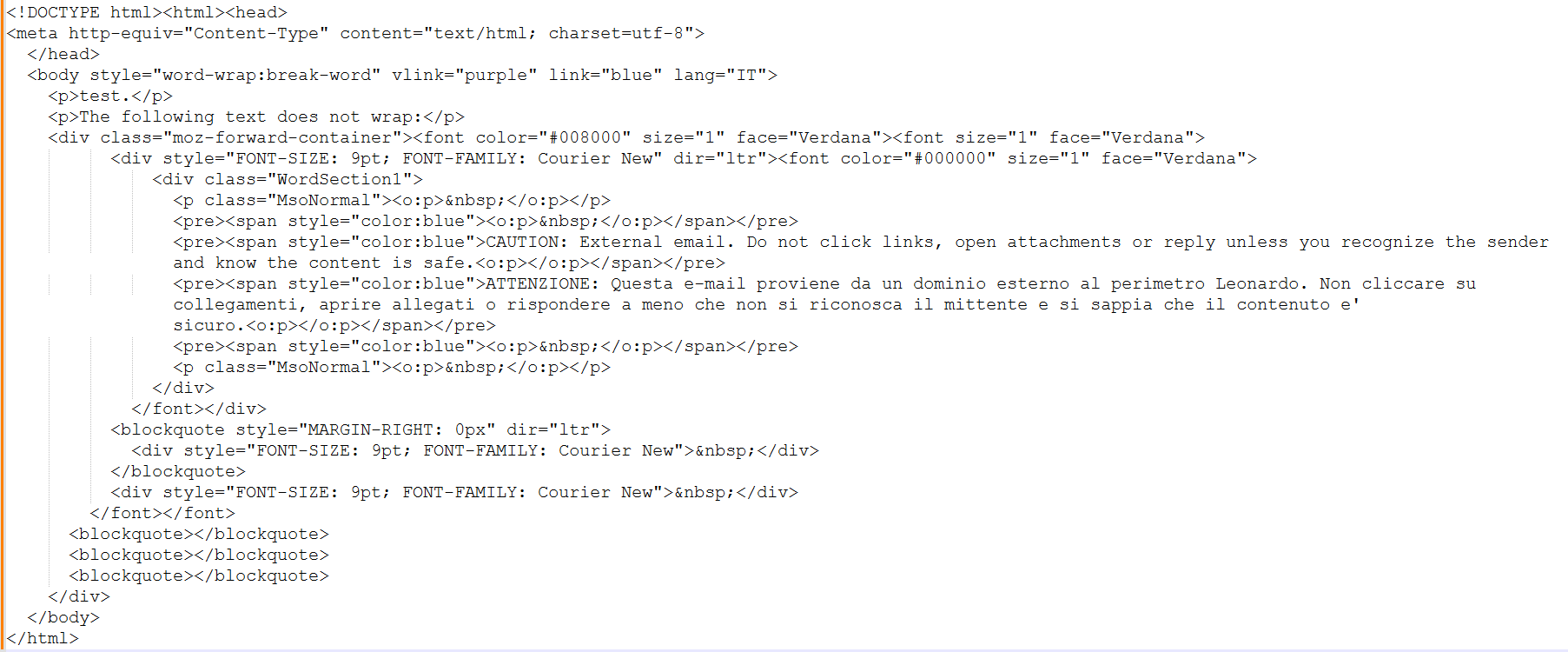
Offending HTML code:
<!DOCTYPE html><html><head>
<meta http-equiv="Content-Type" content="text/html; charset=utf-8">
</head>
<body style="word-wrap:break-word" vlink="purple" link="blue" lang="IT">
<p>test.</p>
<p>The following text does not wrap:</p>
<div class="moz-forward-container"><font color="#008000" size="1" face="Verdana"><font size="1" face="Verdana">
<div style="FONT-SIZE: 9pt; FONT-FAMILY: Courier New" dir="ltr"><font color="#000000" size="1" face="Verdana">
<div class="WordSection1">
<p class="MsoNormal"><o:p> </o:p></p>
<pre><span style="color:blue"><o:p> </o:p></span></pre>
<pre><span style="color:blue">CAUTION: External email. Do not click links, open attachments or reply unless you recognize the sender and know the content is safe.<o:p></o:p></span></pre>
<pre><span style="color:blue">ATTENZIONE: Questa e-mail proviene da un dominio esterno al perimetro Leonardo. Non cliccare su collegamenti, aprire allegati o rispondere a meno che non si riconosca il mittente e si sappia che il contenuto e' sicuro.<o:p></o:p></span></pre>
<pre><span style="color:blue"><o:p> </o:p></span></pre>
<p class="MsoNormal"><o:p> </o:p></p>
</div>
</font></div>
<blockquote style="MARGIN-RIGHT: 0px" dir="ltr">
<div style="FONT-SIZE: 9pt; FONT-FAMILY: Courier New"> </div>
</blockquote>
<div style="FONT-SIZE: 9pt; FONT-FAMILY: Courier New"> </div>
</font></font>
<blockquote></blockquote>
<blockquote></blockquote>
<blockquote></blockquote>
</div>
</body>
</html>
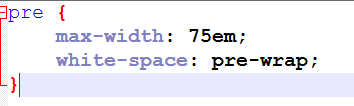
Contents of userContents.css:
pre {
    max-width: 75em;
    white-space: pre-wrap;
}
Избрано решение
The CSS did not apply because I had not enabled toolkit.legacyUserProfileCustomizations.stylesheets
I set the following:
toolkit.legacyUserProfileCustomizations.stylesheets = true
And now all <pre> text wraps (at most at 75em).