


VPN split tunnel using Firefox beta
Greetings from the Pokemon world I don't know what this you might be but I have taken the browser out of the split tunnel off my VPN but it is still coming up as my real IP address I don't know what's going on but any help at your earliest convenience will be much appreciated.
Всички отговори (4)
I do apologize for the silly voice typing error
Hi,
If the VPN IP address is still used, it's most likely not a Firefox issue. But to be 100% sure, could you check whether it persists in different browsers?
I must have done something because in ff beta its reading out of Honolulu. I have no idea what happened but i just thought id ask. I attached a screenshot of the VPN IP.
Thank you for your assistance I appreciate it *pikahugs*
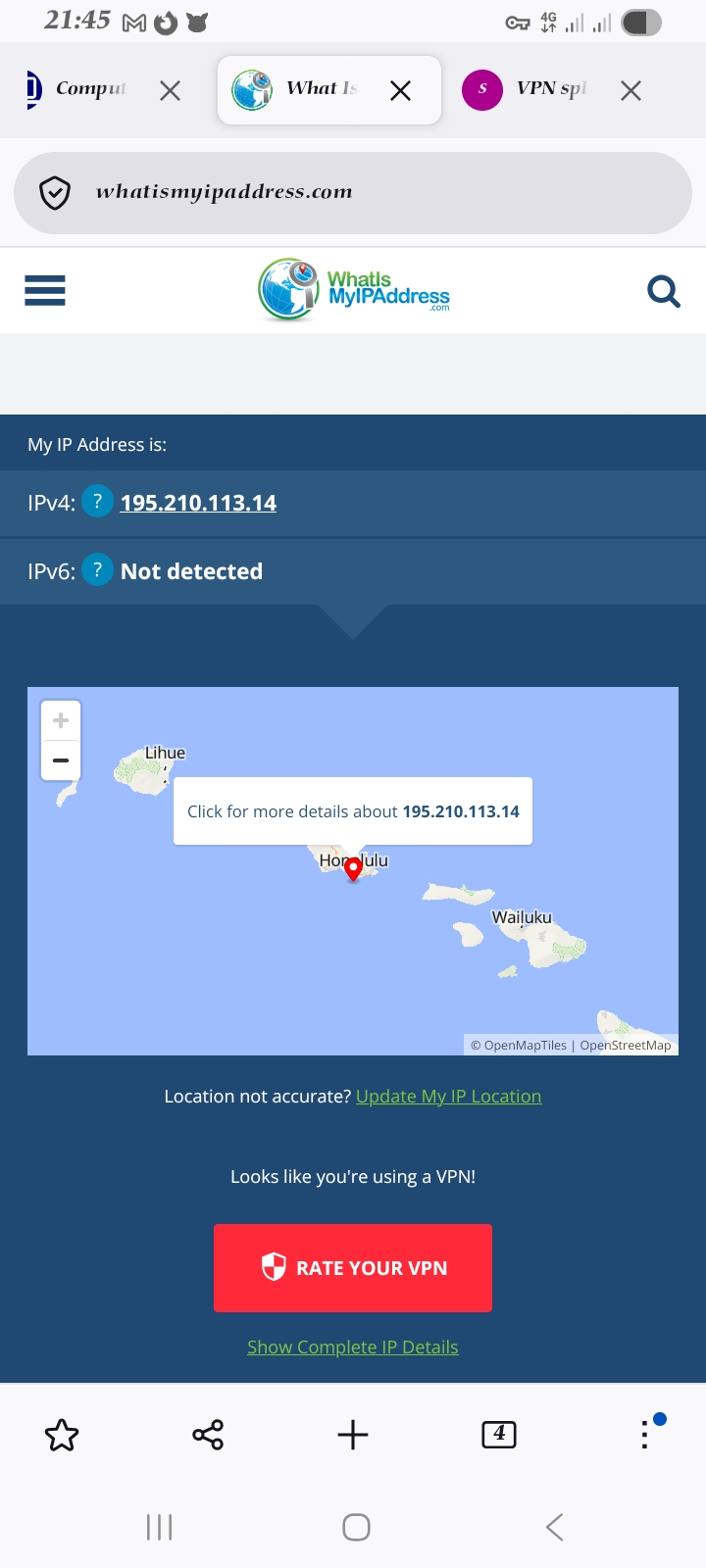
So, I assume that's not Firefox-specific.
Unfortunately, this forum is intended to only help users with Mozilla products, such as Firefox. As a moderator, I'm going to mark this thread as off-topic and lock the thread since it is not a subject covered in the support forum. Please see Mozilla Support rules and guidelines.