Windows 10 reached EOS (end of support) on October 14, 2025. If you are on Windows 10, see this article.

Търсене в помощните статии

Избягвайте измамите при поддръжката. Никога няма да ви помолим да се обадите или изпратите SMS на телефонен номер или да споделите лична информация. Моля, докладвайте подозрителна активност на "Докладване за злоупотреба".

Научете повече
Архивирани

Tabs not saving

Paul Lowry

I have always used the option to restore previous tabs on startup. This stopped working a few days ago. After digging into it a bit I discovered that using the ctrl+shfit+q command is the only way to shut down firefox and get my previous session restored after.

I have changed no settings and afaik nothing else has changed. This is wildly inconvenient when just the other day I could close it however I wished and come back the next day to all of my tabs without having to dig it out of the history of closed windows.

Why has this changed and is there any way to restore the previous functionality?

I have always used the option to restore previous tabs on startup. This stopped working a few days ago. After digging into it a bit I discovered that using the ctrl+shfit+q command is the only way to shut down firefox and get my previous session restored after. I have changed no settings and afaik nothing else has changed. This is wildly inconvenient when just the other day I could close it however I wished and come back the next day to all of my tabs without having to dig it out of the history of closed windows. Why has this changed and is there any way to restore the previous functionality?

Всички отговори (1)

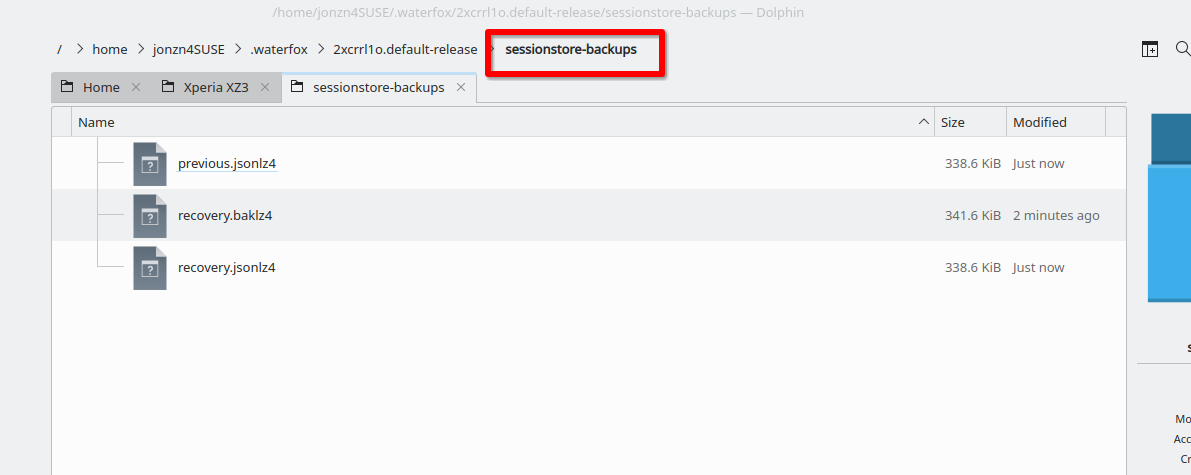
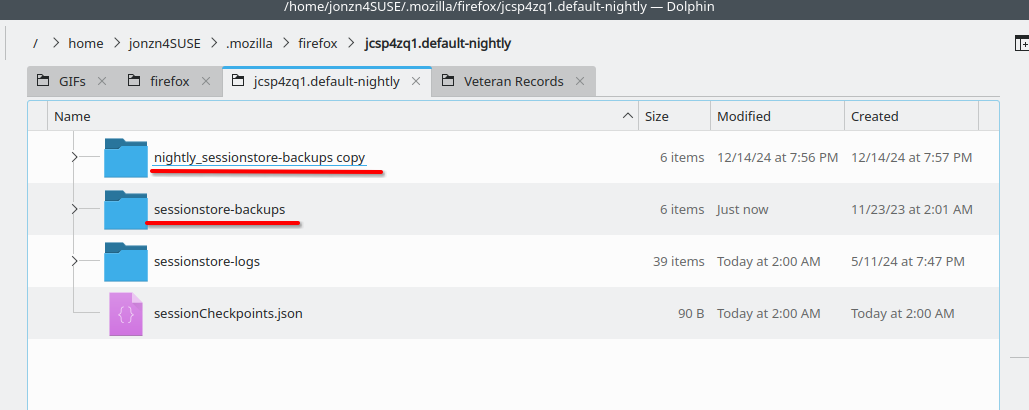
Post a screenshot of whats in the folder sessionstore-backups. see my screenshot It does happen which is why I occasionally make a back-up of the folder. A few months ago I noticed in Nightly that something erased the contents of the session folder.