


How do I import my mobile bookmarks to my desktop firefox

All of my desktop bookmarks are on mobile, but after resetting my password they won't sync back to my desktop. I can't even access them from my desktop, despite browsing data still being clearly accessible. I have 10 years of bookmarks on my mobile device that for whatever reason now will not transfer to my desktop firefox no matter what I try. Since there's no way to manually export to xml on mobile I have no way of accessing these and I am at risk of losing 10 years of bookmarks, many of which are vital to the work I do.
Всички отговори (4)
UPDATE: Syncing my bookmarks just deleted the folder entirely. I'm having a panic attack. Is it still in my cache? Can I recover it?
Променено на от casskemail
Have you tried Sync? see screenshots Sign into the same account on a computer and make sure you have the settings checked. https://support.mozilla.org/en-US/kb/how-do-i-set-sync-my-computer https://support.mozilla.org/en-US/kb/how-do-i-choose-what-information-sync-firefox
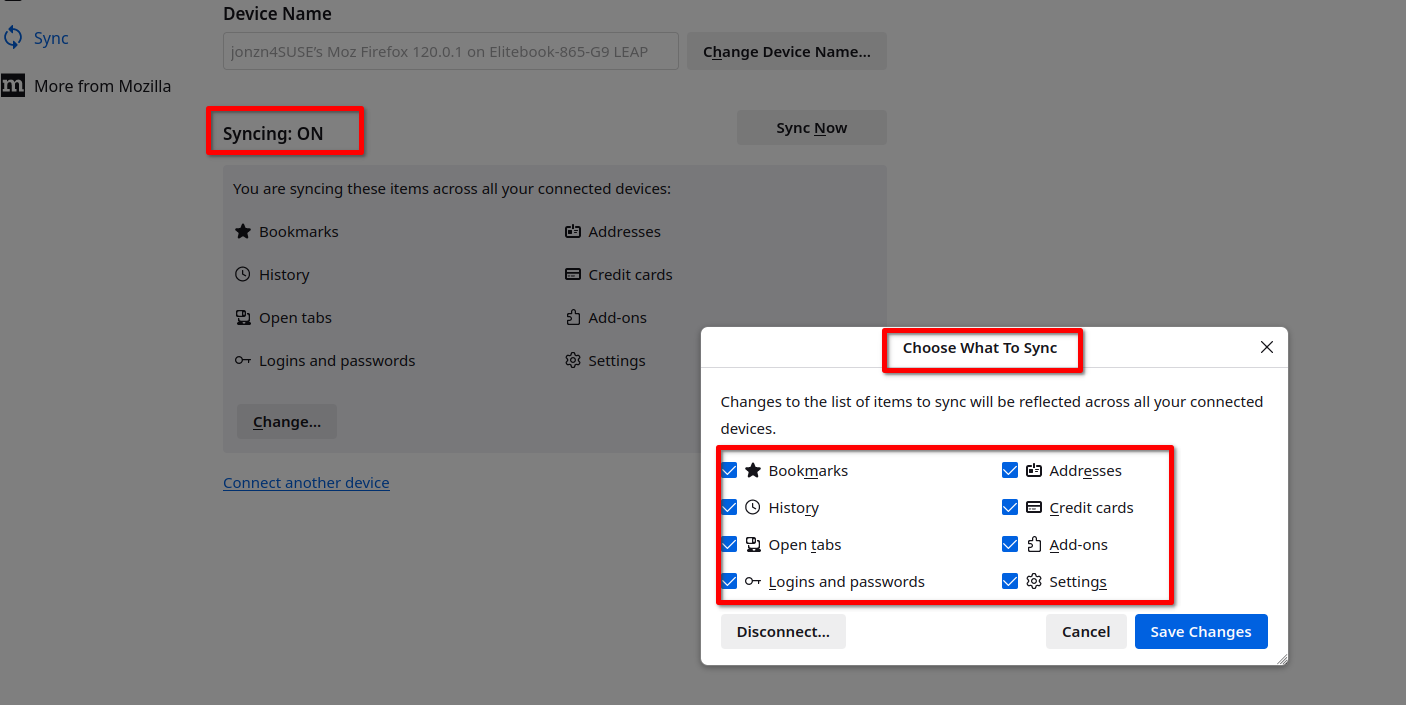
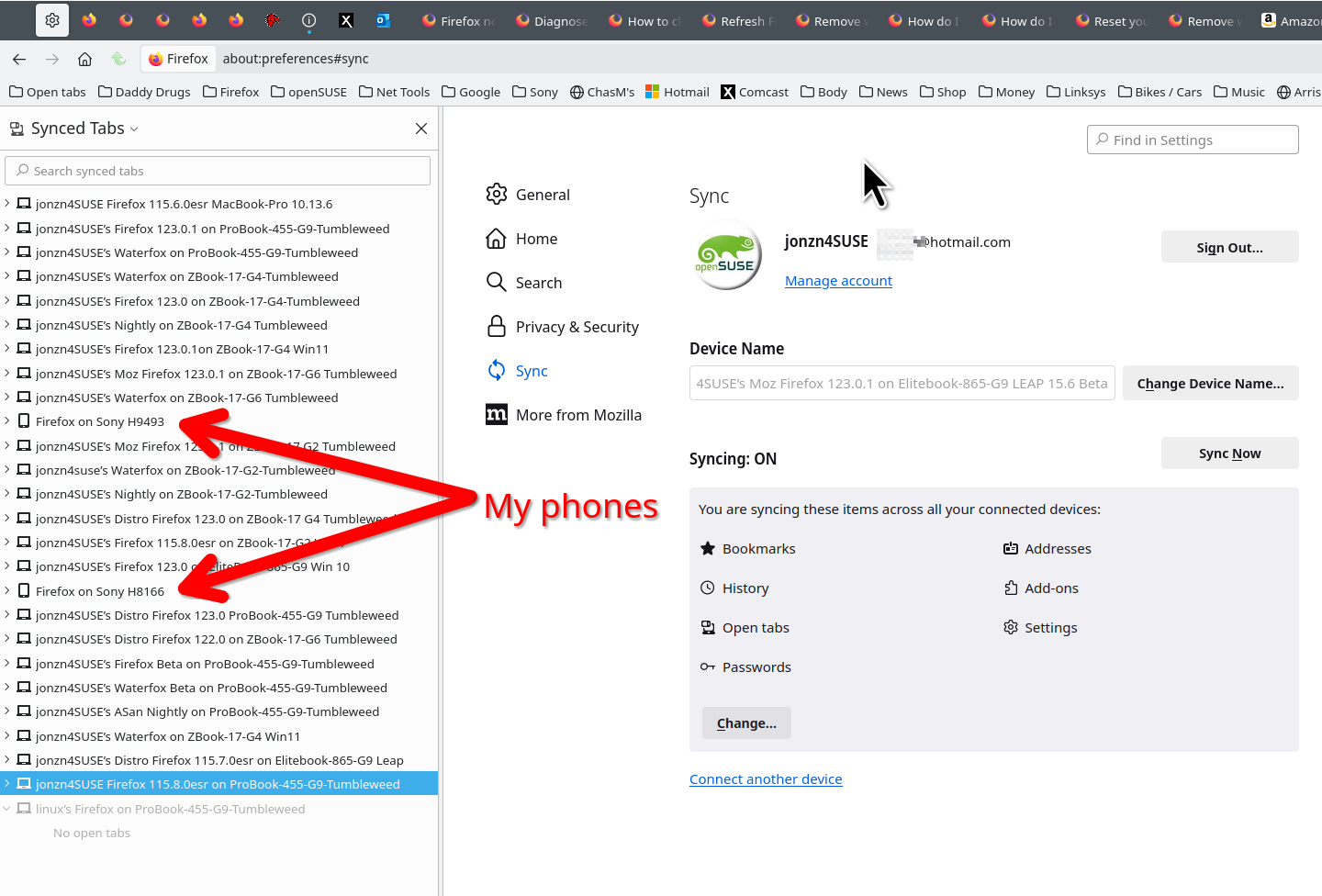
If I understand correctly, your desktop no longer has your desktop bookmarks, and they have now disappeared from your phone as well.
When was the last time you had your desktop bookmarks in your desktop installation of Firefox? Firefox makes automatic backups on desktop, which rotate out after about 2 weeks. The following article has information on how to restore an automatic backup: Restore bookmarks from backup or move them to another computer.
Anything there?
jonzn4SUSE said
Have you tried Sync? see screenshots Sign into the same account on a computer and make sure you have the settings checked. https://support.mozilla.org/en-US/kb/how-do-i-set-sync-my-computer https://support.mozilla.org/en-US/kb/how-do-i-choose-what-information-sync-firefox
This is literally what caused the issue. Horrible answer.
jscher2000 - Support Volunteer said
If I understand correctly, your desktop no longer has your desktop bookmarks, and they have now disappeared from your phone as well. When was the last time you had your desktop bookmarks in your desktop installation of Firefox? Firefox makes automatic backups on desktop, which rotate out after about 2 weeks. The following article has information on how to restore an automatic backup: Restore bookmarks from backup or move them to another computer. Anything there?
I just went through a wipe of my drive. I was syncing to get the bookmarks in the first place. There are no backups to retrieve.