


Two devices can’t be separated by Sync in Mozilla account

I am logged into my Mozilla account on four devices: Laptop Linux, Desktop Linux, Desktop Windows, Phone Android. However, when I try “Send tab to device” or list the devices in the account settings, the two Linux devices are not shown separately, so I can’t send a tab from Laptop Linux to Desktop Linux or vice versa. In fact, when I edit the Device name on either of the Linux device, that name will also be shown on the other device.
How is this possible? How can I disentangle the two devices?
Избрано решение
Sign out of all devices and then sign back in. see screenshots
Прочетете този отговор в контекста 👍 1Всички отговори (3)
Избрано решение
Sign out of all devices and then sign back in. see screenshots
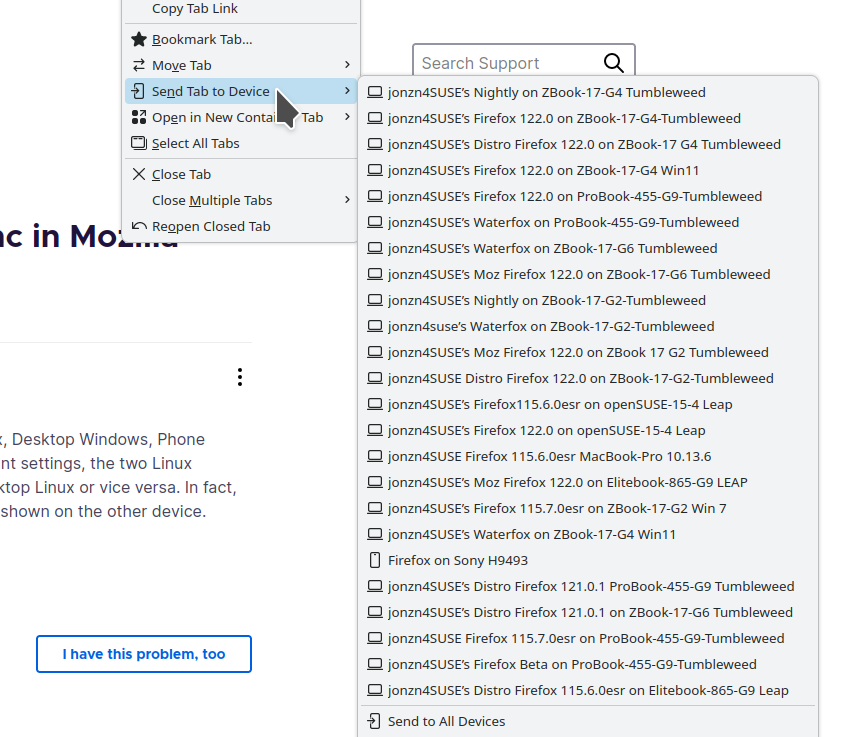
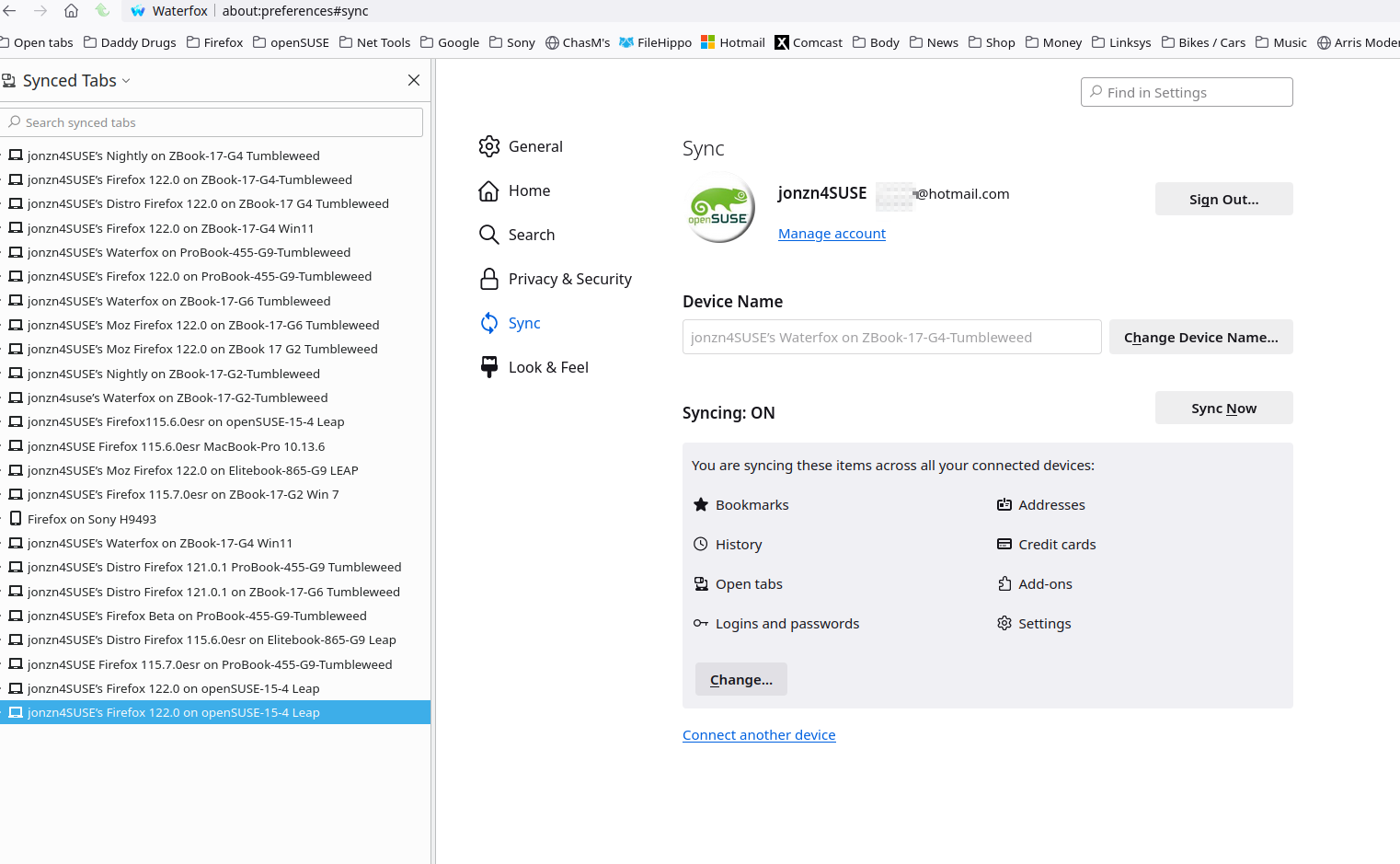
Променено на от jonzn4SUSE
jonzn4SUSE said
What OS? What Desktop? X11 or Wayland?
Laptop Lubuntu 22.04 Desktop Mint 21.3 Cinnamon (so no Wayland) Desktop Windows 10 (but no bug there) Phone Android (whatever the current version is)
Logging out of all devices, then logging back into all of them solved it, as far as I can tell.