


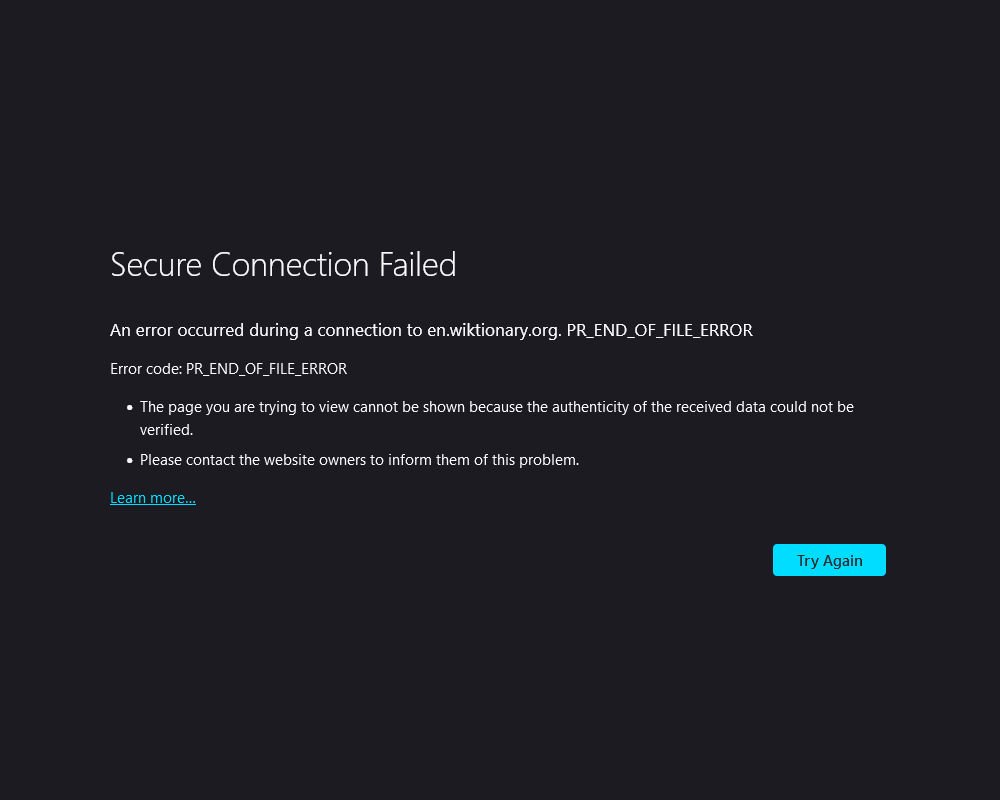
Secure Connection Failed, Error Code: PR_END_OF_FILE_ERROR

I have been trying to solve this problem on and off for about a year now, but 99.99% of the time I try to access https://en.wiktionary.org/ , I get the following error: Secure Connection Failed An error occured during a connection to en.wikitionary.org PR_END_OF_FILE ERROR Error code: PR_END_OF_FILE_ERROR
- The page you are trying to view cannot be shown because the authenticity of the received data could not be verified.
- Please contact the website owners to inform them of this problem.
Learn more... Try Again
I have NEVER gotten this error message for any other website. And the strangest thing? Sometimes I CAN access Wikitionary with zero problems, but this phenomena tends to only happen when I attempt to access the website very late at night or really early in the morning. I cannot think of a single thing I have done differently when this happens.
By the way, I am able to access Wikitionary from Microsoft Edge just fine, it is ONLY Firefox where I have this problem.
Избрано решение
Thanks for the suggestions everyone, unfortunately for anyone with the same problem, it either simply fixed itself somehow, or it may have been something I did before restarting my computer in the past month and I hadn't realized everything was fixed until just now... I had tried pretty much everything over the past year or so, including disabling DNScrypt, refreshing firefox, making new firefox profiles to see if mine was corrupted, and so on. I don't have any third party security software, but I think I did have something weird input into Settings --> General --> Network Settings, but that would have been weird if it affected only Wikitionary and no other website.
Прочетете този отговор в контекста 👍 0Всички отговори (4)
If you have any third party security software disable it and try accessing the site.
Try changing DNS over HTTPS (DoH) to "Off" or "Max Protection" and in Connection Settings change "Use system proxy settings" to "No proxy".

You may find this article useful (remove the blank space).
https://appuals. com/pr-end-of-file-error/
Избрано решение
Thanks for the suggestions everyone, unfortunately for anyone with the same problem, it either simply fixed itself somehow, or it may have been something I did before restarting my computer in the past month and I hadn't realized everything was fixed until just now... I had tried pretty much everything over the past year or so, including disabling DNScrypt, refreshing firefox, making new firefox profiles to see if mine was corrupted, and so on. I don't have any third party security software, but I think I did have something weird input into Settings --> General --> Network Settings, but that would have been weird if it affected only Wikitionary and no other website.