


Firefox sync two different computers
I have to computer with totally different tabs. Will Firefox sync combine the two sets of tabs? I realize that I may have duplicates and a LOT of tabs. I just don't want to lose any tabs or bookmarks when the computers sync afterward. I am currently assuming that the tabs sets will be merged and that I will have to remove duplicates.
Всички отговори (5)
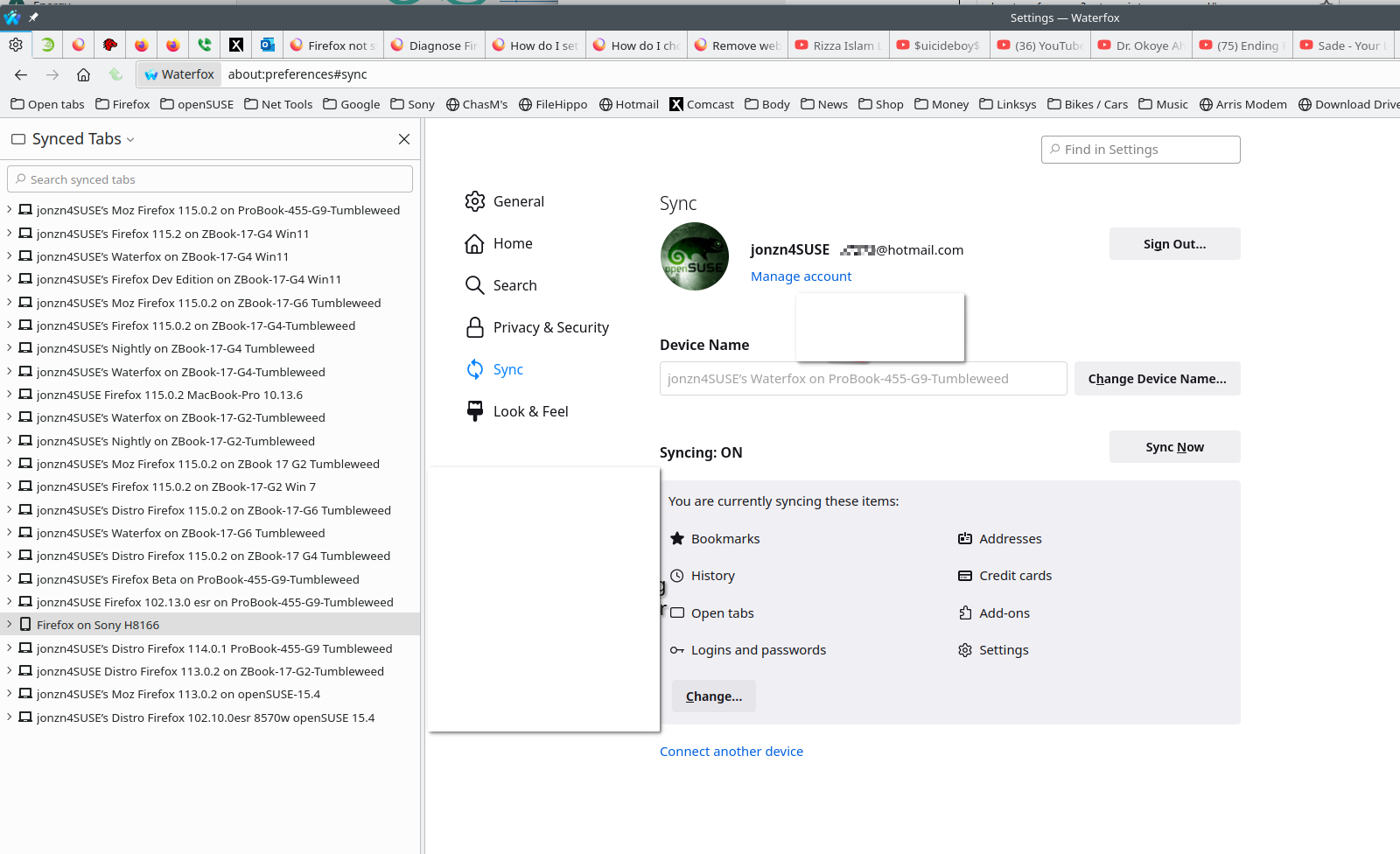
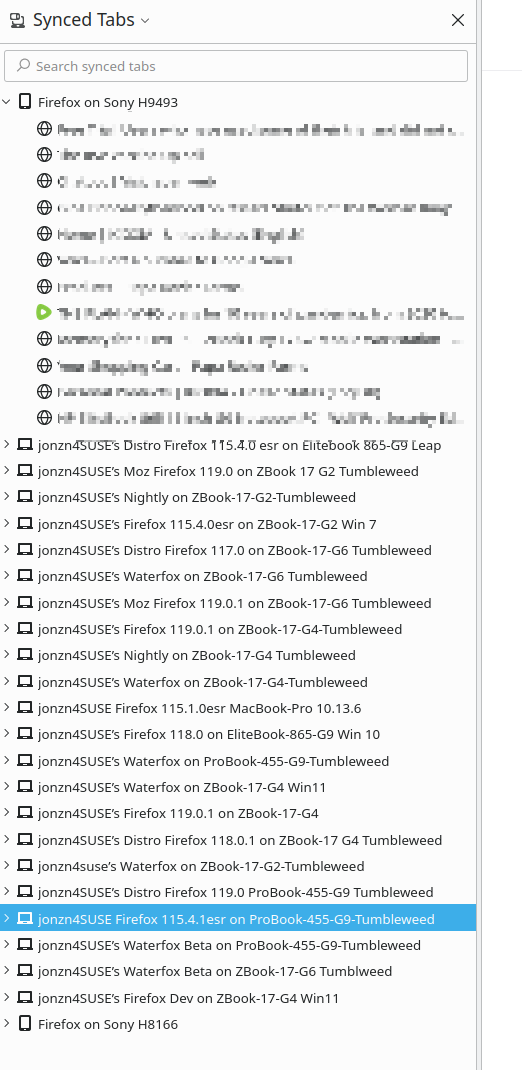
Computer A will be able to see Computer B tabs and vise versa. see screenshots
That doesn't seem like a sync. I expect sync to combine the tabs so that the same tabs appear in the browsers of each synced device.
LMAO... In the top of both screenshots it says "Synced Tabs" and you see the versions of the browsers and computers.
Променено на от jonzn4SUSE
So if you close one computer do the tabs from it show in the others? IOW is syncing tabs the same as a merging the tabs from both computers? I have to be certain this would work the way In expect it to work. I have two computers with some different tabs and some identical tabs. They both have a LOT of tabs (>500) managed by Simple Tab Groups. I want the tabs on both computers to be the same.
Here's a trick. Right click on of the tabs and then click the option to Select All Tabs. Then right click again and chose the option to bookmark them. From this menu you can also send the tabs from Computer A to Computer B.