Change how Firefox allows searches from its Default Tab

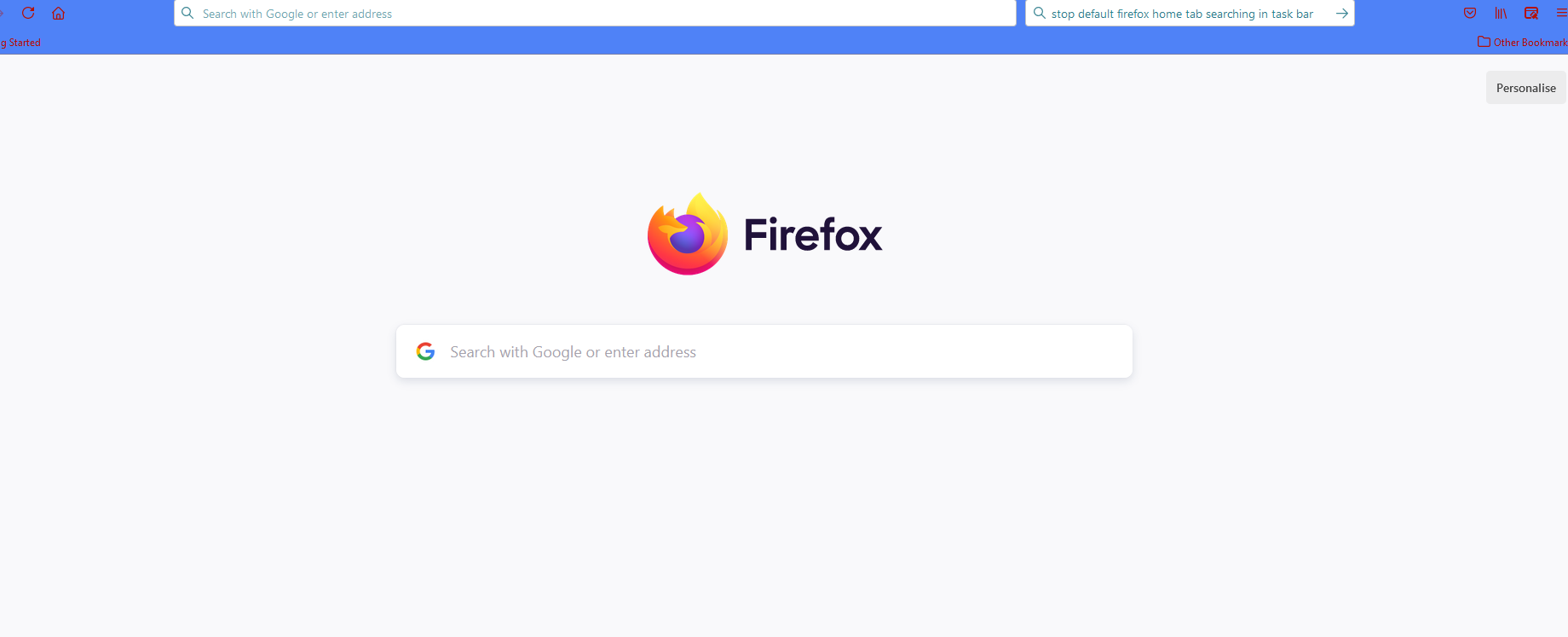
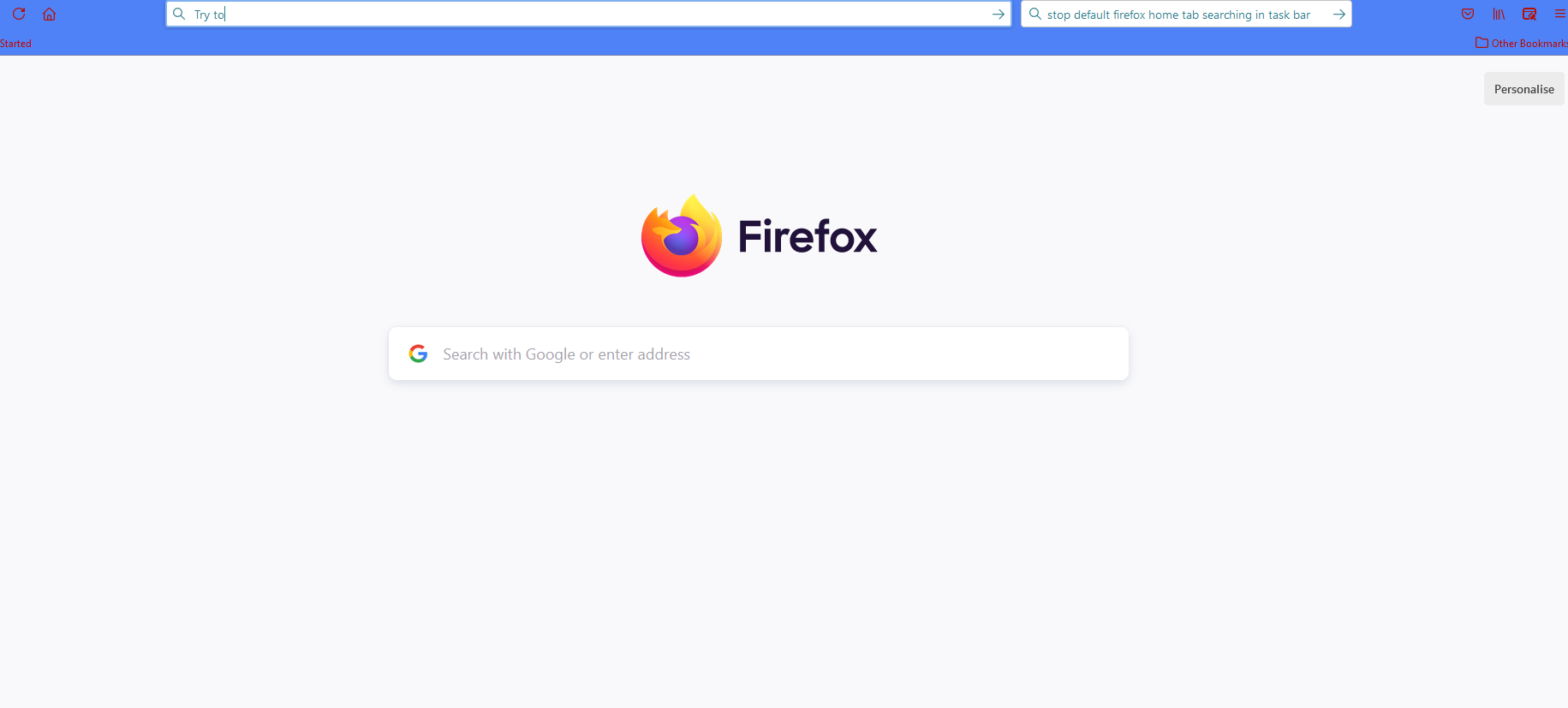
Firefox 'new tab' defaults to a Firefox home page with a google search bar. See screenshot 1 When I try to enter a search item in the google search bar on the page it , searches in the address bar instead - even though that is turned off. See screenshot 2 Any tips on how do I keep the search in the google line on the page and not in the Address bar
Firefox 'new tab' defaults to a Firefox home page with a google search bar. See screenshot 1
When I try to enter a search item in the google search bar on the page it , searches in the address bar instead - even though that is turned off. See screenshot 2
Any tips on how do I keep the search in the google line on the page and not in the Address bar