


FF Settings Are Ignored ?
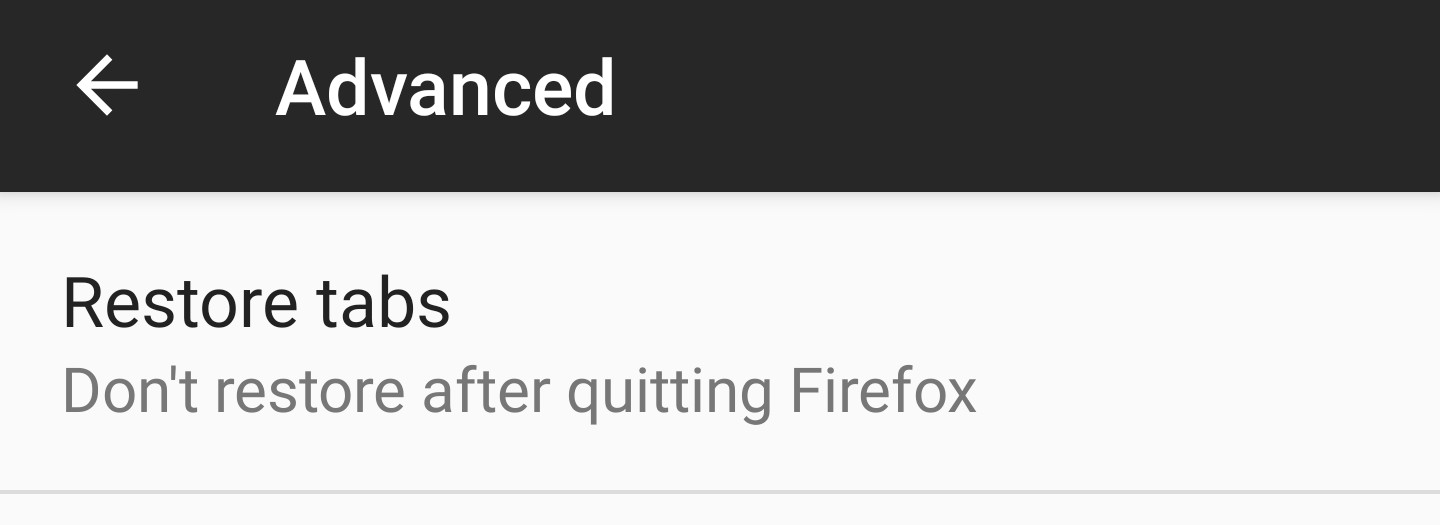
I don't understand -- the attached screenshots show my Android FF Settings for tabs & erasing data when I "quit" FF. When I "quit", and then open FF again, my tab(s) are still there. After I "quit" FF, I was expecting to open FF and see a blank/home page. What setting am I missing so that everything is erased & I open FF to a blank/home page ?


Избрано решение
Hi stealthsubgm,
Did you quit firefox by closing the app or by pressing the three dots and then pressing quit?
the latter should erase private data and close all your tabs
Прочетете този отговор в контекста 👍 0Всички отговори (2)
Избрано решение
Hi stealthsubgm,
Did you quit firefox by closing the app or by pressing the three dots and then pressing quit?
the latter should erase private data and close all your tabs
Click the 3 vertical dots and click "Quit".
Now it is working as expected -- I have no idea how to reproduce what happened before.
Thanks for your help. Barry