How can I make the bookmark fonts bigger?

With Windows 10, I cannot seem to make my fonts for my bookmarks bigger. I know how to make the web pages bigger but cannot seem to find out how to make the fonts bigger for my bookmarks/favorites.
With Windows 10, I cannot seem to make my fonts for my bookmarks bigger. I know how to make the web pages bigger but cannot seem to find out how to make the fonts bigger for my bookmarks/favorites.
Избрано решение
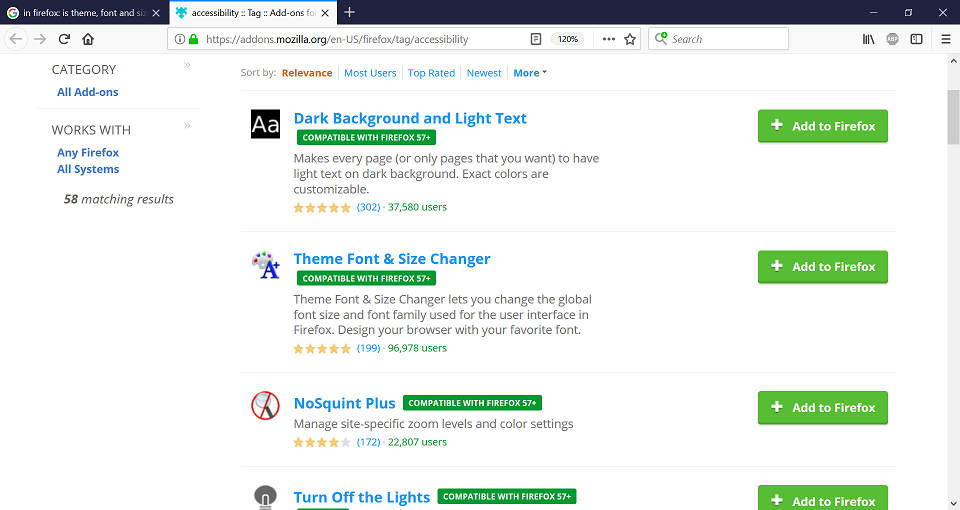
You can look at this extension to adjust the font size in the user interface.
Прочетете този отговор в контекста 👍 2Всички отговори (4)
Избрано решение
You can look at this extension to adjust the font size in the user interface.
Thank you!!
This no longer works on the update. Dopes anyone know of another which does now work? (I tried another 2 I found here, but they didn't either).