


Media contol notification box can't be permanently disabled.

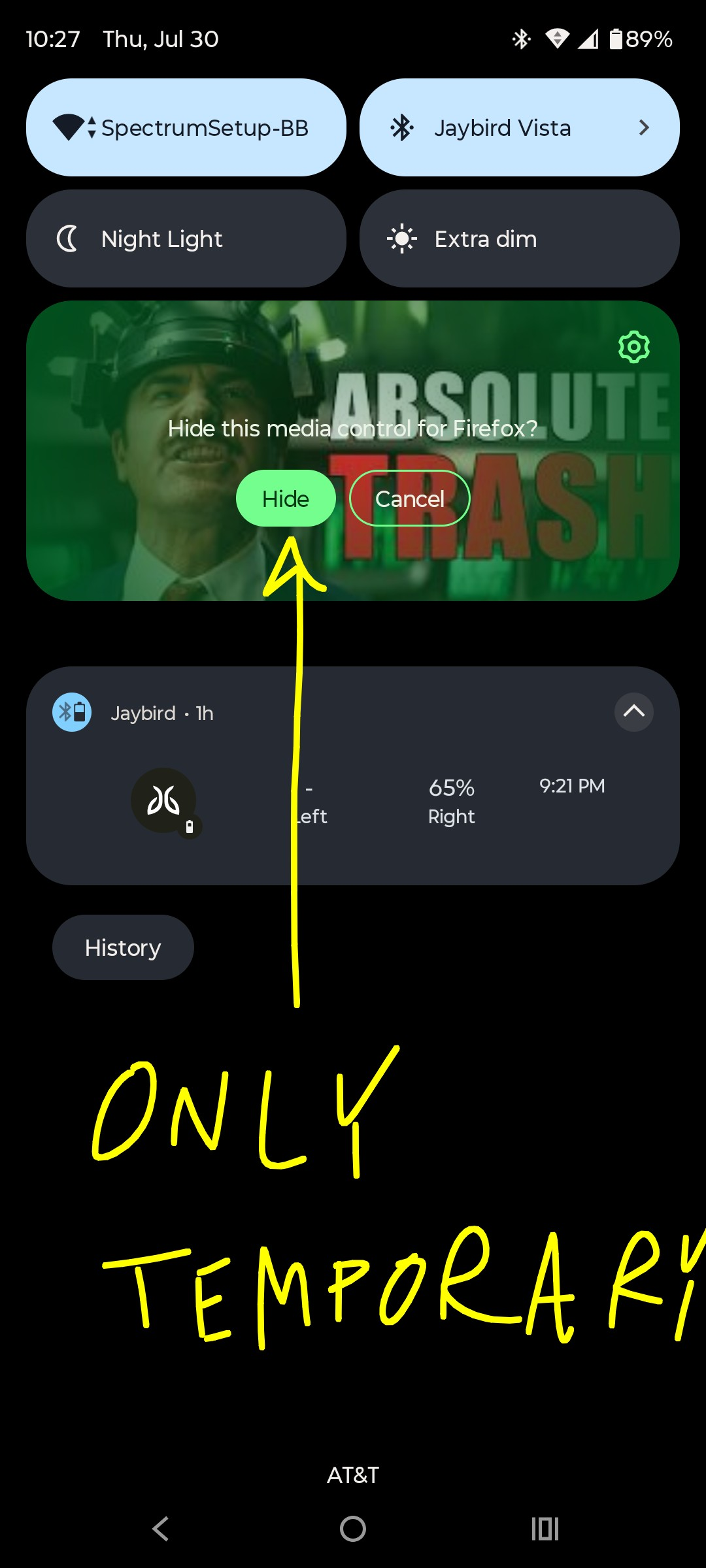
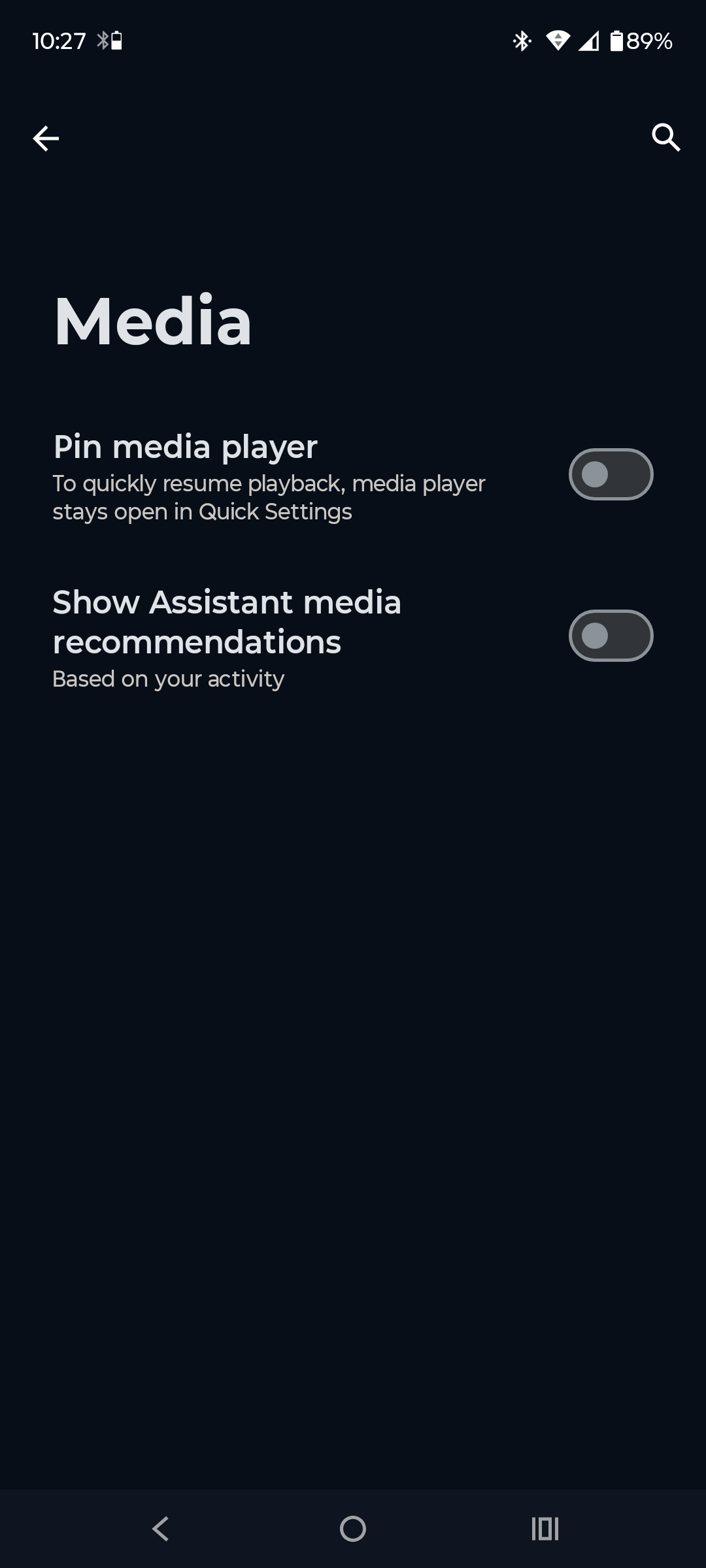
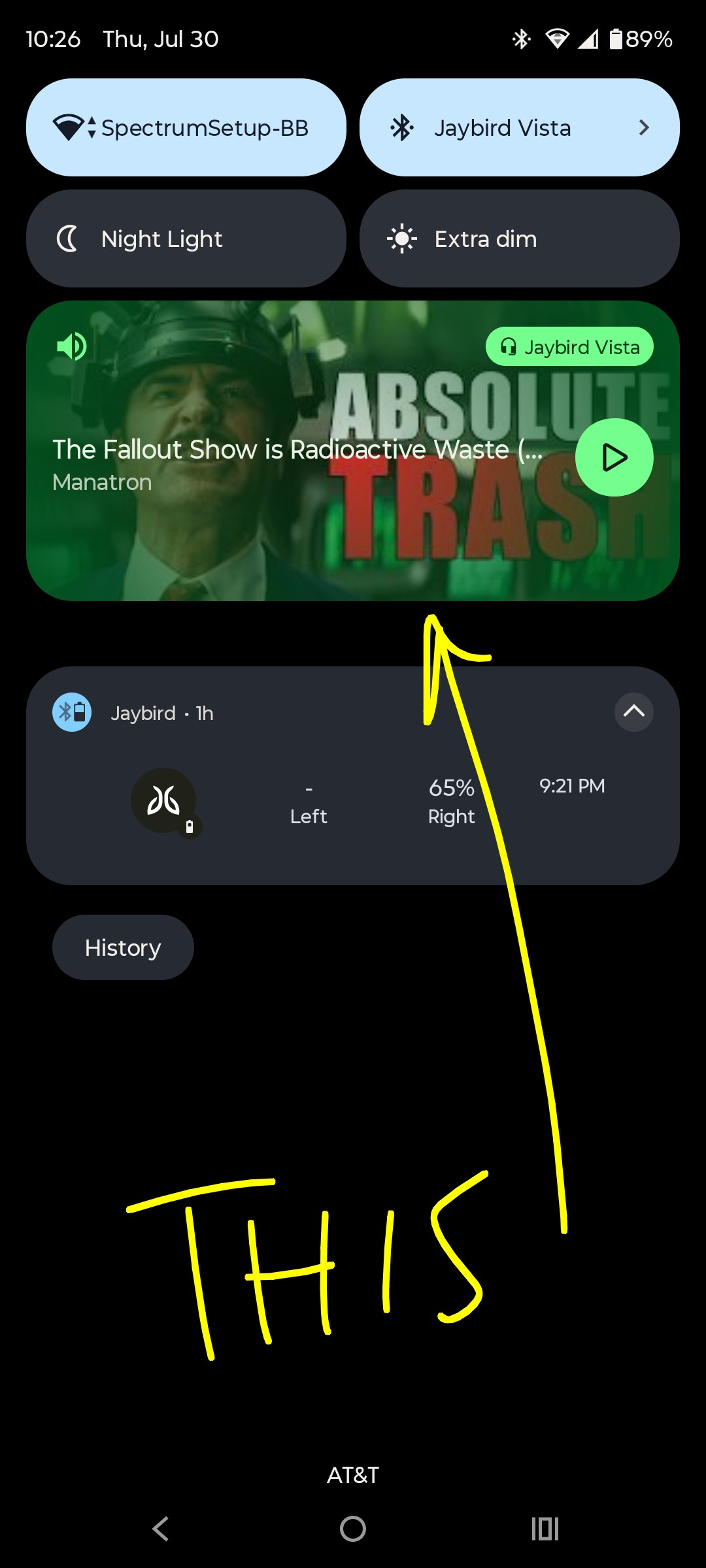
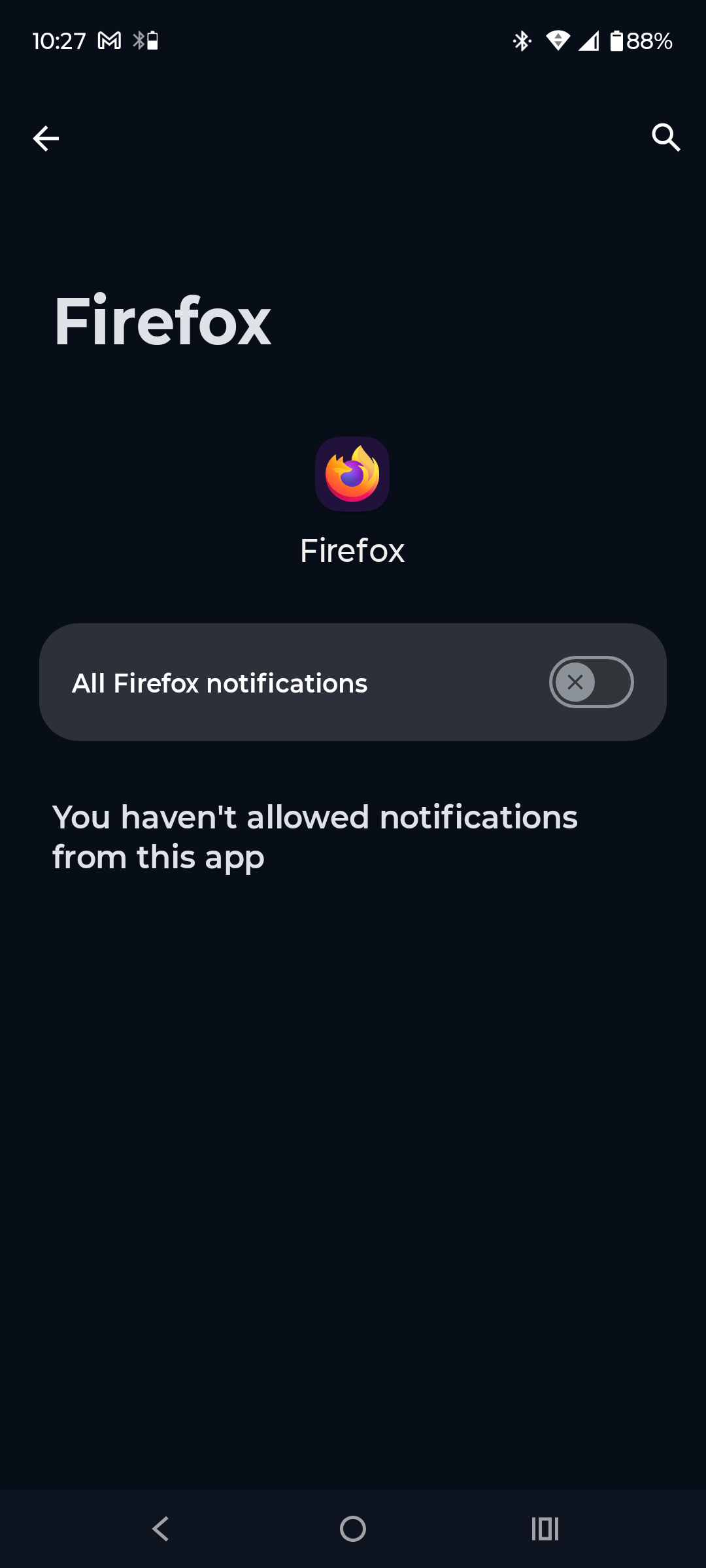
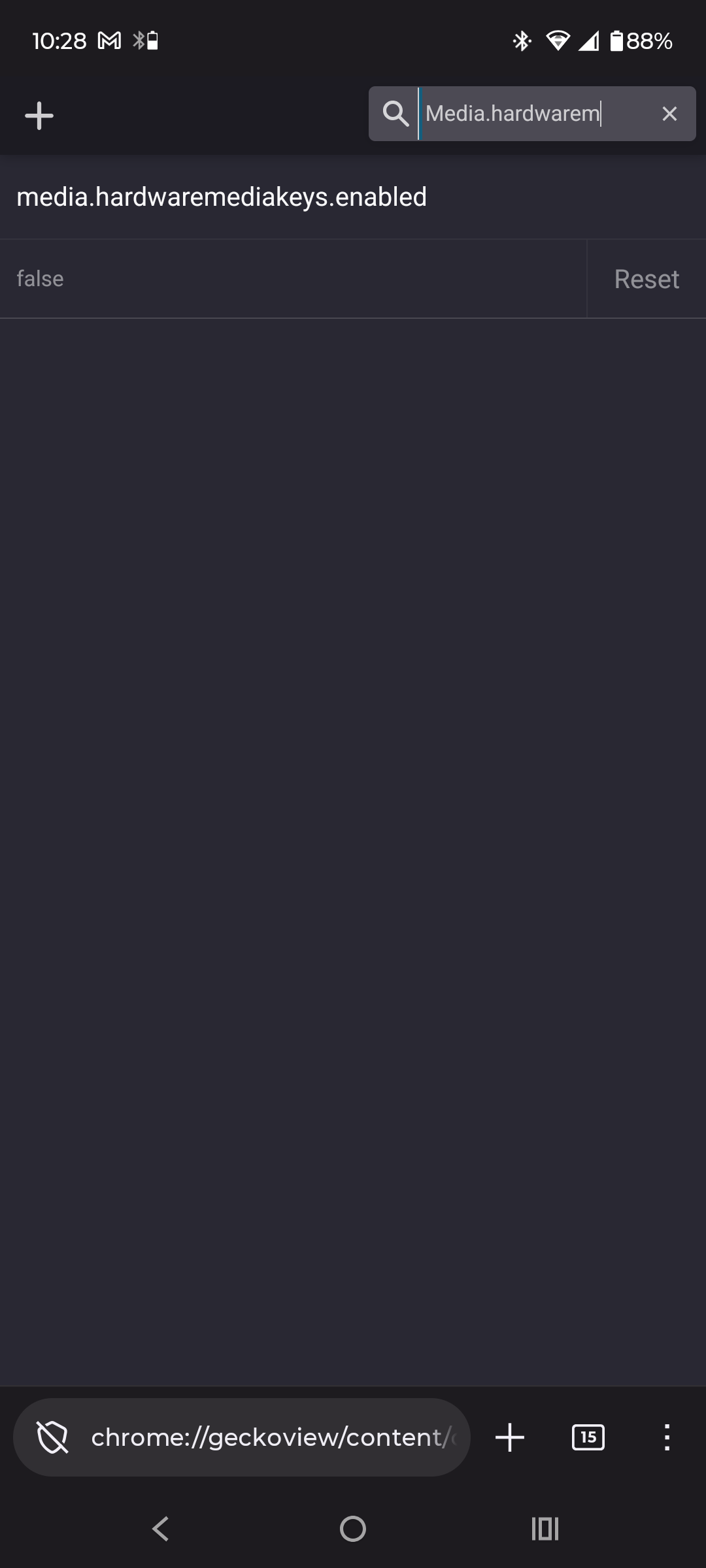
I get an unwanted "media control" notification box in my pulldown menu when I play a video in Firefox that won't go away permanently. I can hide the notification manually with the button that appears after a long press on the box or just swipe the box away but as soon as I pause/unpause or start a new vid it respawns. I've turned off all Firefox notifications and made sure that the "pin media player" option available in the settings menu you find with the "hide" button is diabled. I have also tried the about:config workaround for stable Firefox and set the media.hardwaremediakeys.enabled to false, but to no avail. This is an unused 2024 phone that I've just set up so everything should be up to date with Android 15 and Firefox 153.0.1. Am I missing something? Please help!
All Replies (2)
Hi Nick,
That's odd. In my case, I can remove it simply by disabling media notification from Firefox. I may be stating the obvious here, but have you tried restarting the browser and maybe the phone to see if it help?
Hey Kiki, thanks for your reply. I did as you suggested and cleared the cache as well but no luck. An update came up after the restart but also didn't fix the issue. This may be a glitch that I'll just live with 😁 but i do appreciate your effort.