


how to stop GPC popups?
I see "GPC detected" popups every minute or so. I want to keep GPC, but how can I stop those annoying popups?
所有回覆 (10)
Keep in mind that GPC is only a signal to a website (it adds a Sec-GPC:1 header similar to DNT:1 for do-not-track), it is up to a website to honor such a request.
You can disable GPC by unticking "Tell websites not to sell or share my data" in settings.
cor-el said
Keep in mind that GPC is only a signal to a website (it adds a Sec-GPC:1 header similar to DNT:1 for do-not-track), it is up to a website to honor such a request.
Your answer doesn't address the problem of unwanted GPC popups. If you know of a way to stop them from popping up, please let me know
Can you attach a screenshot of this popup? Does it occur on a specific website?
TyDraniu said
Can you attach a screenshot of this popup? Does it occur on a specific website?
It annoys me how this forum allows user to post issues without proving basic needed info. ;-/
由 jonzn4SUSE 於 修改
Here is the GPC popup I want to get rid of. I still want GPC, but not this popup.
TyDraniu said
Can you attach a screenshot of this popup? Does it occur on a specific website?
It appears on a number of pages. I use Firefox browser, and GPC is enabled on Firefox.
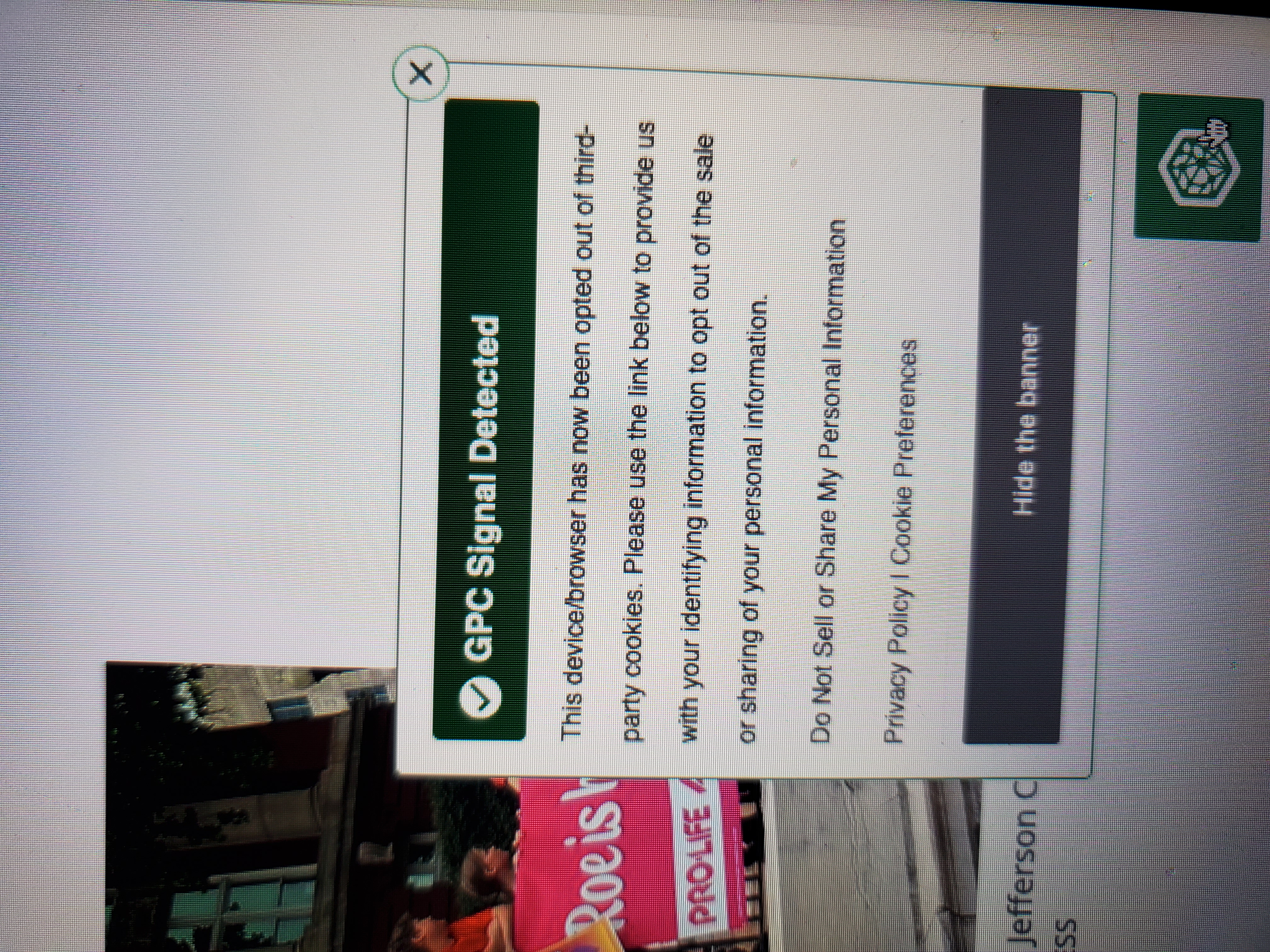
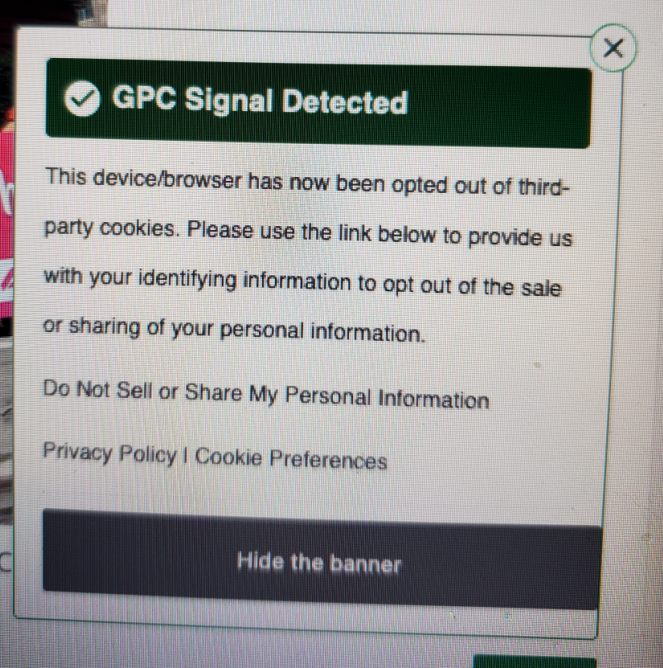
Steps to replicate and a full browser screenshot would be more helpful. Just showing a screenshot leaves me wonder what is generating this message. More detail please. smh Why is it so hard to show what you're doing before getting this pop-up?!
由 jonzn4SUSE 於 修改
What extensions do you have? You can copy it from the about:support page.