


Compact Firefox window - How do i change navigation bar and tab strip on top, while permanently enabled menu bar combined with naviagion bar

To understand better i'll show in images:
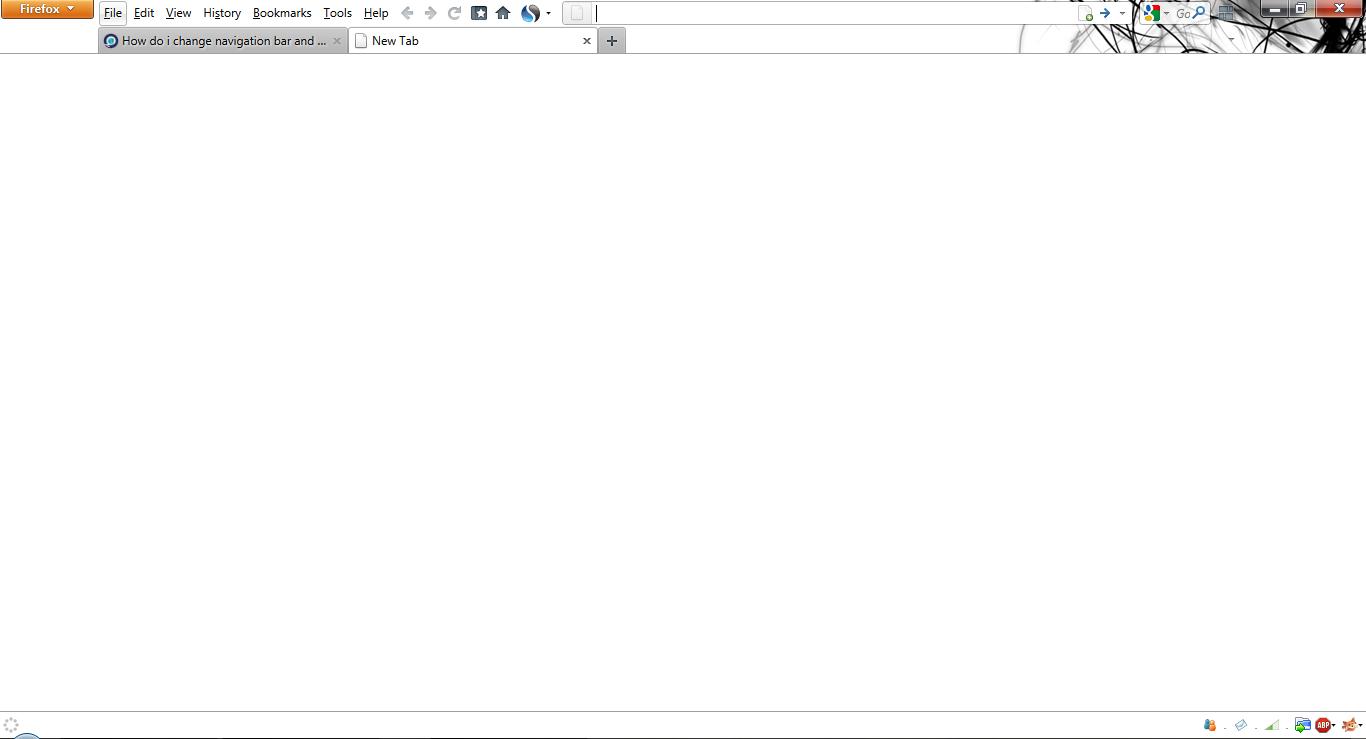
- Navigation toolbar is in menu bar, because menus can't be dragged
3) And it should look something like this
- Is it possible?
Solution would be moving menu bar to right side of the orange mozilla icon and under it would be a tab strip, but i don't know how!
P.s OK i got that by just unclicking menu bar and clicking tabs on top, but menu bar only shows while Alt pressed - how to freeze Alt function?
由DirtYone于修改
选择的解决方案
Exactly what you are trying to do isn't possible yet, but the developers are working on it. This extension - https://addons.mozilla.org/en-US/firefox/addon/personal-titlebar/ - will get close to what you pictured in your 3rd screenshot.
所有回复 (9)
To change the 'Firefox 'button' back to the menu bar:
1. Right-click on any toolbar
2. Select the 'Menu Bar' option
To make the tabs on the bottom of the control panel:
1. Right-click any toolbar
2. De-select the 'Tabs on Top' option
To do all the other customisations that you need:
1. Right-click any toolbar
2. Selct the 'Customise...' option
3. You can now drag all the buttons and toolbars to where you want them, and also add and remove buttons too.
If this was the answer you were looking for, please click 'Solved' -- Thanks.
NO! Then it will look like this - it's not the same as this <-- 1 bar less and more space for page overview!
- Solution would be moving menu bar to right side of the orange mozilla icon and under it would be a tab strip, but i don't know how!
P.s OK i got that by just unclicking menu bar and clicking tabs on top, but menu bar only shows while Alt pressed - how to freeze Alt function?
由DirtYone于修改
The links are blocked and cannot be viewed except the attachment. Could you fix it first?
Which links cant be viewed? My friends could view all of the links and images!
The only image important right now is the last attachment - navigation bar dragged into menu bar and disabled both, but enabled tabs on top AND pressed Alt (the problem is that Menu bar won't stay on top, click anywhere else and it will dissapear)
img7[DOT]imageshack[DOT]us/img7/9561/unledkzh[DOT]png (3 dots)
由DirtYone于修改
选择的解决方案
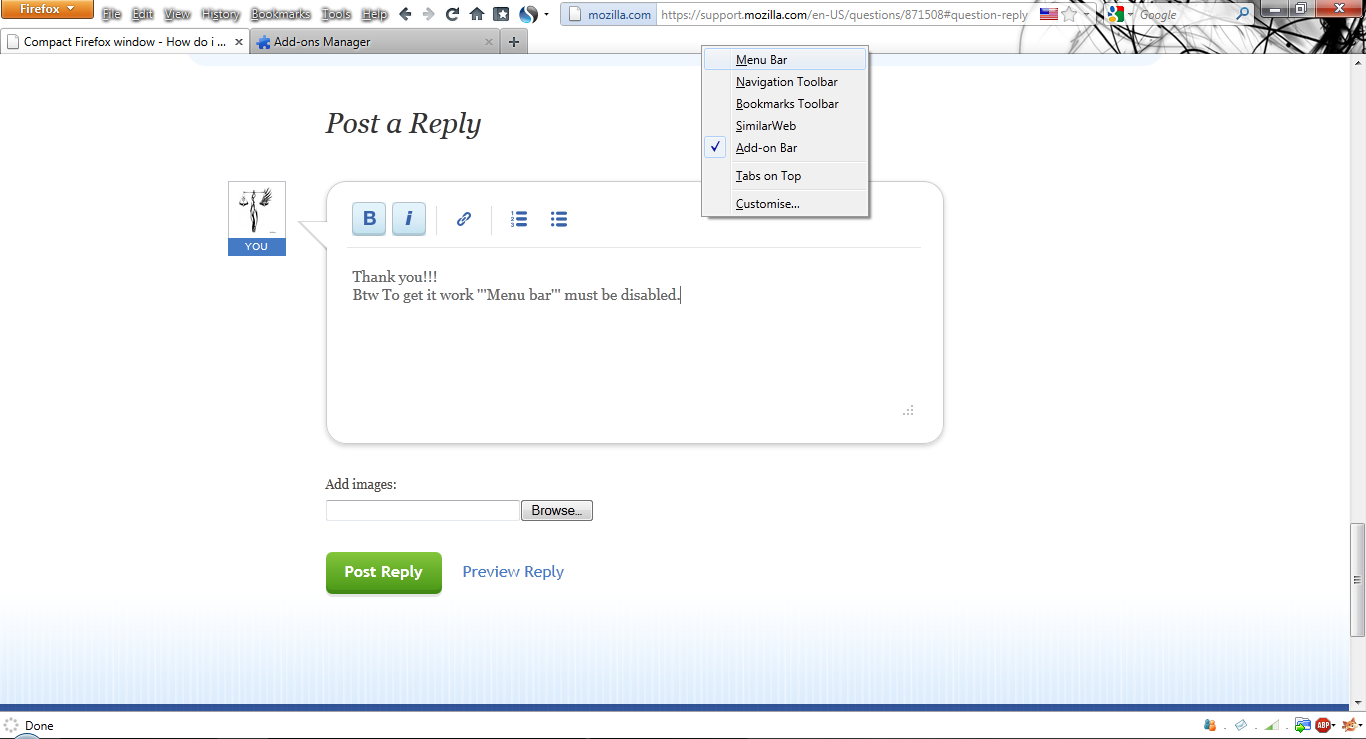
Exactly what you are trying to do isn't possible yet, but the developers are working on it. This extension - https://addons.mozilla.org/en-US/firefox/addon/personal-titlebar/ - will get close to what you pictured in your 3rd screenshot.
Thank you!!!
Btw To get it work Menu bar must be disabled.
由DirtYone于修改


I don't know why it always seems necessary to radically change the layout of something on a computer screen when an "upgrade" is made.
I really don't want my tab strip moved to the top of the page. It was very much easier to relate the tabs to pages when they were right down above the page.
Is there an extension or an option that will let me lay things back out like 3.6 (ala the Windows "classic" view?
I may have found the answer in a different thread. It had something about clicking "tabs on top". I'll give it a try.
If that's not the answer, please advise.
@relem
Your issue is off topic for the topic that was being discussed in this thread, combining toolbars in a manner that wasn't possible in Firefox 3.6 using features added to Firefox 4+ versions.
http://www.computertechtips.net/64/make-firefox-4-look-like-ff-3-6/
If you need more help with your toolbar issues, please Ask a new question and provide the requested information.
locking this Solved thread