Keybind Feature Suggestion
Not a bug report, but more so a feature suggestion for extra keybinds. In case this isn't the right place for a feature suggestion, please excuse me, since search results only yielded the Firefox suggestions thingy. Some browsers like Opera have a keyboard shortcut assigned to selecting the website URL through Cmd+E. This is pretty convenient for those who access most of the browser controls using a keyboard rather than a mouse or touchpad. At the moment you can use "Focus the Search Bar" by Cmd+K and Esc twice to have the URL selected but it's not really ideal. Thanks for the continued support and making Firefox a great browser to use.
所有回复 (1)
What is the actual question?
This is the list of shortcuts: Keyboard shortcuts - Perform common Firefox tasks quickly
This is the customization options: Customize keyboard shortcuts in Firefox
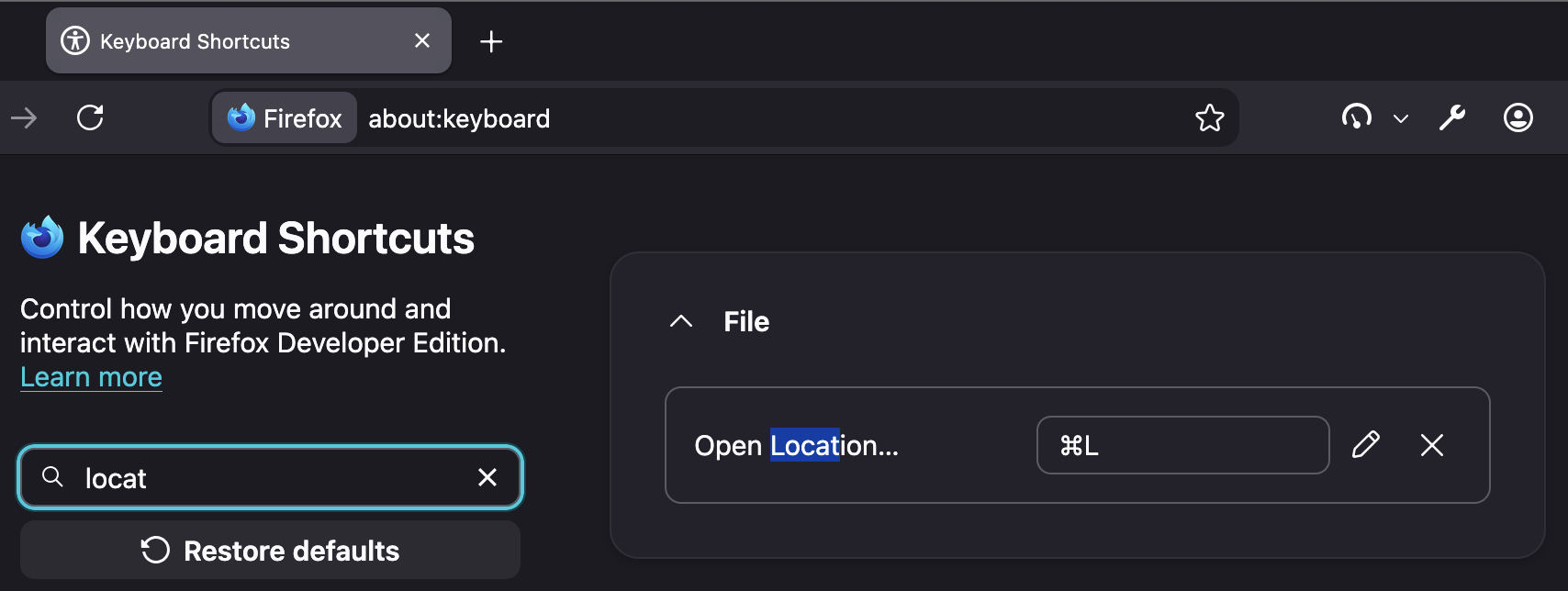
I think you're just looking for the standard Cmd + L … however if you want to change it to something else, you can re–map that key combo: