


why is the upload window suddenly using dark view rather than light?

When uploading a file to attach to another app...the upload window opens up in dark mode. I don't like this and I did not change anything but it happens repeatedly. i have checked all options in settings to make sure the light mode is checked. Why is this happening. i did not change anything. Please advise. Thanks

所有回复 (9)
I'm wondering if there was some change in the "Liquid Glass" material by Apple in some of their last updates.
There was a similar report, where the result for the file picker being light or dark was based on the luminosity of the (perhaps primary) theme color used to customize the browser itself.
Out of curiosity: have you customized the UI with any specific theme — to help reproduce this issue, or you just run the browser pretty much out of the box, as far as the interface is concerned?
I haven't changed anything. Did nothing....I've been using the Jesus is Lord theme for as long as I can remember.... The theme option in Firefox settings are white...but the popup to attach a file in a particular program....is now dark with white font. Drives me crazy and hard to read.
Can you post a link to the theme so that everyone's on the same page? Or if you go to your theme settings, paste here the exact name, author, and version you use so that I can look it up?
If you open septatrix.github.io/prefers-color-scheme-test is the page mainly black or mainly white? Can you attach a screenshot or copy the results that it gives you? (Specifically the "Browser exposes…" lines, thanks.)
I have added two screen shots of the information you requested. The first one is what I get when i try to attach a file using the Jesus is Lord theme. This is something new and I'd really like to know why it started doing this. It seems to me that it changes in light scheme. Thanks, Carol
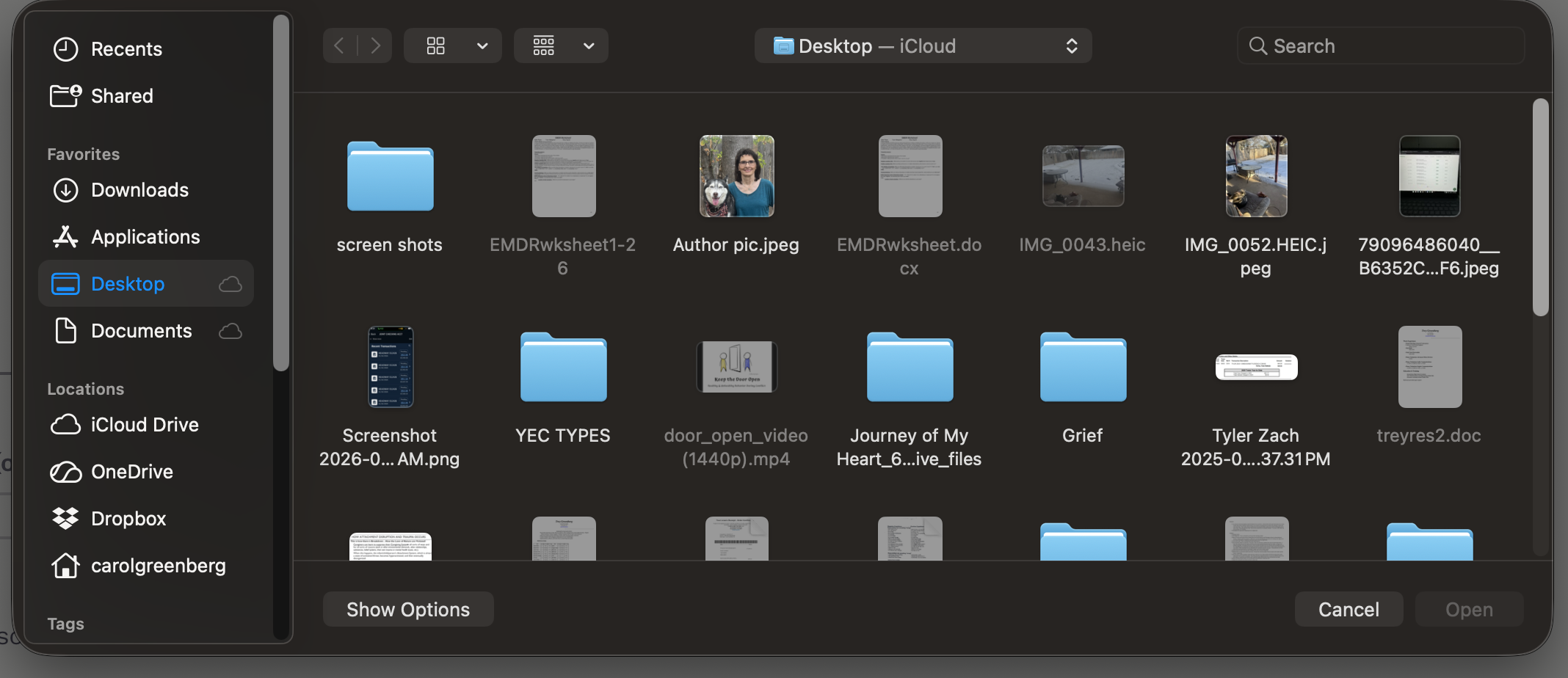
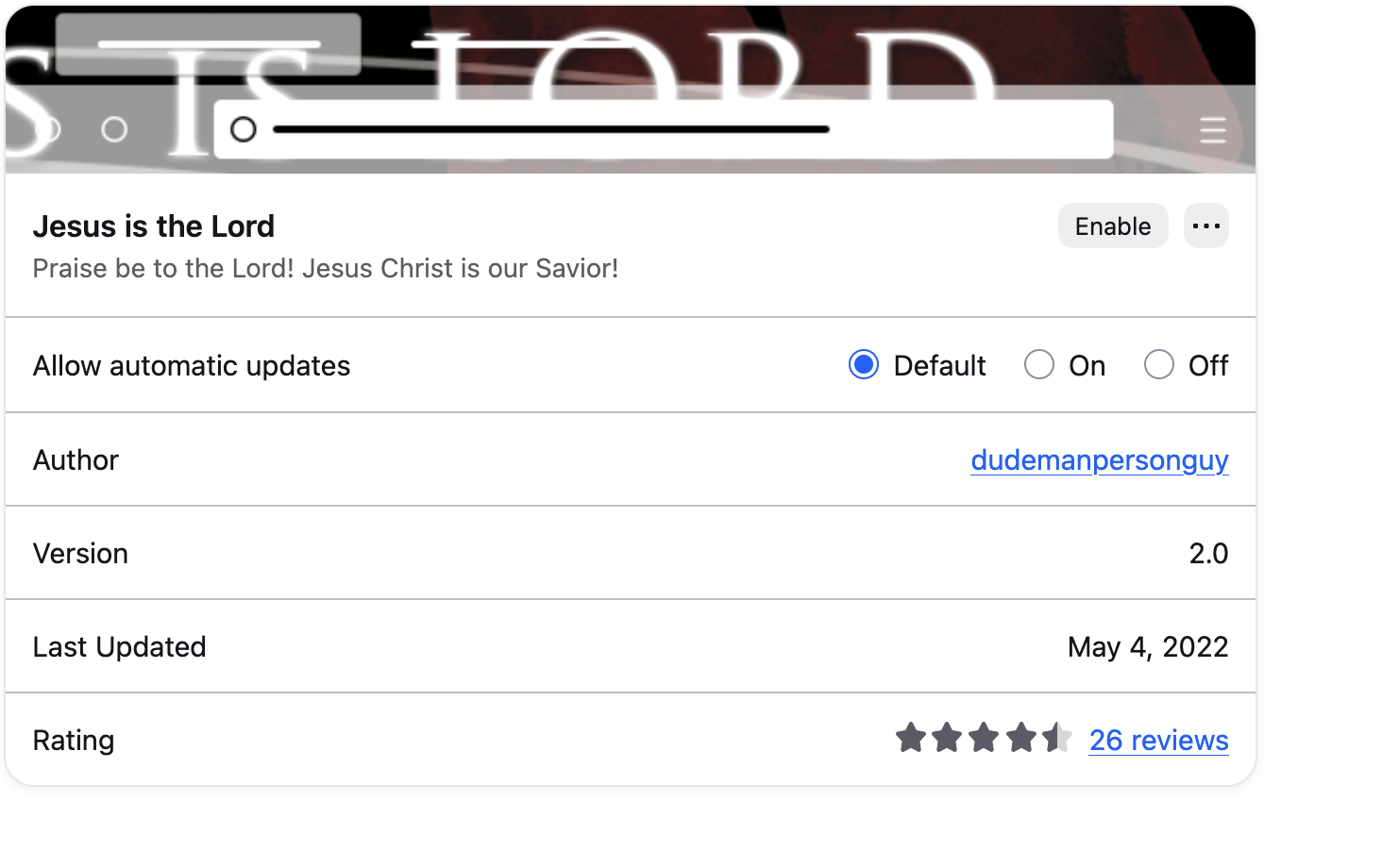
Great, thank you. Just from the small snippet of the browser setting page captured it's visible that the luminosity is inferred correctly and the browser "knows" the correct light setting. There has been an issue when Tahoe came out with something stuck on the macOS side, but with this exact theme you shared now I can easily see the same what you see even on older macOS systems — so that's something to investigate.
For now the only option seems to be switching away to another theme that doesn't trigger the dark system dialogs (notably: the default light factory themes should show the expected light file pickers), I'll post any updates once I learn anything new.
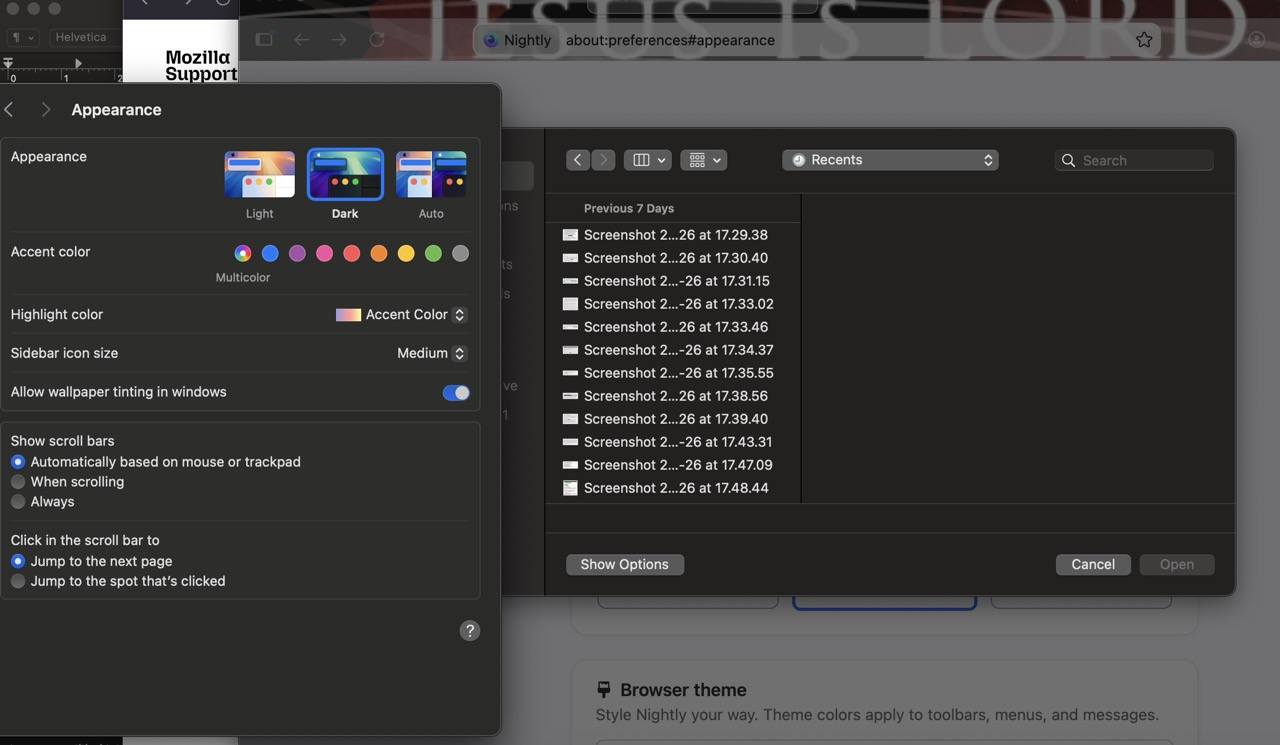
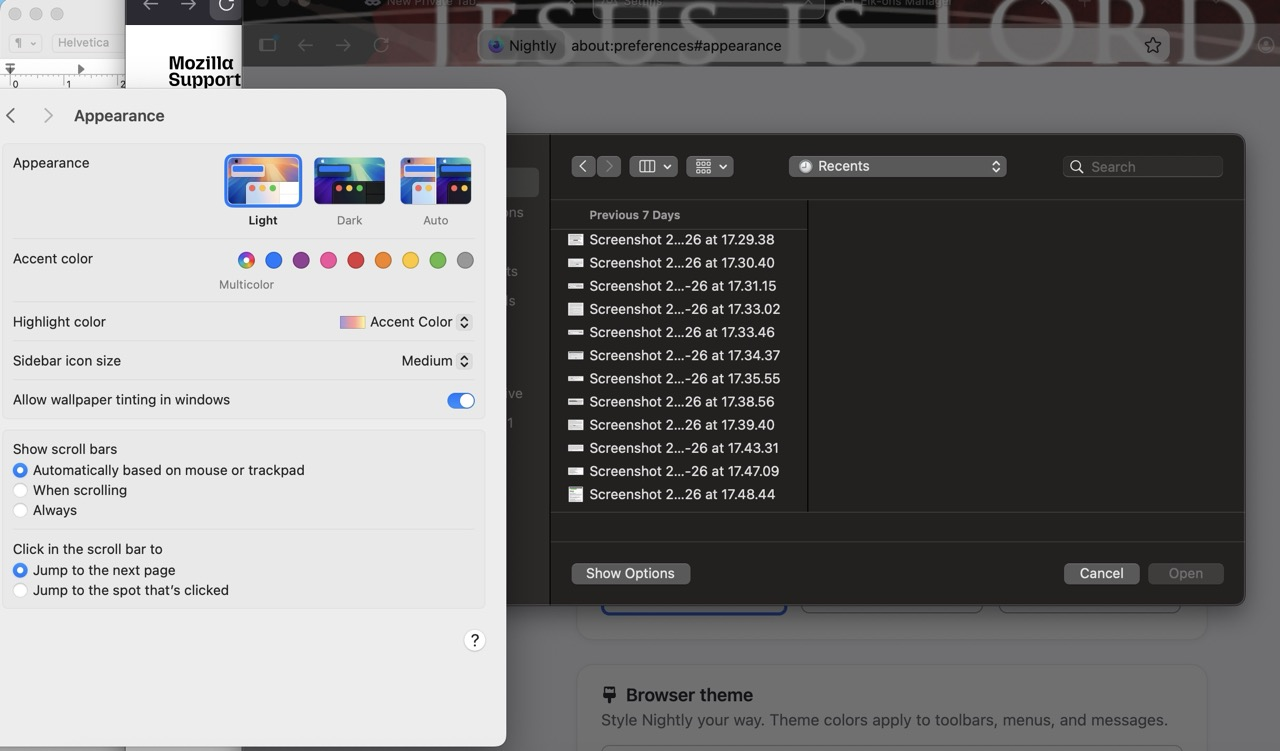
Carol, would you remember what color was your Firefox menu, and whether that also changed at some point recently? I see it dark on my end:
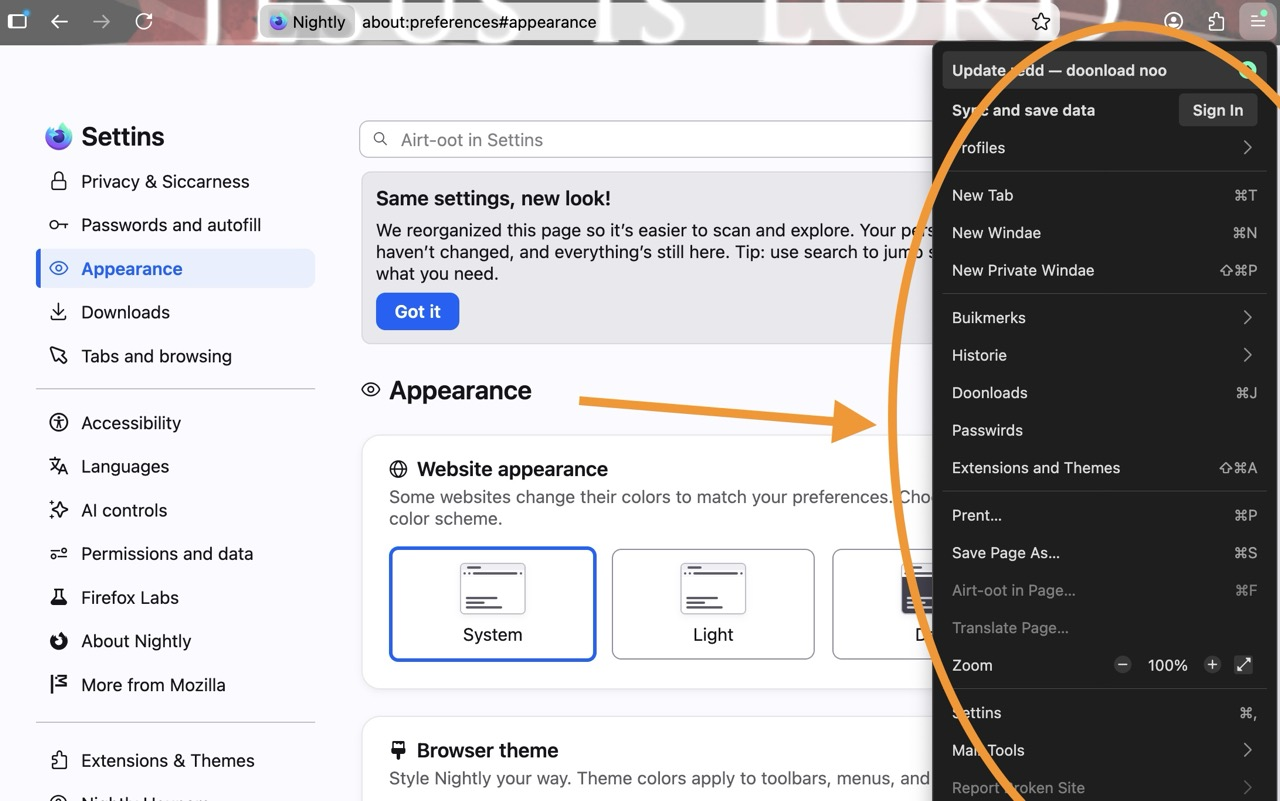
No, the firefox menu was light/white. it was not dark Thanks, Carol
So while I was not able to find any version going way back regarding the app menu, which seems to be set on the theme level (and also context menu theming that I'm still looking into how it gets influenced) — I did find the change to the platform file pickers on macOS: more details e.g. in bugzilla.mozilla.org/2043447
This system has changed for Mac integration (security/stability) reasons, and the resulting color scheme is most likely an unknown side effect.
I'm gathering more data to file a bug, to see if there's a good comparison to the luminosity decisions applied on the older screen or it works differently. Sorry, no better news for now, just that the new macOS dialog system needs looking into further — will keep you posted if there's a way forward. Thanks for reporting this!
I've investigated more where the color scheme comes from and filed bugzilla.mozilla.org/2056567
No idea what to do with it currently, as it seems to match the other panels (as bookmarks/library) however since it also appears to affect some other workflows not even involving custom theming, there might be some traction.