


Authentication errors when trying to send outgoing messages

Hi there,
When attempting to send emails through Thunderbird, I get the following error messages:
Login to server smtp.long-mcquade.com with username X@long-mcquade.com failed.
Sending of the message failed. Unable to authenticate to Outgoing server (SMTP) . Please check the password and verify the ‘Authentication method’ in ‘Account Settings | Outgoing server (SMTP)’.
When testing the server connection in server settings and outgoing server settings, I successfully establish a connection, yet I am still unable to send messages.
(PII redacted by moderator)
由Ed于修改
所有回复 (9)
Do the email provider's SMTP requirements match the thunderbird settings? That's the first place to check.
I'm not sure how to check my email provider's SMTP requirments. I do know that my Thunderbird settings are identical to my coworkers and they are able to send emails no problem.
Well, you an usually find on their website or ask. You can also compare yours to your coworkers. I placed a screenshot here to show where the SMTP settings are located.
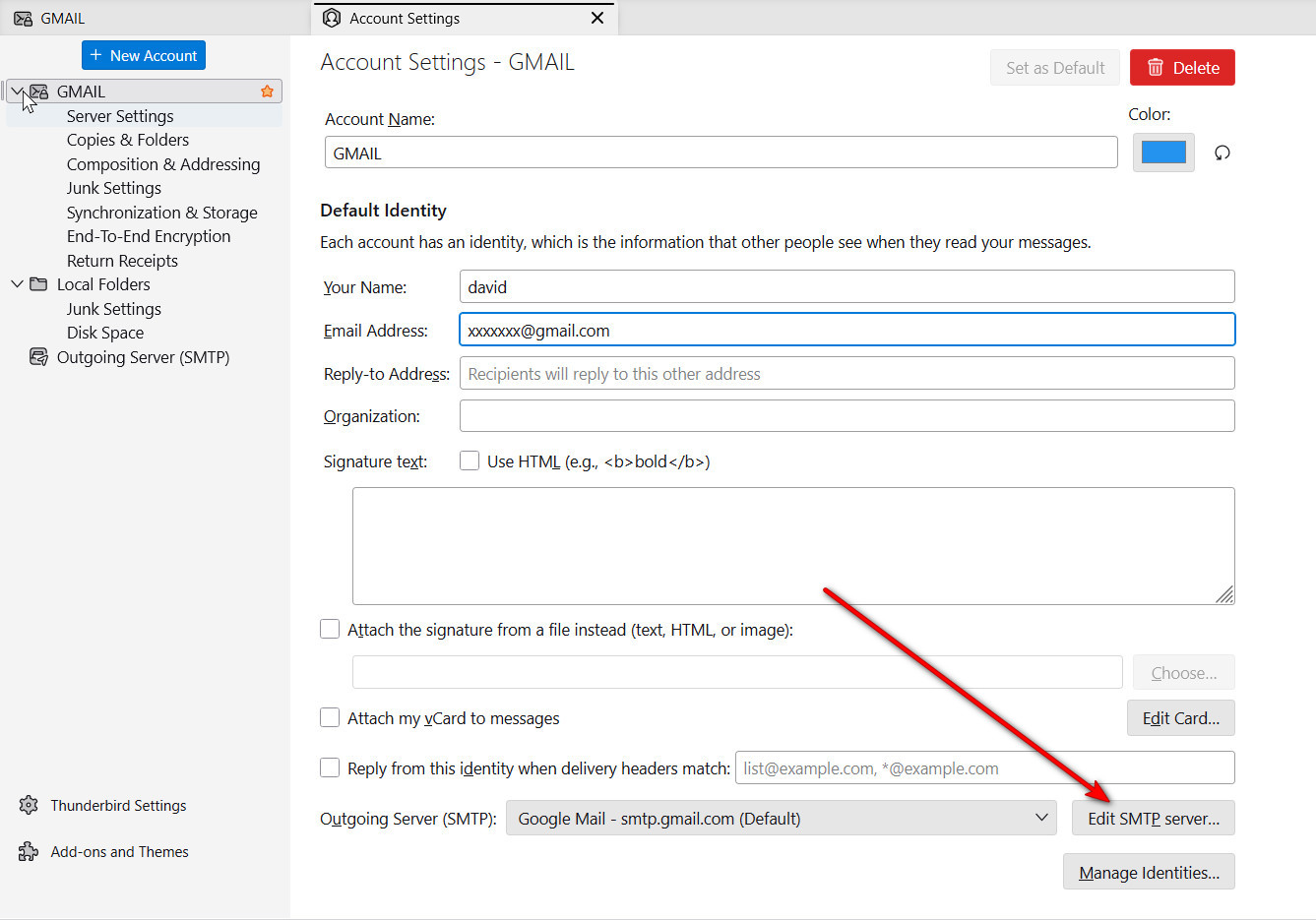
Mine looks a bit different than yours. "Edit SMTP server" says "Edit outgoing server" instead, but I feel like that doesn't much matter.
My settings here are identical to my coworkers.
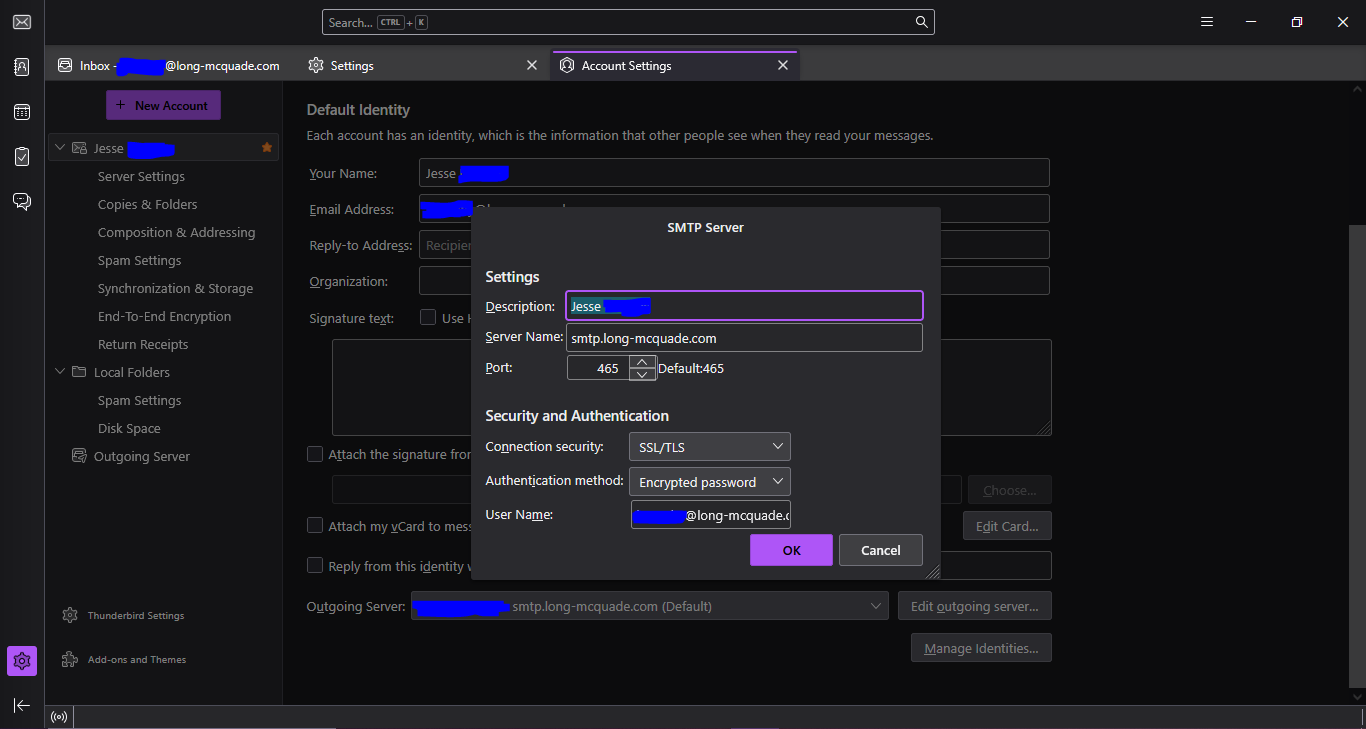
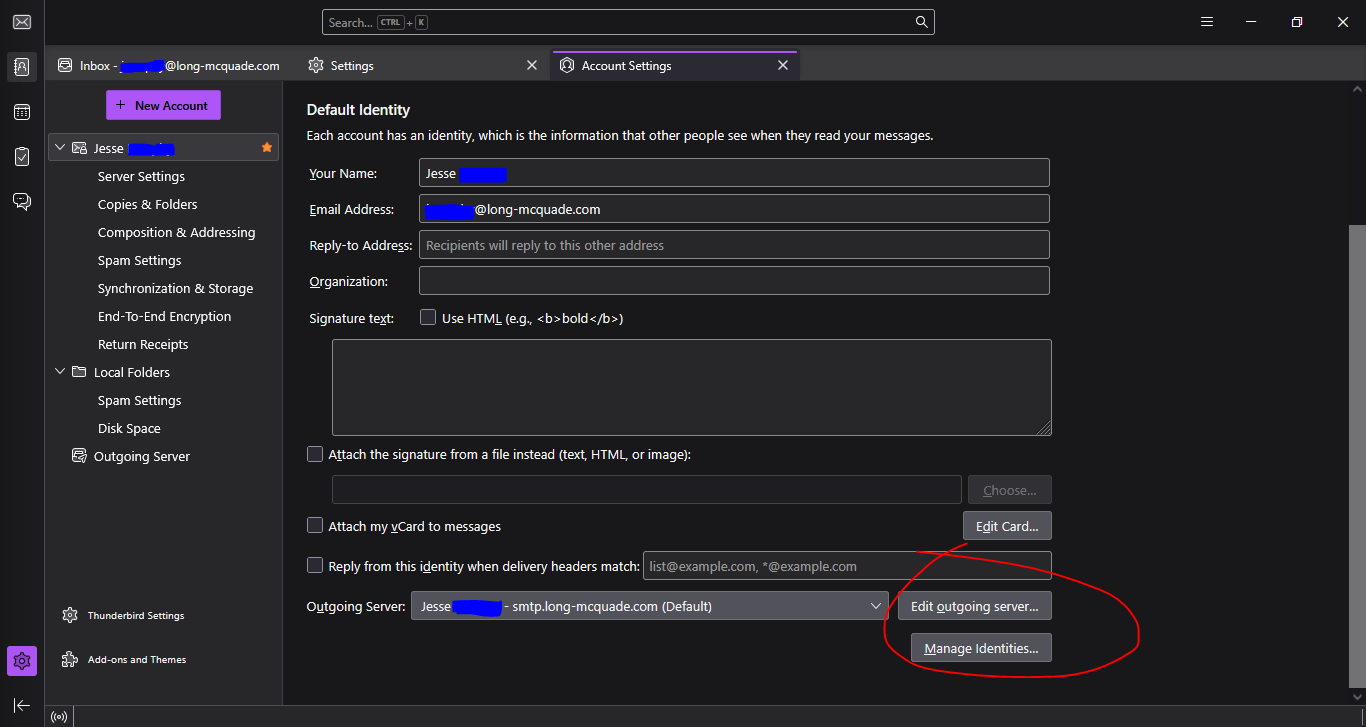
What you've shared is that there is nothing wrong. One thing you could do is click settings>privacy&security, click savedpasswords and then showpasswords and then highlight all rows for the account and delete them. That removes any passwords that may have been stored. Shut down and restart and you should be prompted for password.
Are you sure the authentication method is 'Encrypted password'? That's fairly uncommon. Try 'Normal password', which is the choice for what I think is your host (Bell Business).
I have tried both normal and encrypted password, doesn't make a difference. I've contacted our IT department about it because I'm positive it's not a Thunderbird issue at this point. Has to be server related. Regardless, I appreciate the help thus far.
Before looking for server issues, run Windows in safe mode to eliminate startup apps such as VPN, AV that might be blocking TB (typical).
Safe mode unfortunately changed nothing