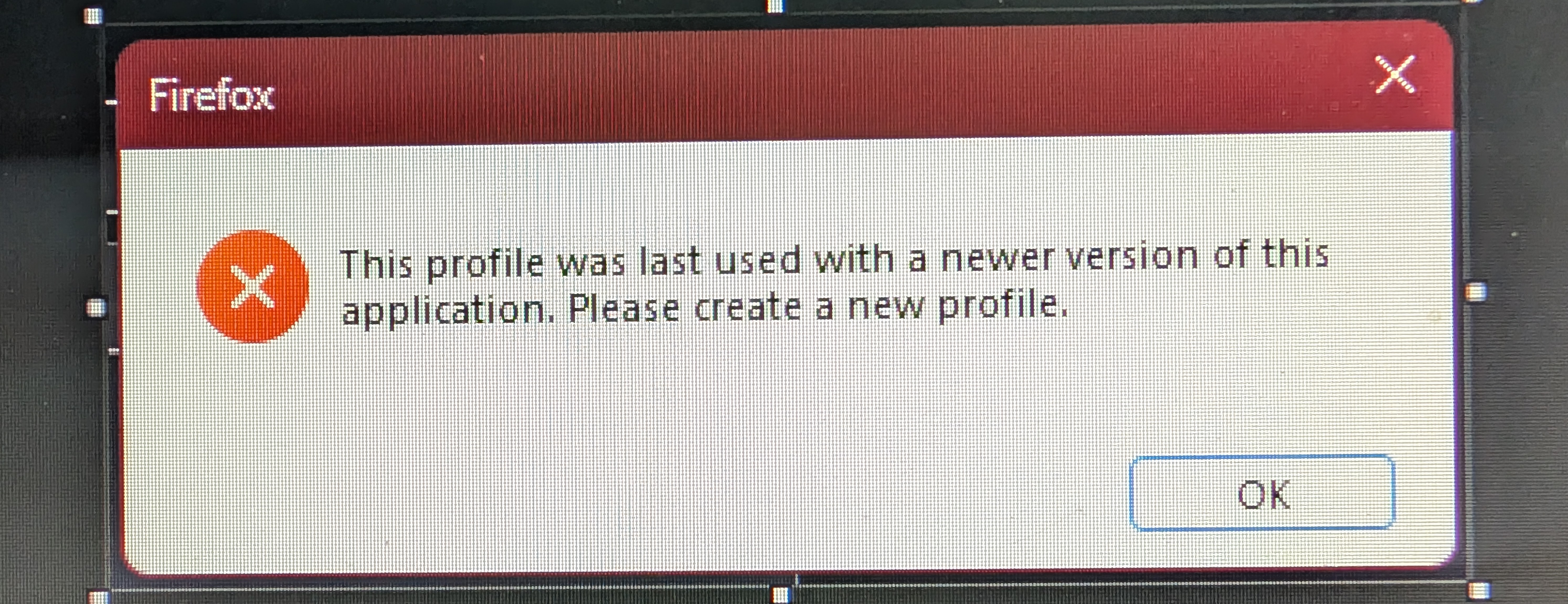
keeps saying profile was created with an older version...
Hi,
My Firefox had auto updated to the newer version with AI built-in and auto-enabled, which meant the browser would crash EVERY. SINGLE. TIME. I would launch it.
For perspective, I am running an old Lenovo Thinkcentre mini PC with an Intel i5 6th gen and 16gb of ram; its got Windows 11 installed, and always running out of memory with the simple things like browsing and word processing. This is NOT a PC or use-case that needs or warrants AI.
So, I uninstalled Firefox (149) and installed the latest version WITHOUT AI built-in (147).
I then synced my profile, and things ran fine. An hour passed, and then i kept getting an error, saying my profile was created with whatever and I need to create a new profile.
So, I created a new profile and synced, again, and I got the error, AGAIN...
I'm about to boycott Firefox on all the devices I control, and opt for an older version of Opera or something more obscure, so that I don't have to deal with this nonsense.
所有回复 (2)
We're sorry to hear that your Firefox seems to be crashing when you open it. Please perform the following steps to give us a crash report ID that helps us find out more about the cause of the crash.
- On the keyboard, press [Windows]
 + [R]. This should bring up a Run box that contains a text field.
- In that text field, type %APPDATA% and press Enter. An explorer window should open.
- From that explorer window, double-click on the Mozilla folder, then double-click on Firefox and then on Crash reports. Double-click on submitted.
- Now, you should see a list of files that contain reports. Go to View > Arrange Icons by > Modified to get the most recent files at the top of the window.
- Open the most recent 5 files with a text editor and copy the IDs.
- Paste each ID with bp- into the reply window on the forums.
Thanks in advance!
You can find more information and troubleshooting steps in the Troubleshoot Firefox crashes (closing or quitting unexpectedly) article.
Sorry, maybe I didn't explain it well...
The crashing was due to built-in AI in Firefox using too much RAM... AI SHOULD NOT BE ENABLED BY DEFAULT! 🤬
So I downgraded...
Now it's telling me the profile was made with a newer version and that I need to make a new profile.
See attached image.
I have deleted the profile, made a new one, then synced my account, and it still gives this error.