


Why does firefox open facebook for the homepage and new windows in every new session I have, even though I clear the link from the custom URLs and have it default to Firefox Home?
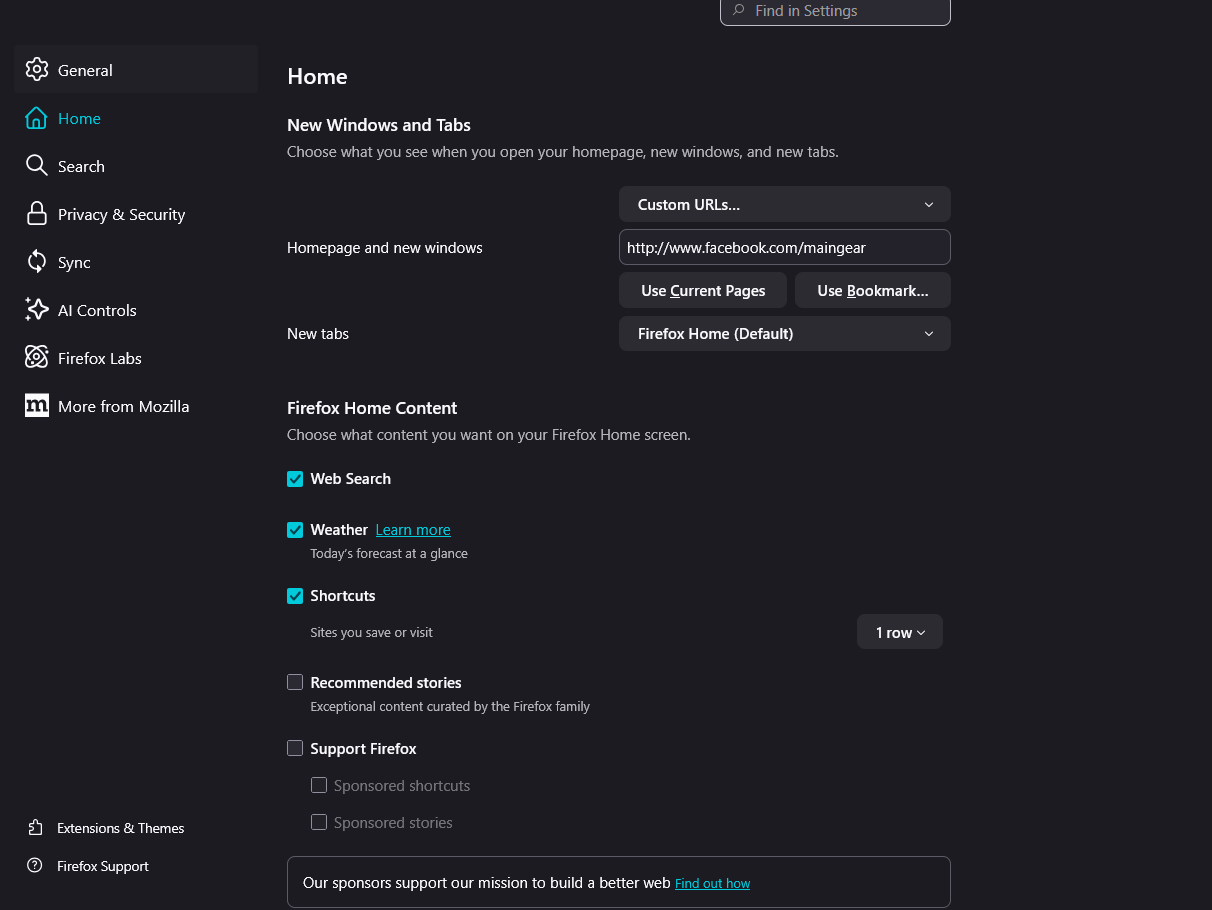
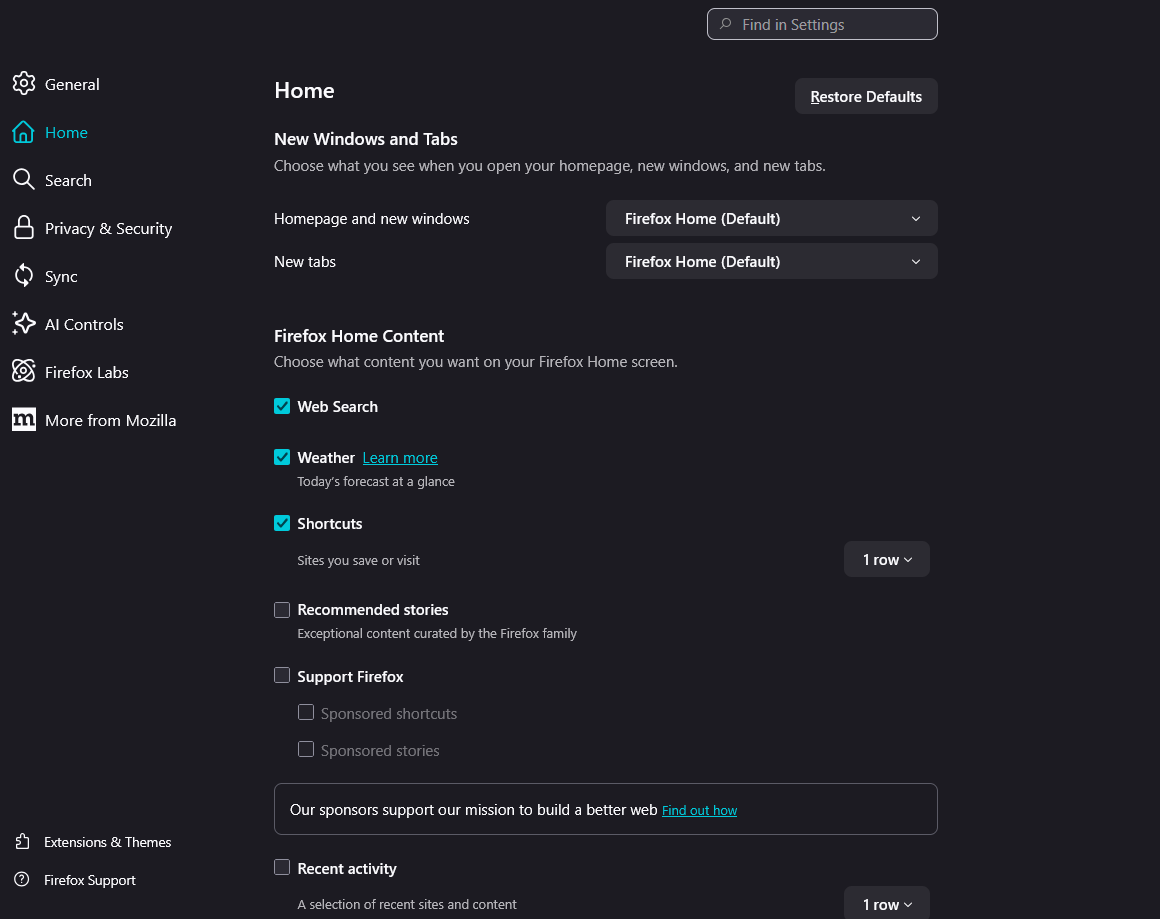
When I open firefox on my computer, it opens to a custom URL that links to a facebook page that I must've put in 5 years ago. I don't want this, and clear the link in the homepage and new windows under home in firefox settings, and switch it to firefox home (default) for "Homepage and new windows" in the firefox settings.. The problem is that when I open firefox again the next day, it opens up facebook again instead of a browser firefox tab and the "homepage and new windows" is under custom url with that facepage page url. I am a new firefox user and want to continue to use firefox but this is a headache.
I am on windows 11 home, and using a gaming tower if that is of any help.
Thank you for any help. I appreciate it :)
所有回复 (1)
You can check whether you have a user.js file in the profile folder to initialize prefs each time Firefox starts. Note that "Help -> More Troubleshooting Information" (about:support) shows whether this file exists.
You can use the button in "Help -> More Troubleshooting Information" (about:support) to go to the current Firefox profile folder or use the about:profiles page (Root directory).
- Help -> More Troubleshooting Information -> Profile Folder/Directory:
Windows: Open Folder; Linux: Open Directory; Mac: Show in Finder - https://support.mozilla.org/en-US/kb/profiles-where-firefox-stores-user-data
You can check its content with a text editor (right-click: "Open with"; do not double-click). The user.js file is read each time Firefox is started and initializes preferences to the value specified in this file, so preferences set via user.js can only be changed temporarily for the current session.
You can delete the user.js file if you didn't create this file yourself.