


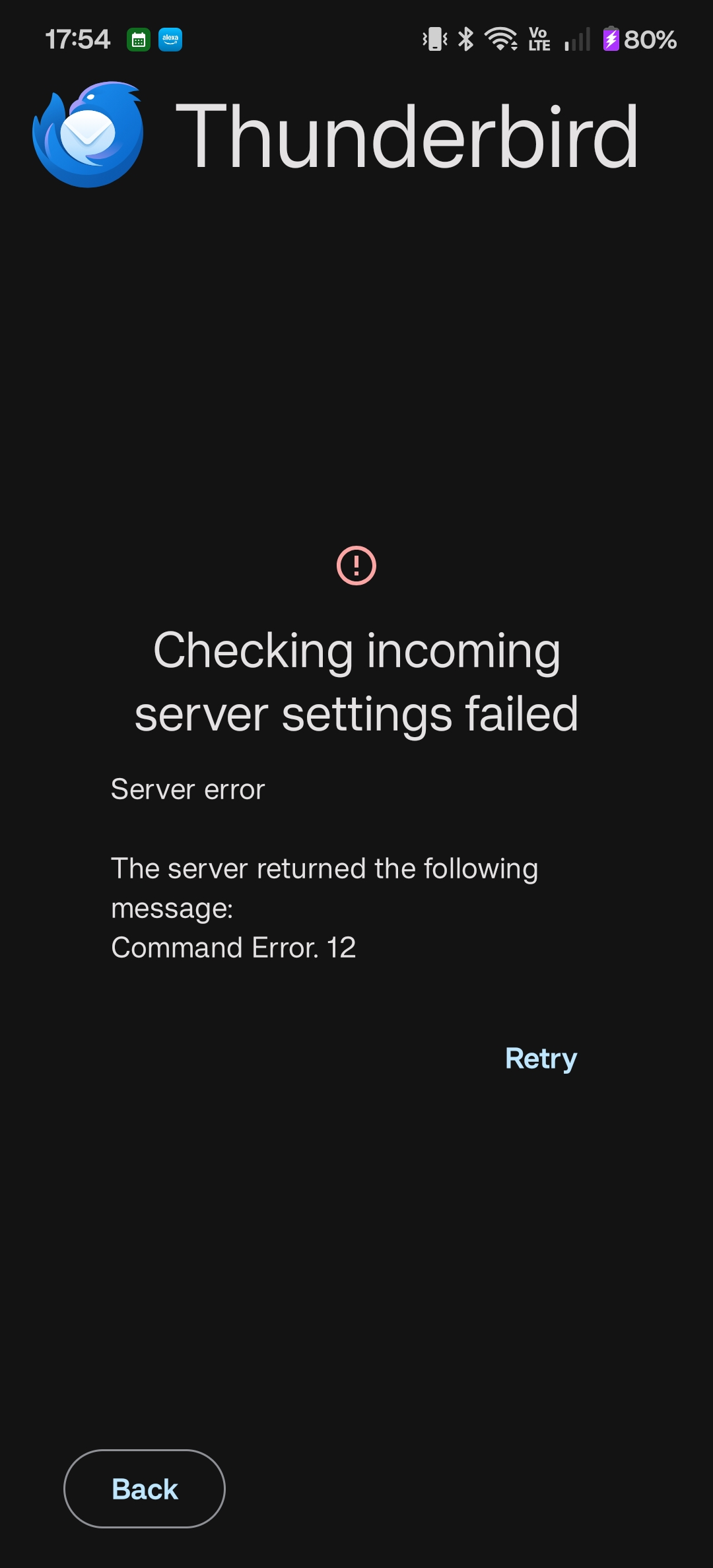
Command error 12 with adding Outlook account to Thunderbird

Would love if someone could please help me with this. It worked perfectly fine adding one Outlook account but this one for some reason just isn't working. It'll bring me to the Outlook sign in to give permissions then throws the error (attached image)
被采纳的解决方案
Hi,
I did eventually figure out a solution - for some reason IMAP needed to be enabled (despite not being needed for other Outlook accounts) but can specifically only be done via the settings of the desktop browser version of Outlook.
定位到答案原位置 👍 0所有回复 (2)

I replied to the same query this morning on github, possibly your own.
https://github.com/thunderbird/thunderbird-android/issues/10372#issuecomment-3943471486
Internet reports seem to point to server side issues, rather than a client issue.
- A Microsoft-side IMAP server issue or misconfiguration.
- Temporary server rejection due to high load or brief service interruption.
- Throttling when a client sends many IMAP commands in a short time.
- Older exchange server that doesn't support newer IMAP commands such as ID and Move.
选择的解决方案
Hi,
I did eventually figure out a solution - for some reason IMAP needed to be enabled (despite not being needed for other Outlook accounts) but can specifically only be done via the settings of the desktop browser version of Outlook.