


Our systems have detected unusual traffic from your computer network

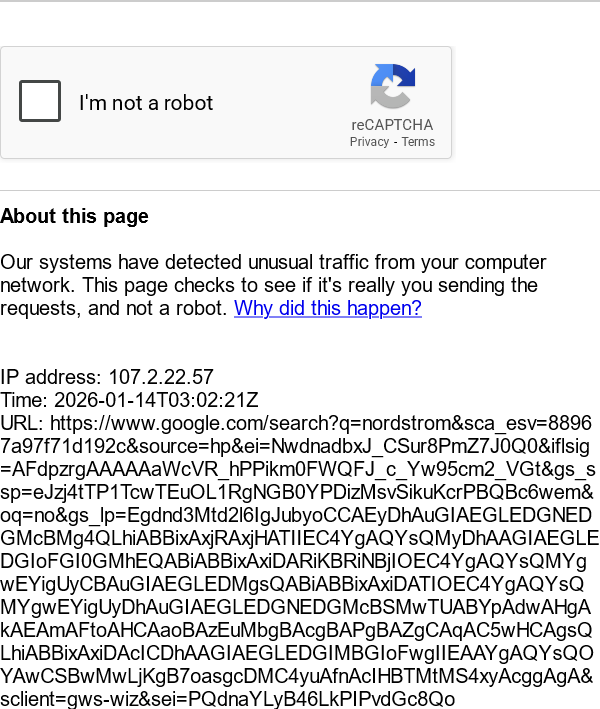
When I try to make a Google search I get the following message, "I'm not a robot" with a reCAPTCHA: "Our systems have detected unusual traffic from your computer network. This page checks to see if it's really you sending the requests, and not a robot. Why did this happen?". This happens on Firefox, but not Chrome or Edge. If I 'Allow' Google in the 'Exceptions - Cookies and Site Data' then I do not get the message, but it takes several seconds for Google display the resulting page. However, if I delete the cookies/cache the message will return and I have to redo the reCAPTCHA. I have scanned with Malwarebytes, Bitdefender, Hitman Pro, Trend Micro House Call and Microsoft Defender, nothing detected. Running Win 10 (64) with 'Extended Security Updates', Firefox 147.0 (64), no additional Extensions or Plugins. Also I uninstalled and reinstalled Firefox.
所有回复 (5)

Same here after updating to 147. Very annoying. I see reports on reddit of people asking the same question
Hi,
Sorry for that. Some number of users report that as well (including myself), and the devs are currently looking into it.
Do you use any add-ons? If so, what exactly? Could you please try disabling them (on Firefox level)? (Running Firefox in Troubleshoot Mode should do it for you.) For me, disabling AdGuard Adblocker resolved the issue. Maybe something similar is the cause in your case as well?
I have tried disabling all extensions (NoScript and Firefox VPN). I have had no VPN active any time as I only use it occasionally. Also tried troubleshooting mode and a new profile. Both still had the same issue with first searching from the URL and search bar. No issue before 147.
Hey, do you still face the issue?
Google should've (temporarily?) resolved the issue on their side. For reference, it's now tracked under bug 2010196.
Yes, it has been resolved. I made no changes from yesterday and this morning and no more reCAPTCHA appears. Thanks