Firefox crash when on duelingbook.com (Linux)

The website always crashes within 1-3 minutes after trying to open duellingbook.com I have tried everything I could think of to fix it, from Refresh Firefox to uninstalling and reinstalling it completely Here is the latest crash report ID: bp-42f954e4-b840-4e85-8077-64fc70260106
所有回复 (5)
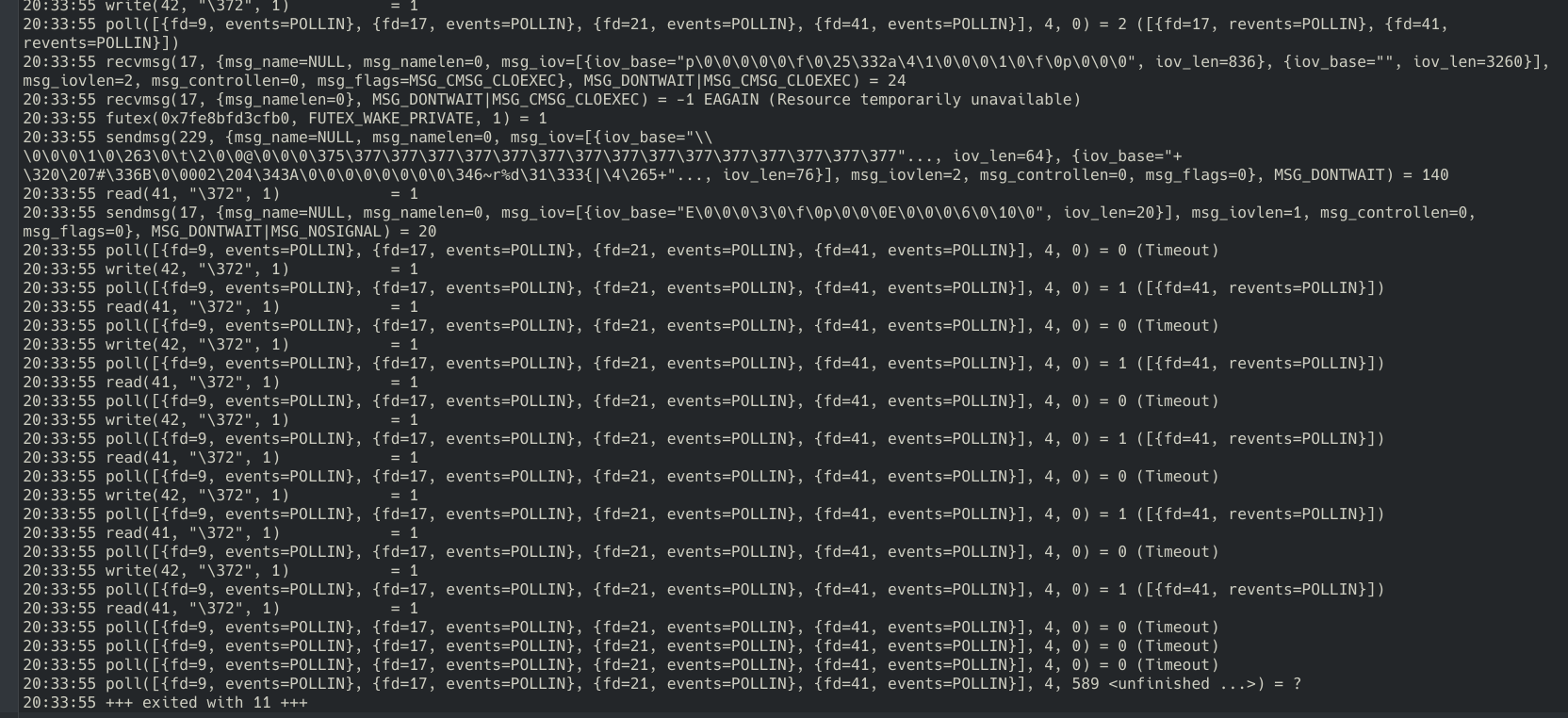
This works for me. see screenshot
https://www.duelingbook.com/
Looks like you have 1 too many Ls in the address. If no other questions, mark it as resolved and get back to it. ;-))
Operating System: openSUSE Tumbleweed 20260103
KDE Plasma Version: 6.5.4
KDE Frameworks Version: 6.21.0
Qt Version: 6.10.1
Kernel Version: 6.18.2-1-default (64-bit)
Graphics Platform: X11
Processors: 12 × Intel® Core™ i7-9850H CPU @ 2.60GHz
Memory: 128 GiB of RAM (125.1 GiB usable)
Graphics Processor: Intel® UHD Graphics 630
Manufacturer: HP
Product Name: HP ZBook 17 G6
System Version: SBKPFV3
由jonzn4SUSE于修改
I did accidentally add one too many l in the address while typing it out in the message, but the website still does crash firefox when using it. This is not resolved.
Okay. I'm on another computer and not seeing the issue with my distro version nor Mozilla version of Firefox.
What desktop? Does it happen on a different desktop? X11 or wayland? Does it happen on your OS via a live usb stick? https://wiki.archlinux.org/title/USB_flash_installation_medium
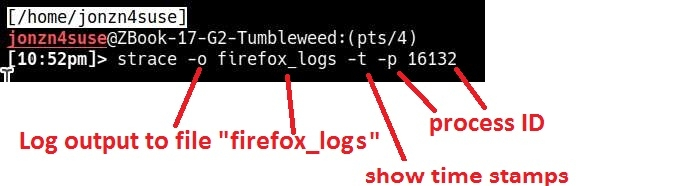
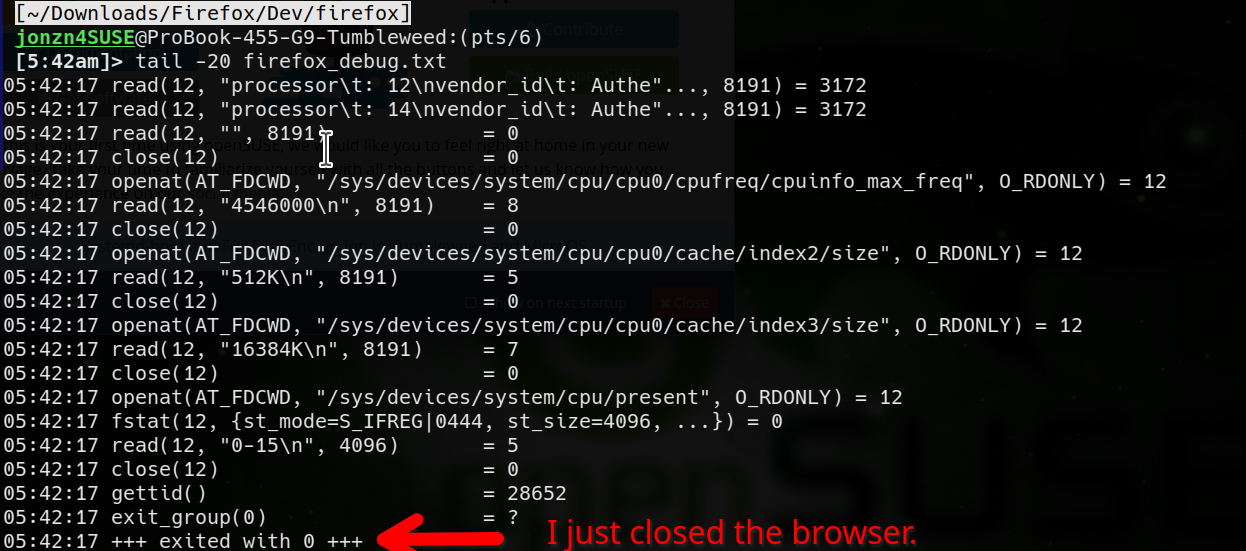
You can also run strace to see what happens when it goes boom and then open a bug to have devs look at the results. strace -t -o firefox_debug.txt firefox & The 2nd screenshot shows why the browser closed in the output file firefox_debug.txt.
Try downloading Firefox from Mozilla. Download, unzip, and run firefox-bin from the folder and see if you have the same issue. https://www.mozilla.org/en-US/firefox/all/#product-desktop-release
Operating System: openSUSE Leap 15.6
KDE Plasma Version: 5.27.11
KDE Frameworks Version: 5.115.0
Qt Version: 5.15.12
Kernel Version: 6.4.0-150600.23.81-default (64-bit)
Graphics Platform: X11
Processors: 16 × AMD Ryzen 7 PRO 6850HS with Radeon Graphics
Memory: 62.1 GiB of RAM
Graphics Processor: AMD Radeon Graphics
Manufacturer: HP
Product Name: HP EliteBook 865 16 inch G9 Notebook PC
由jonzn4SUSE于修改
Here's the full detail of the laptop
Operating System: Arch Linux KDE Plasma Version: 6.5.4 KDE Frameworks Version: 6.21.0 Qt Version: 6.10.1 Kernel Version: 6.18.3-arch1-1 (64-bit) Graphics Platform: Wayland Processors: 12 × 13th Gen Intel® Core™ i5-1335U Memory: 16 GiB of RAM (15.3 GiB usable) Graphics Processor: Intel® Graphics Manufacturer: HP Product Name: HP EliteBook 650 15.6 inch G10 Notebook PC System Version: SBKPF,SBKPFV2
I don't have another desktop nor a live USB to test either of those options, but I did try downloading Firefox from Mozilla, and I ran into the issue again, here's the crash ID this time: bp-174f0f23-59cf-46d9-a9a0-f97f70260108
I've also attached a screenshot of the last few lines of the strace output, I don't think I can attach text files here so if needed I can send the whole file in a pastebin