


Windows 10 已于2025年10月14日停止支持。如果您正在使用 Windows 10,参见 这篇文章

Windows 10 reached EOS (end of support) on October 14, 2025. If you are on Windows 10, see this article.

搜索 | 用户支持

防范以用户支持为名的诈骗。我们绝对不会要求您拨打电话或发送短信,及提供任何个人信息。请使用“举报滥用”选项报告涉及违规的行为。

详细了解
已存档

Reader view misses out first text section on our webpage

TyDraniu 已回复
liz30

On this page https://www.apc.org/en/project/member-engagement-and-travel-fund the first section of text is missed out from reader view - so that the text starts half way through the article. I understand the table will be ignored - and the internal table of contents links at the very top, but there is a paragraph in between those things that is being ignored entirely. The normal text parts should all be included for the article to make sense.

I have tried changing the markup so the paragraph was not inside the same div as the table or table of contents but this does not seem to make any difference.

Google chrome reader view handles the page fine.

Any tips no how to change markup to avoid this or is there a way to fix it?
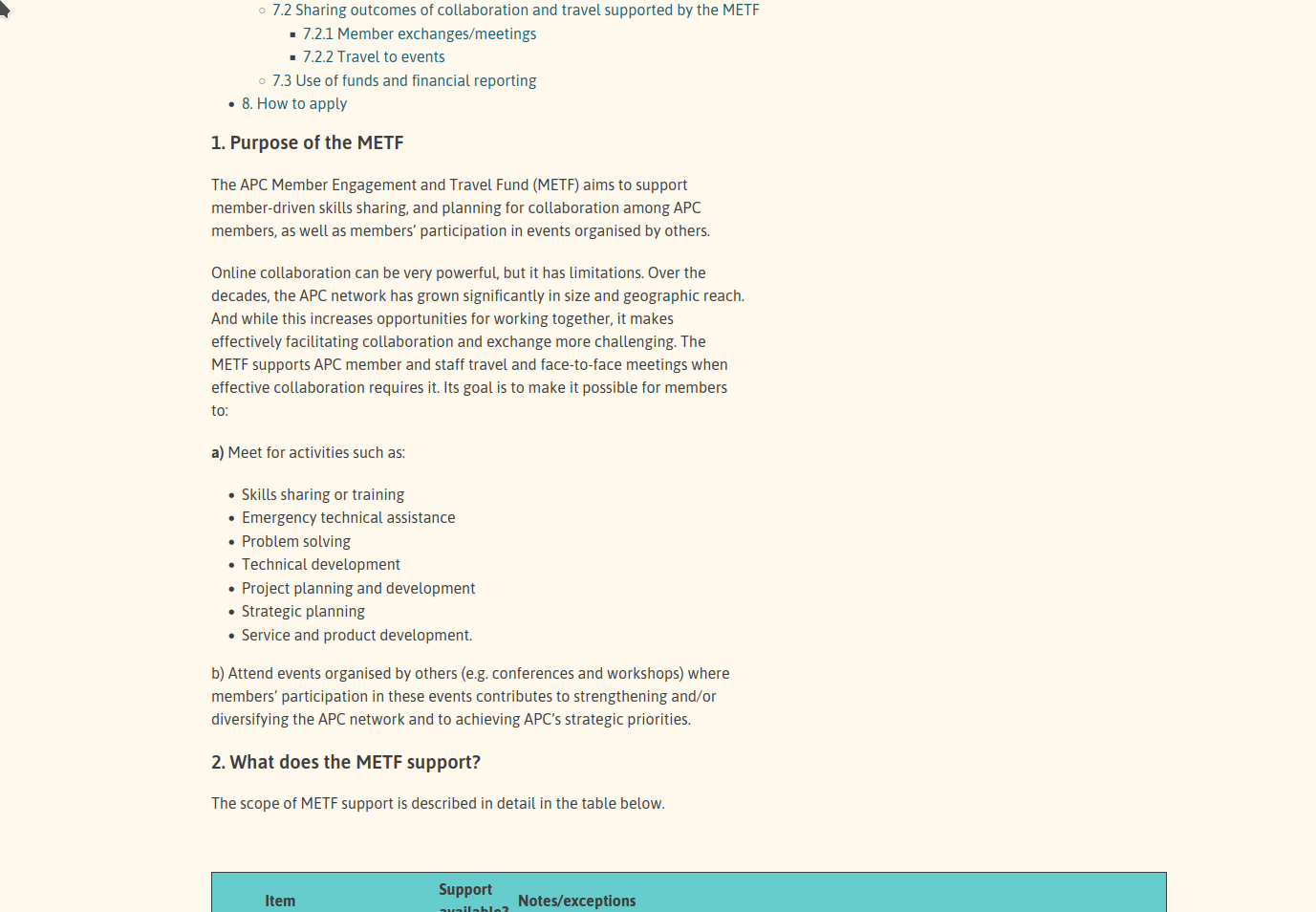
On this page https://www.apc.org/en/project/member-engagement-and-travel-fund the first section of text is missed out from reader view - so that the text starts half way through the article. I understand the table will be ignored - and the internal table of contents links at the very top, but there is a paragraph in between those things that is being ignored entirely. The normal text parts should all be included for the article to make sense. I have tried changing the markup so the paragraph was not inside the same div as the table or table of contents but this does not seem to make any difference. Google chrome reader view handles the page fine. Any tips no how to change markup to avoid this or is there a way to fix it?
已附加屏幕截图

所有回复 (1)

Hi, can you report it on https://bugzilla.mozilla.org? Thanks.