


new tab

When I open a new tab how do I get my search engine to appear in center of page instead of up top in address bar?
被采纳的解决方案
Aha, I see now. To set your new tab to a custom URL (in your case, it's probably google.com), you'll have to use an extension, such as New Tab Override.
Another option is to use Firefox Home (Default) for new tabs. It's not the same, but it also has a search box in the middle (as well as some other useful features!) You can set it in Settings -> Home -> New Windows and Tabs (at the top) -> New tabs.
定位到答案原位置 👍 0所有回复 (6)
Hi there,
Do you mean that when you start typing in the search bar on the New Tab page, the focus switches to the address bar? If so, that's currently intended. Firefox developers are working on changing that.
Hi thanks for response - what I mean is that when I first open mozilla, the home screen looks like this - see attached picture (my search engine in middle of page). then when i click on plus sign for new tab it looks like this - see attached. what i want is when i click on plus sign to open tab i want page to look just like it looks when i first open mozilla, with search engine in center of page
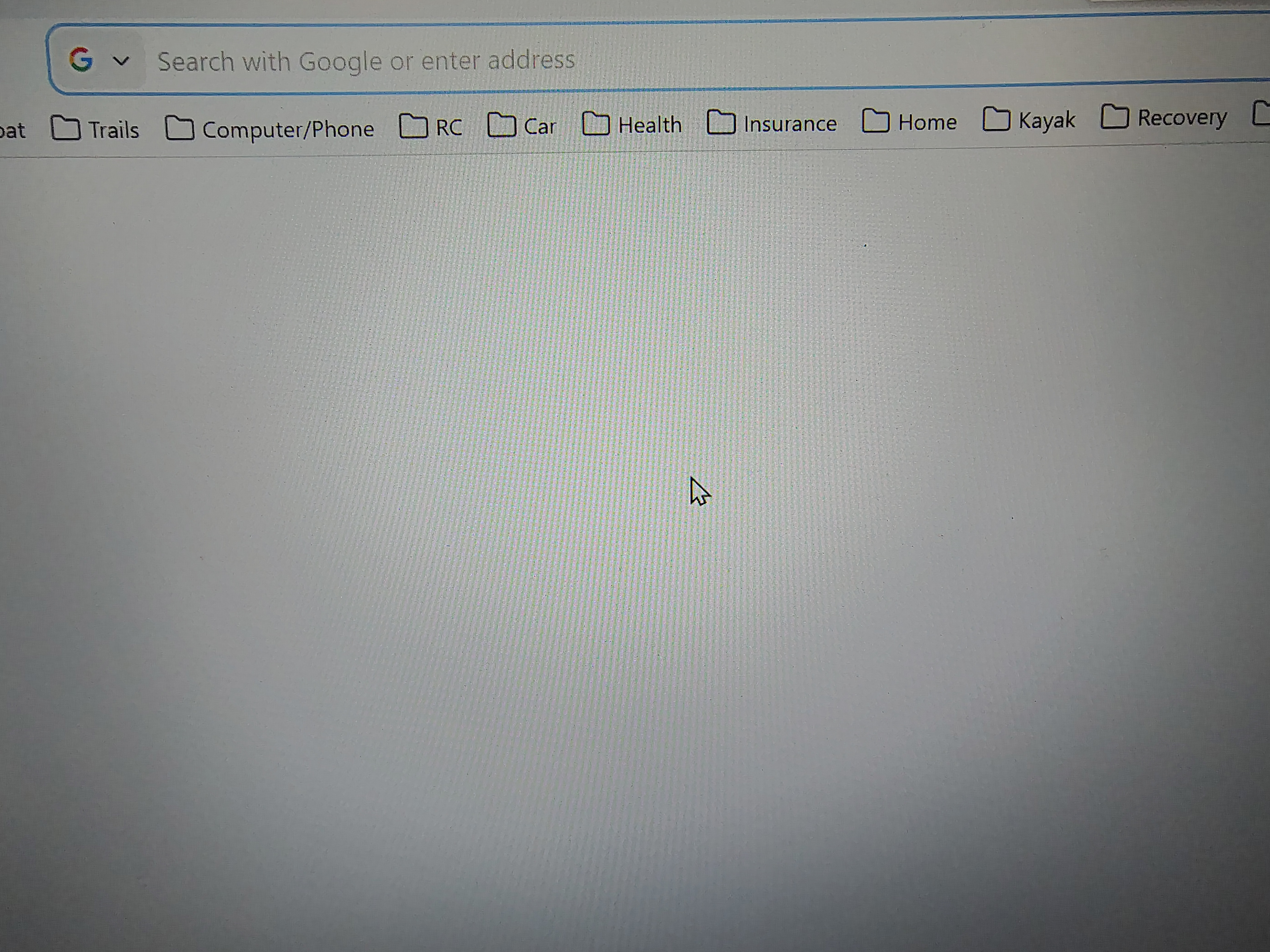
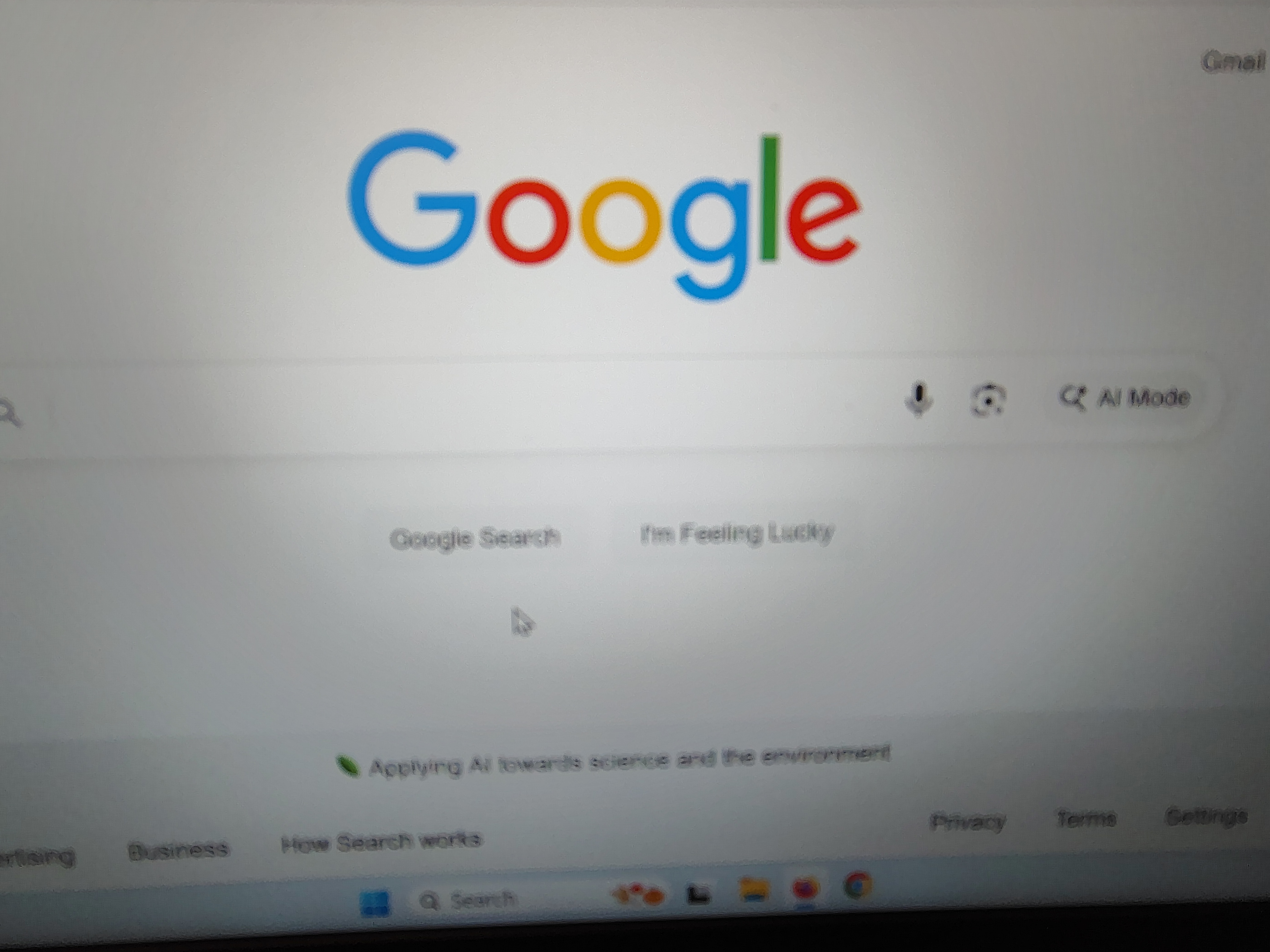
选择的解决方案
Aha, I see now. To set your new tab to a custom URL (in your case, it's probably google.com), you'll have to use an extension, such as New Tab Override.
Another option is to use Firefox Home (Default) for new tabs. It's not the same, but it also has a search box in the middle (as well as some other useful features!) You can set it in Settings -> Home -> New Windows and Tabs (at the top) -> New tabs.

harleymon69691 said
When I open a new tab how do I get my search engine to appear in center of page instead of up top in address bar?
I've tried everything to keep my typing from jumping up into the address bar when I type it into the search bar in the center of the new tab page. That is how browsers always worked before.
This can't be fixed fast enough for me. Please hurry.

Help. I do not understand the solution posted.
I am having the same problem and it's driving me crazy. I used to be able to use the search bar in the middle of the page, but now, no matter what I do, a search closes off the page search bar and sends me to the address bar. I use DuckDuck Go as my search engine. I'm on a Mac desktop using Firefox 147.0.3.
I am not tech savvy, so please could someone spell out for me in baby language what the solution is? Thanks for any help.
owlsdaughter said
Help. I do not understand the solution posted. I am having the same problem and it's driving me crazy. I used to be able to use the search bar in the middle of the page, but now, no matter what I do, a search closes off the page search bar and sends me to the address bar. I use DuckDuck Go as my search engine. I'm on a Mac desktop using Firefox 147.0.3. I am not tech savvy, so please could someone spell out for me in baby language what the solution is? Thanks for any help.
It's NOT the same problem.
Regarding your issue, unfortunately, you won't be able to change that behavior for now. Sorry for the inconvenience.
The team is working on implementing a modern embedded search UI for the New Tab. The old code has been removed to clean up space for the new one.