


Fullscreen Error with Multiple Displays when Hardware Acceleration is disabled

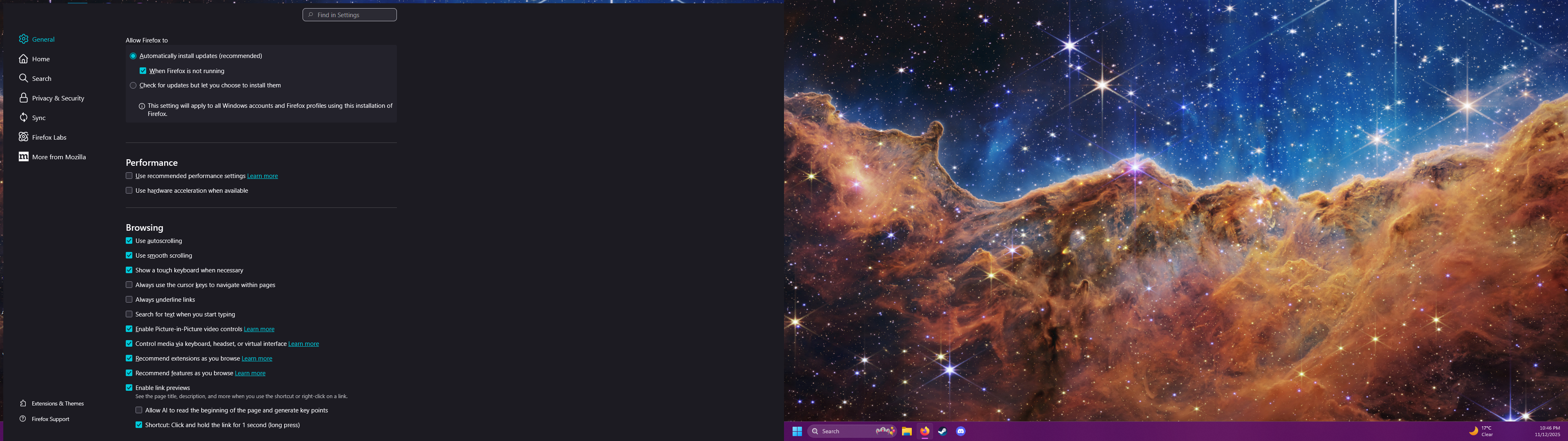
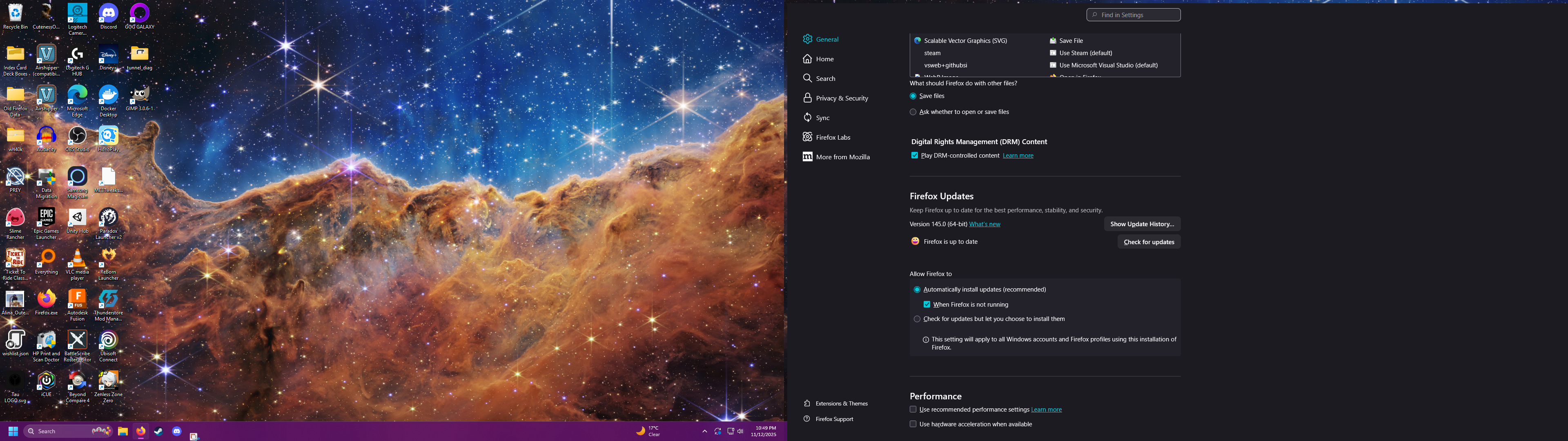
I have my desktop extended across two displays. If I disable Hardware Acceleration in Firefox, entering fullscreen causes the window to be slightly offset down and right, leaving a thin band on the top and left sides of the screen where the desktop background and taskbar are visible behind the Firefox window.
From testing I have determined that this issue does not occur if I only have one monitor enabled or the monitors are mirroring the same display. I have also determined that the issue only occurs when Hardware Acceleration is disabled.
所有回复 (2)
Hi,
Thank you for reaching out! Could you please file a bug report on Bugzilla, Mozilla's bug tracker, so that the developers can take a look? In addition to your description, it would be also helpful to include your OS and Firefox versions.
If you don't feel comfortable enough with filing a bug, just let me know, and I'll do it for you. Thank you once more for investigating and reporting the issue!
Hi there,
A quick update on the issue. It's now tracked under bug 1993474, and the fix targets Firefox 147. This version will be released on January 13.