


Lost Desktop Bookmarks
During the last desktop update I lost all of my bookmarks. I’ve tried to sync between my iPhone and desktop but when I finally got paired nothing happened with the sync from my phone to desktop
所有回复 (2)
If Firefox starts up after an update without your bookmarks and other settings, check whether your data is available in a different profile:
Inside Firefox, type or paste about:profiles in the address bar and press Enter/Return to load it. The About Profiles page will open. This page should list at least one profile and could list many.
The profile that Firefox is currently using will show:
This is the profile in use and it cannot be deleted.
Please do not delete anything here; don't use any Remove buttons.
Do you have another profile named default or default-longnumber listed on this page? If so, you can check whether it is the one you were using recently by clicking its Launch profile in new browser button.
If it isn't what you want, simply close that new window.
If it IS what you want, click the Set as default profile button for that profile on the about:profiles page. Firefox will use it automatically at the next startup.
For more information see Recover user data missing after Firefox update.
Note: If your bookmarks are not available in another Firefox profile, see Recover lost or missing Bookmarks for other solutions.
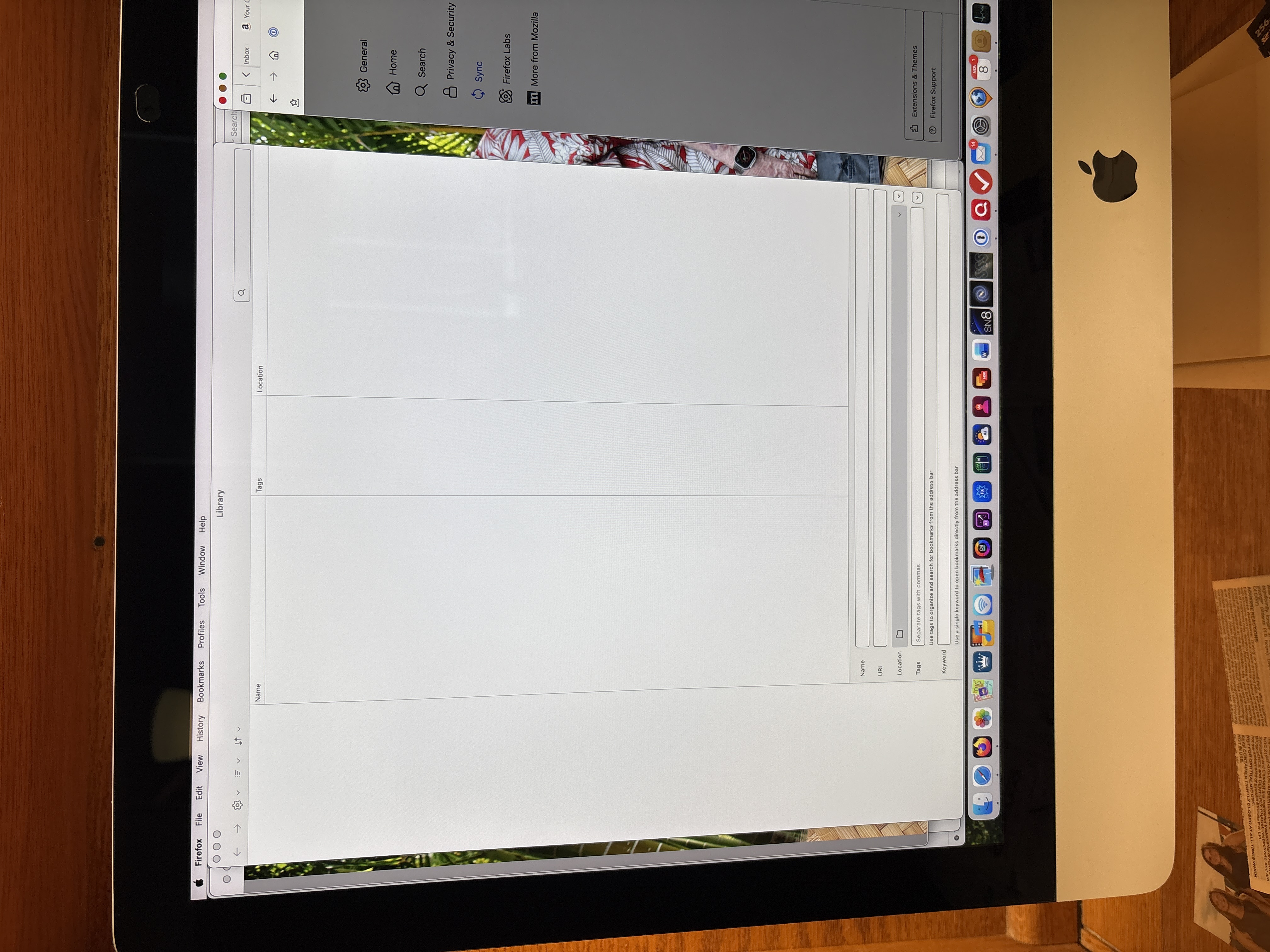
I only found one default profile with a number. I read all of the pages on restoring my lost bookmarks. I made sure that I had the bookmarks on my iPhone and did a sync with it but the bookmarks didn't sync over. I tried reinstalling bookmarks from my default profile with no luck. I do have some screenshots of my default Profile page and my Library bookmarks folder which only shows files for the last 25 days. Unfortunately, I don't know how to restore from my Library Application Support folder.
I finally decided to transfer my Safari bookmarks to Firefox. I'm missing a few bookmarks since Firefox is my default browser and will need to re-book them back. Funny thing is my original bookmarks are still on my iPhone so I'll be able to recreate them on my desktop Mac. They used to sync but don't anymore even though they are both listed under the sync page.
I can't mark your reply as resolved because it didn'tt work for me and I had already tried them on my own before posting my support request.
I'm also finding that more and more websites are not compatible with Firefox so it looks like Safari will be my new default browser. I refuse to go to Chrome so I will continue to support Firefox.
Thanks