


Printing Fails To Work on Windows 11

I have a Brother DCP-L2550DW printer that is connected via a network cable. Any other browser, i.e. Edge or Chrome, seem to be able to connect and print just fine. Firefox fails to print and there is no information about why. I have checked Event Viewer, turned off all the extensions, tried the about:config to reset printer options. Every single suggestion I've found so far fails to fix it. I have a great deal invested in using Firefox (bookmarks, etc.) so I'd like to keep it as my default browser, but not being able to print is SO annoying. Any suggestions?
所有回复 (7)

- Have you cleared saved print settings from about:support?
- Have you attempted to print in troubleshoot mode or a fresh profile?
Hello
For my part, i don't know what else to tell you.
Of course, this is not the expected answer, nevertheless, for information purposes, a other way to print.
Since Firefox 101. A new preference, print.prefer_system_dialog, was added to print using the system dialog and not the new print preview.
You can try. 1 - Go to configuration editor for Firefox https://support.mozilla.org/en-US/kb/about-config-editor-firefox 2 - Enter a search term print.prefer_system_dialog You can double-click on the preference to set the value to true
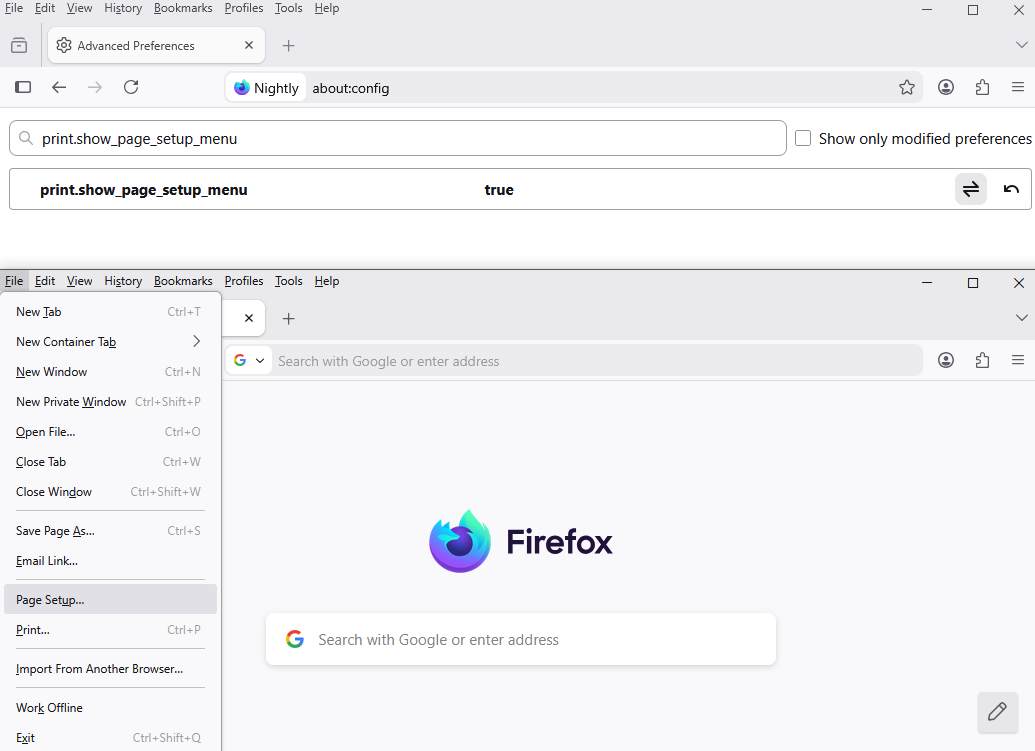
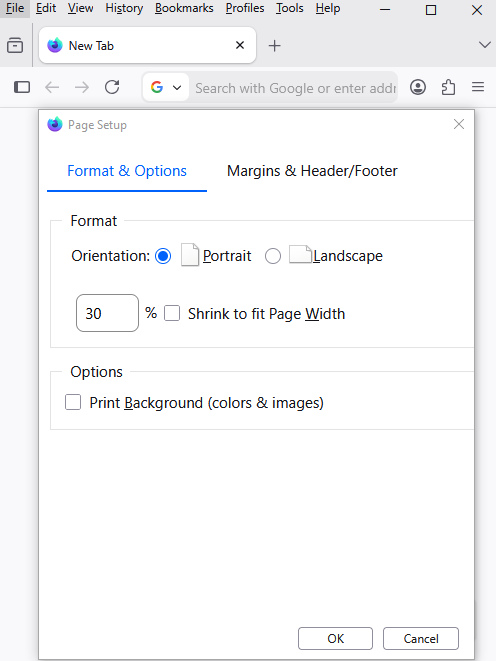
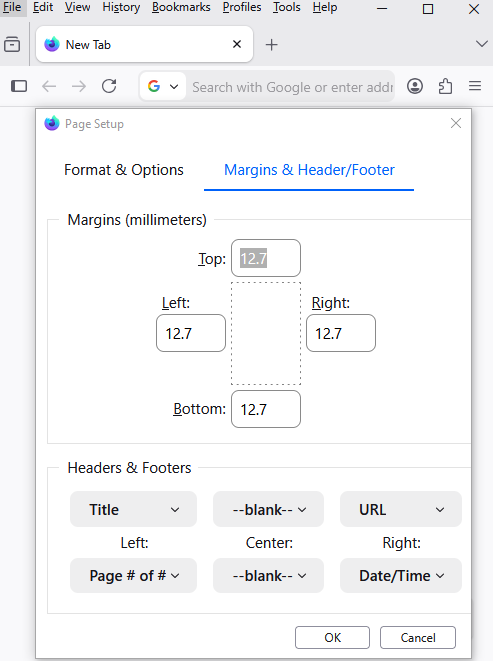
To complement, print.show_page_setup_menu, you can double-click on the preference to set the value to true
I tried all recommended troubleshooting paths, including clearing print setting in about:support and printing in troubleshooting mode. I have started Firefox in Safe Mode. I have tried printing from the System Print dialog instead of the one that is ginned up in Firefox. I have ensured that my printer drivers were up to date, then uninstalled and re-installed Firefox. Nothing has been fruitful. Edge, Brave, Chrome, Word, Excel, Notepad++, literally everything else prints without fail, it's only Firefox. After spending more than 2 hours troubleshooting, I've made the decision to just go ahead and start to migrate over to the Brave browser. I may eventually install Opera and try that too, but maybe it was just time to move on? Somehow, I feel that it's either Windows 11 (which I really despise for it's clumsiness) or else something related to my new mini PC. All of this change forced on me by good old Microsoft....
Sounds frustrating! Try clearing Firefox’s cache and printing data, then update Firefox to the latest version. Also, try printing using Firefox’s system print dialog (press Ctrl+Shift+P) instead of the default one. That often fixes weird printing issues.
It was frustrating! I decided just to ditch Firefox and move to Brave. It's good to change things up once in awhile. I may even go back to Chrome!!!