


Accessing pinned favorites issue re-occurring
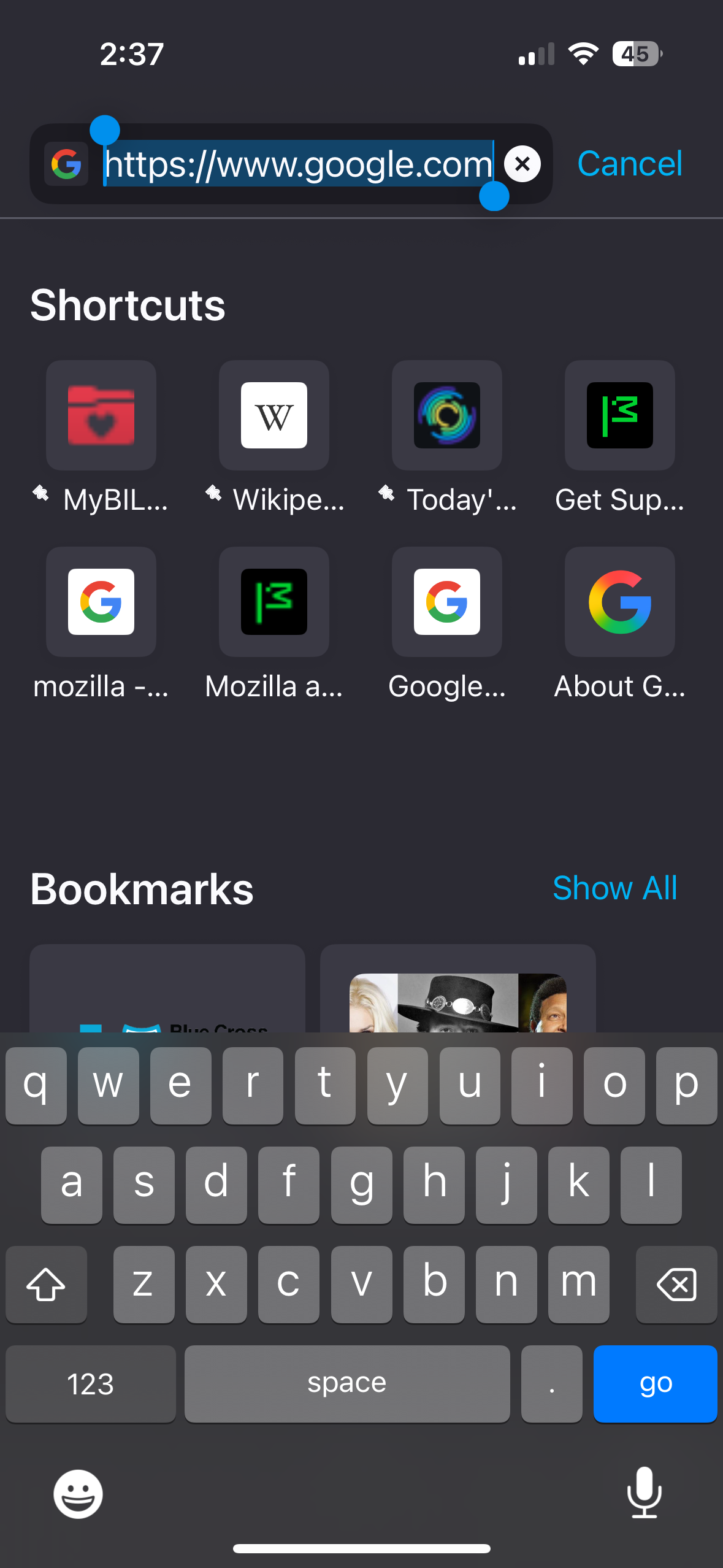
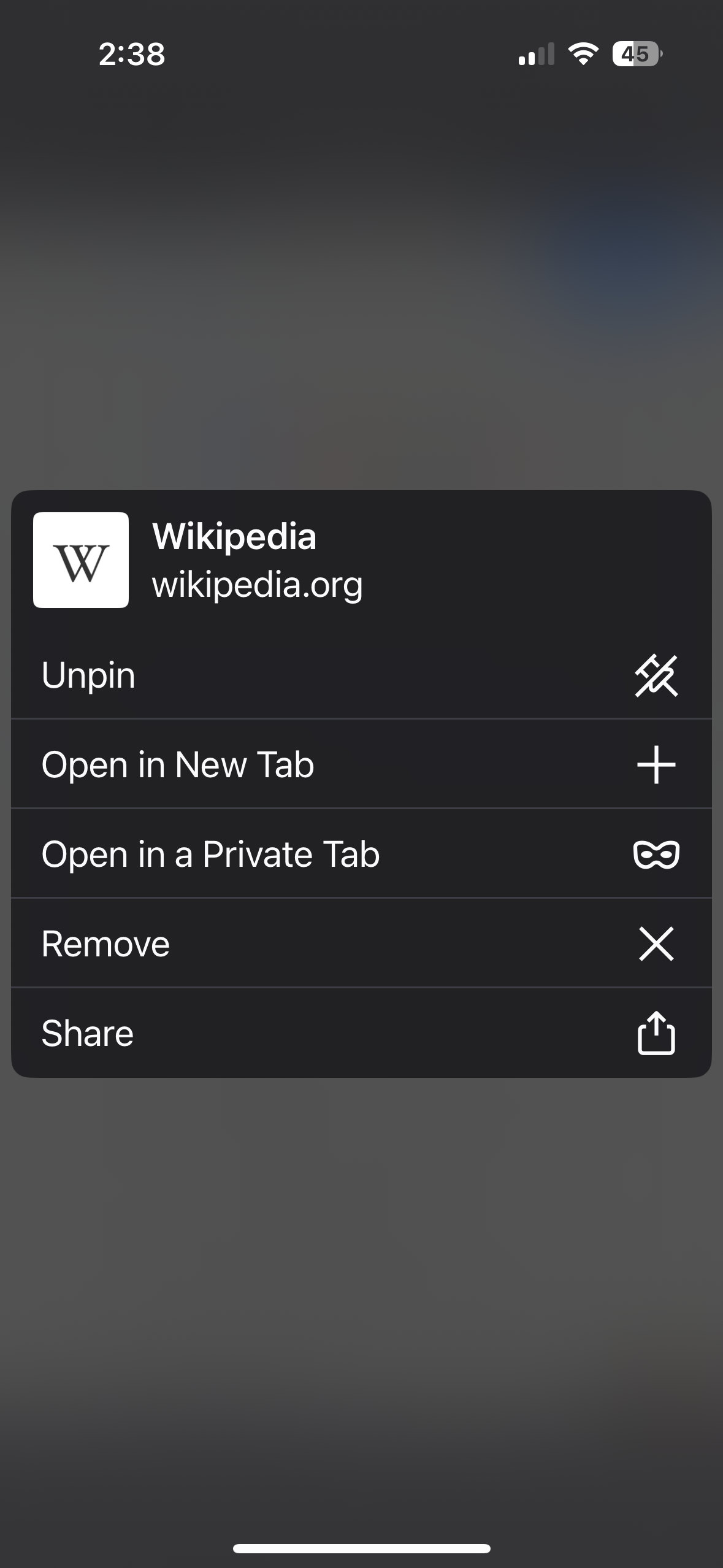
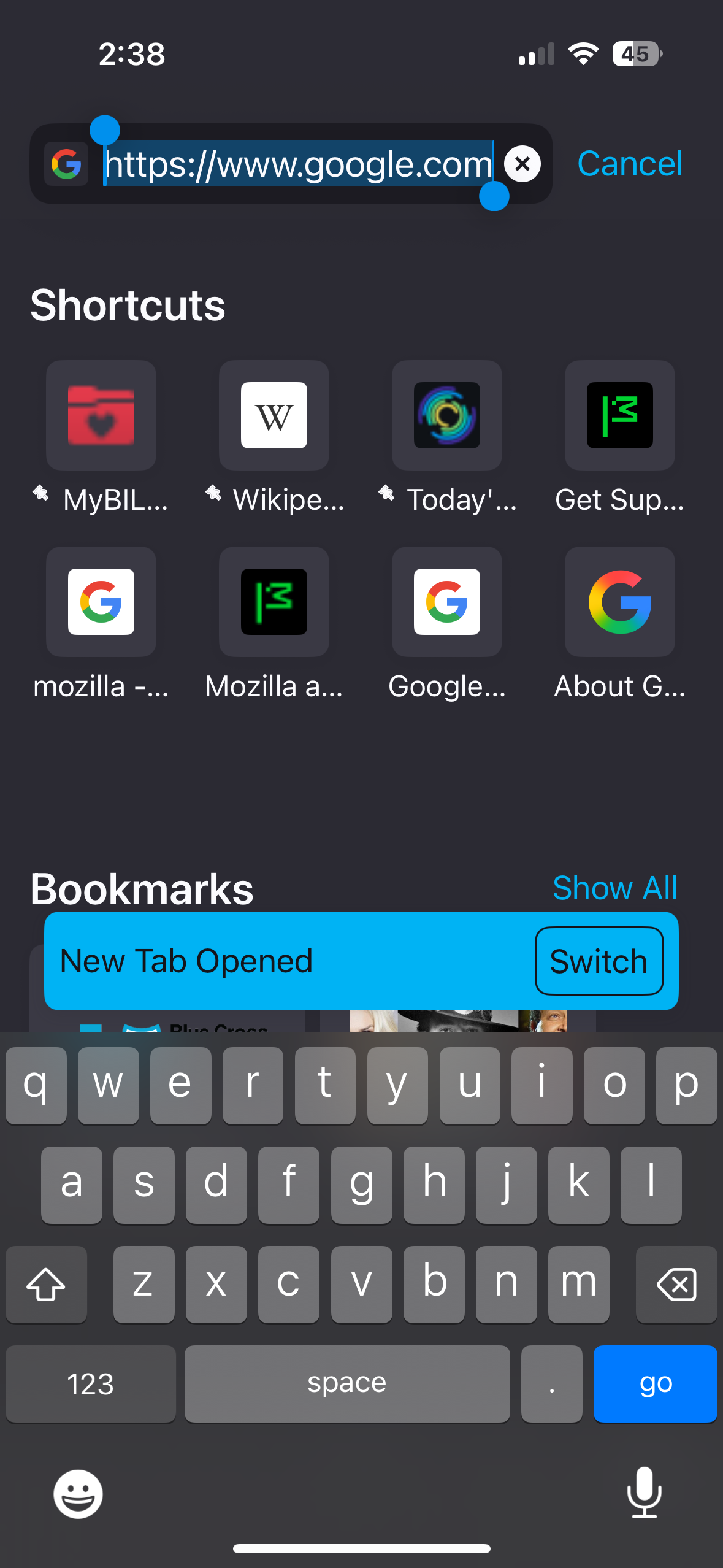
When I launch Firefox iOS for mobile and press on any of my pinned favorites, nothing happens. To actually access the pinned favorites or recently accessed browser pages it is now a 3-step process instead of 1. The first step is to press AND hold the favorite you want to access. When depressed, a menu of options appears which gives the user the option to choose “Open in new tab.” When the “Open in New Tab” option is chosen a blue banner appears below that reads “Open in new tab” at which point the favorite or recently visited site opens up. This had been going on for months until about a week ago but is back again and it is annoying!!!
所有回复 (1)

Same here. Only difference is I did not have this problem over the last few weeks like you seem to have, but it started with the last update and it's really annoying because I cannot click on any of my favorites.