


Twitch Fails to Load

When attempting to access the Twitch website in normal browsing mode, the page does not load properly. Instead of the site rendering, I only see a black screen with an infinite loading spinner.
This issue does not occur in private browsing mode (incognito), Twitch loads normally there.
I found that performing a browser reset temporarily resolves the issue, but after some time the problem returns. Continuously resetting the browser is not a practical solution.
Additional details:
Browser version: 141
Steps to reproduce:
Open Firefox in normal mode
Navigate to https://twitch.tv
Observe black screen with loading spinner
Expected result: Twitch should load normally
Actual result: Page remains blank with a loading spinner
Private browsing mode works correctly
Please advise on a permanent fix or steps to diagnose this issue.

所有回复 (4)
Michael said
When attempting to access the Twitch website in normal browsing mode, the page does not load properly. Instead of the site rendering, I only see a black screen with an infinite loading spinner. This issue does not occur in private browsing mode (incognito), Twitch loads normally there. Private browsing mode works correctly
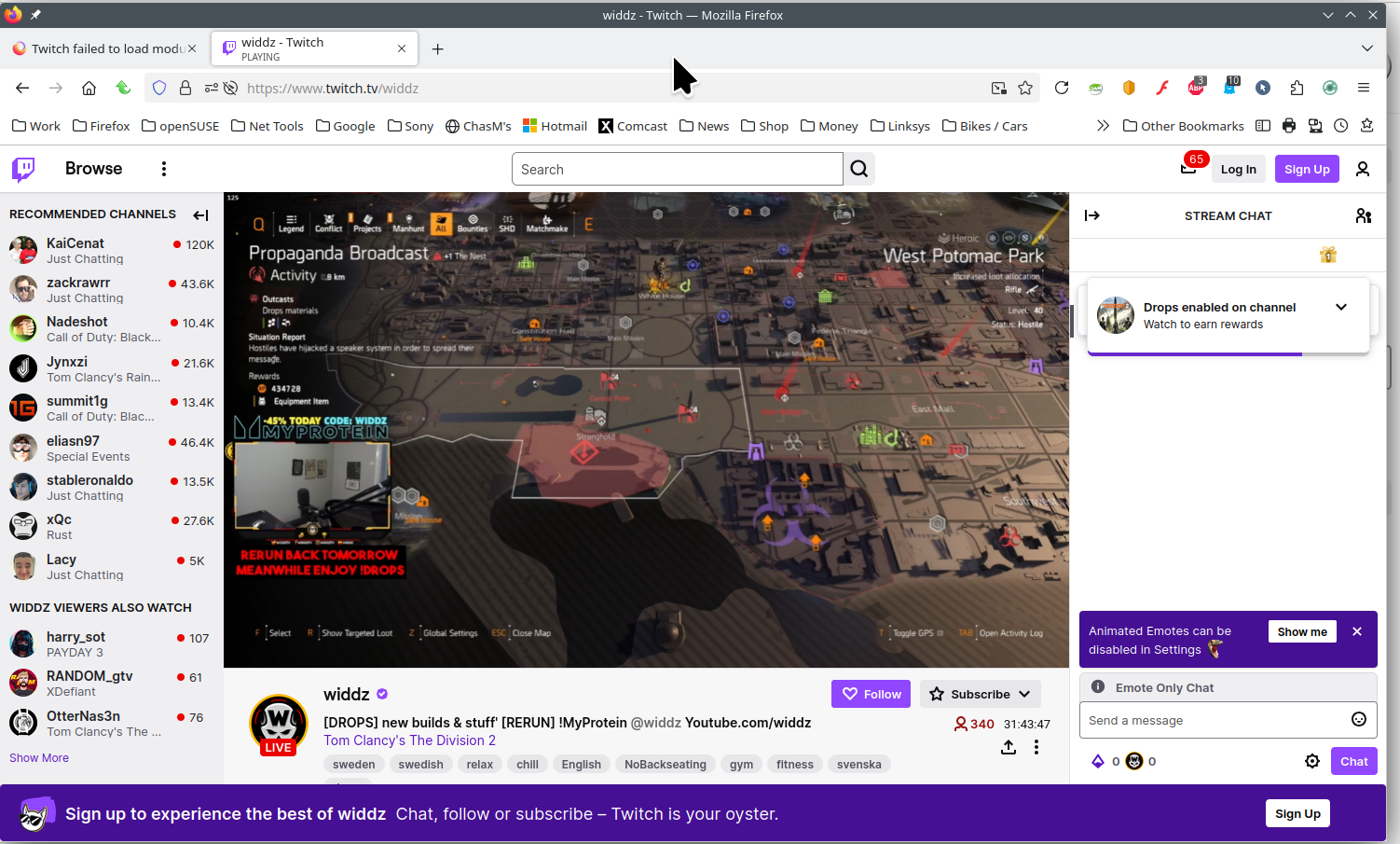
Sounds like an add-on issue. Site works for me. see screenshot Are you running any security software besides MS Defender? Have you tried with Firefox in Troubleshoot Mode? https://support.mozilla.org/en-US/kb/diagnose-firefox-issues-using-troubleshoot-mode#w_how-to-start-firefox-in-4troubleshoot-modesf5safe-modesf

I have this problem too, twitch was working yesterday and I think firefox updated last night to 142.0 and now it just sits there loading forever, I tried troubleshoot mode and it still didn't work, only works in a private window.

由NickW于修改
clearing cookies and site data for twitch fixed it, hopefully its not a recurring problem.
I also have this problem. Clearing the cache helps but it comes back in about a week. I have tried Firefox with no addons and that doesn't help. Incognito and on Chrome also work so it's something about regular Firefox causing this to keep happening.