


The audio does not work in Firefox.
Audio does not work in Firefox. Drivers are up to date and works in other browsers. How do I fix this issue?

所有回复 (4)
What do you see here? see screenshot What security software besides MS Defender are you running?
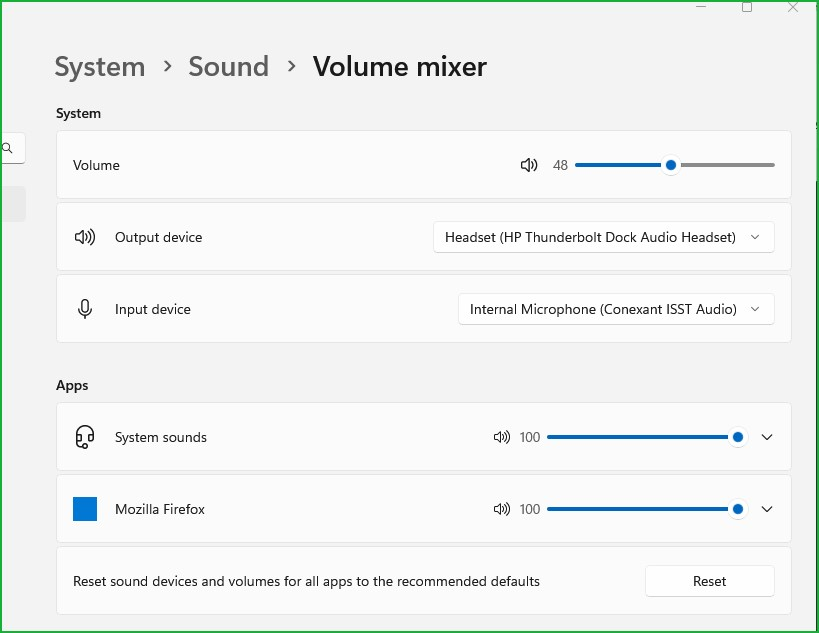
Same as johndcky above - no audio in Firefox but works in other browsers.
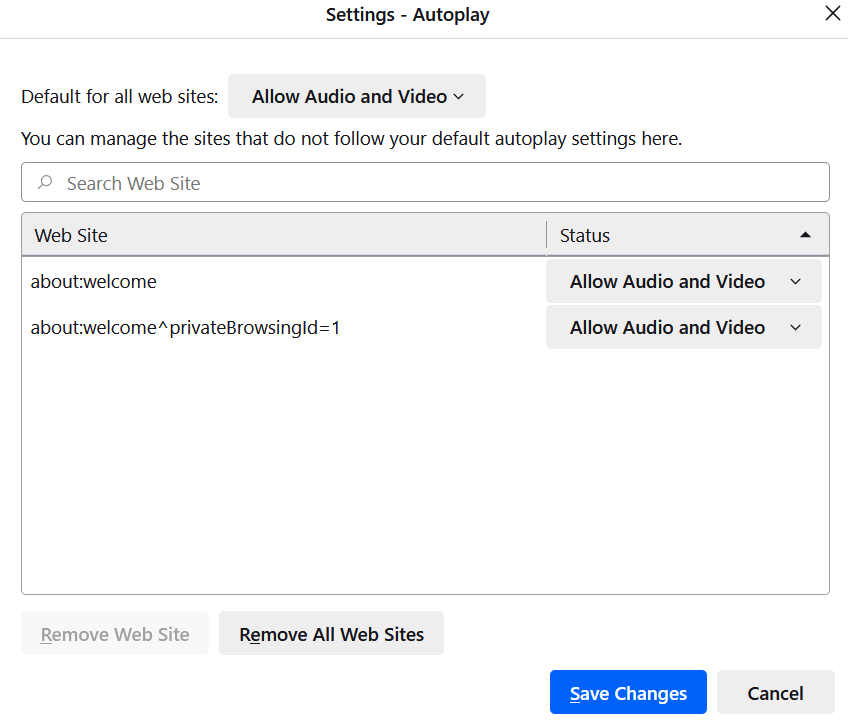
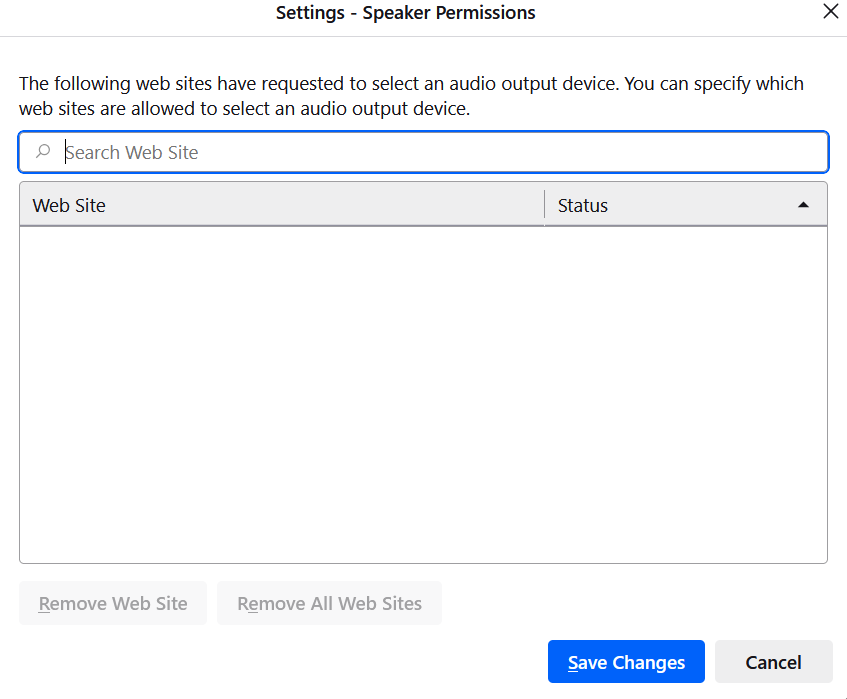
Audio and video is enabled in Firefox (Privacy and Security/Autoplay) but Speaker Permissions is blank - could that be the problem? If so, what to do please?
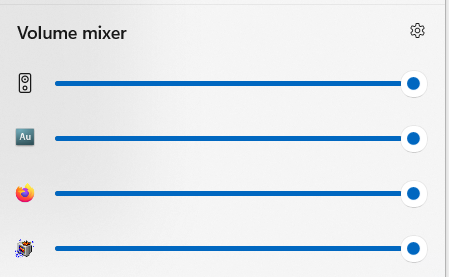
The Firefox volume is also turned on and at max volume in my laptop's virtual mixer.
Does anyone have any other ideas please?
Thank you,
Ian
选择的解决方案
Did you try the reset option?
Thanks for your help jonzn4SUSE.
I tried the reset option at your suggestion and still no joy.
Autoplay in Firefox is still set to "allow audio and video."
I'm getting sound in Edge and everywhere else I would expect it (on board media players etc) but still not in Firefox.
Ho hum!