


Firefox browser - HW acceleration issues

So, my problem is with HW acceleration in FF. Basically:
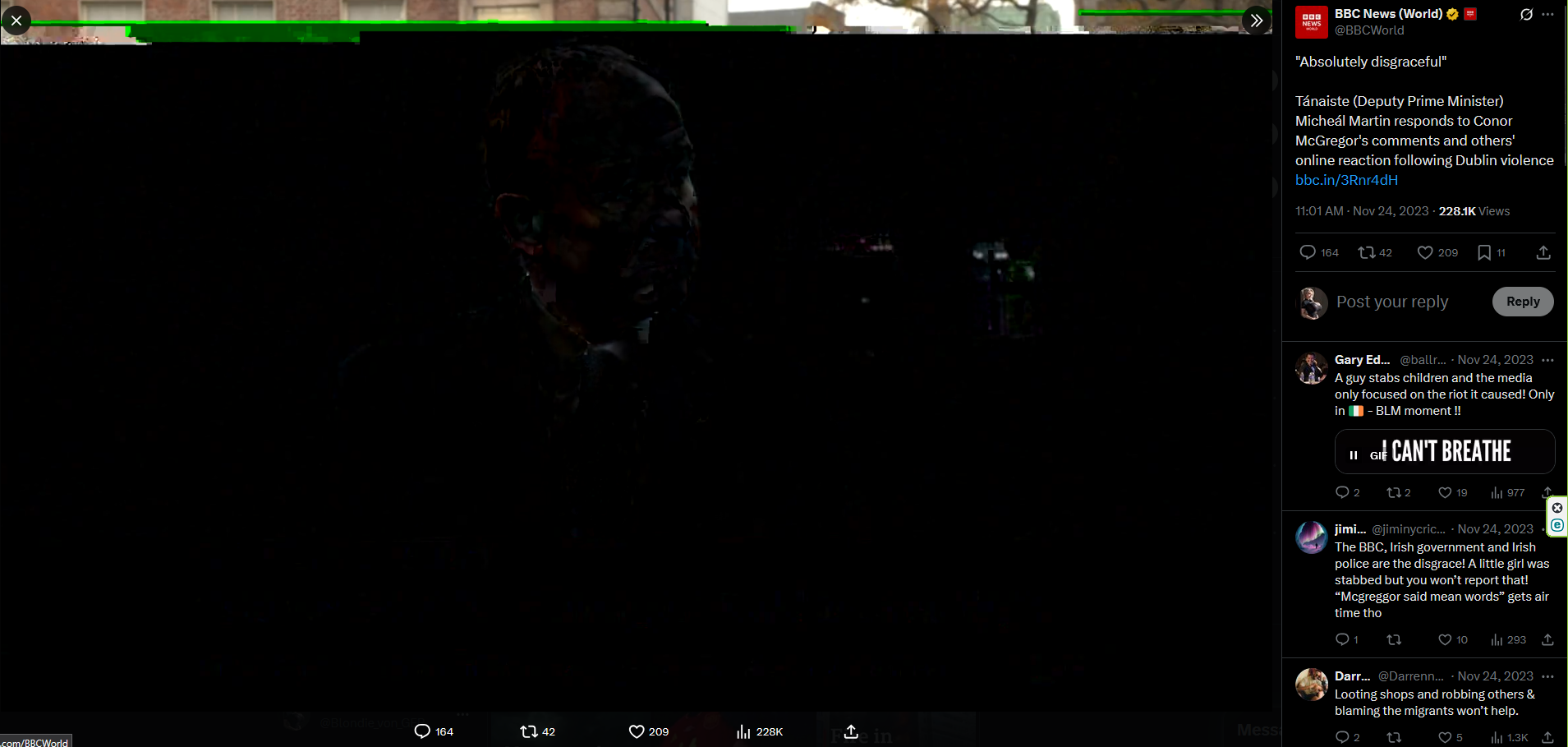
If its enabled: It causes graphical artifacts in videos [See screenshot]. If its disabled: It brings screen tear in to videos and autoscroll [Like if Vsync is disabled in games].
I tried safe mode, I tried reinstall of FF, I tried disabling and enabling extensions. I tried to set Vsync on in Nvidia control panel... the only thing that impact those bugs is HW acceleration in FF.
My drivers are up to date, my browser is up to date, yet there is such trouble.
Any ideas or solutions?
被采纳的解决方案
Okay, so I did some stuff.
I went to Windows settings and picked integrated GPU to run Firefox. Now it works fine, with HWA On.
定位到答案原位置 👍 0所有回复 (10)
Provide links so we can try to replicate. System Info: What OS? If not DIY, what make and model? What graphics card and driver version?
SYS: W11 CPU: AMD Ryzen 7 9800X3D 8-Core Processor [Also iGPU] RAM: 128 GB GPU: Nvidia GeForce RTX 5080 16 GB
Firefox: 139.0.1 (64-bit) Nvidia: 576.52 Gsync: On
The graphical artifacts shows pretty often, but not always, when I was trying to reproduce it, I had to open 3 tabs with Youtube videos and fourth with video on twitter [X], there was like 80% chance to reproduce it.
The screen tear is visible for example in this video, near the bottom: https://www.youtube.com/watch?v=iPYNMuRFuDA [Most visible in fulscreen. 1920x1080]
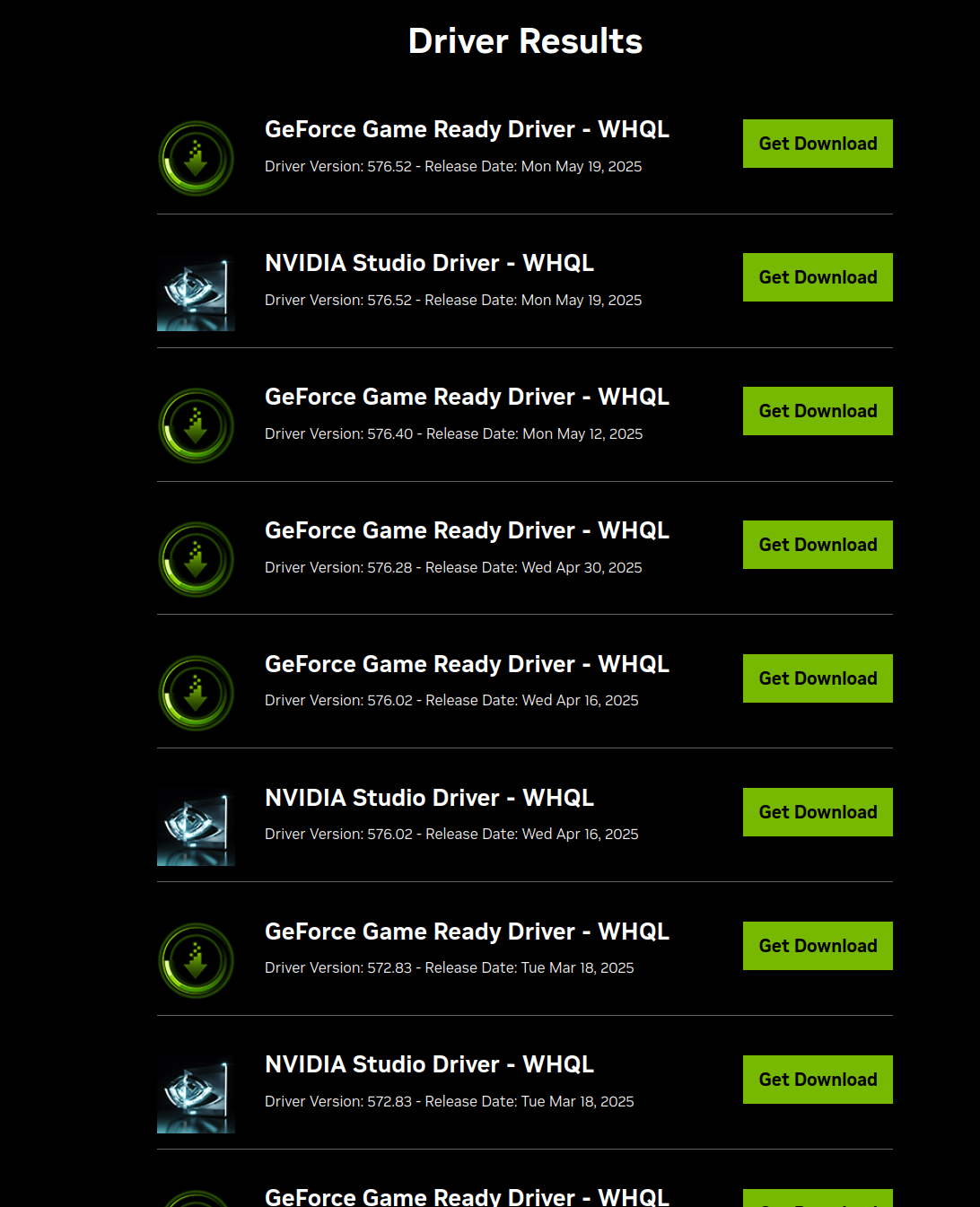
I would play with a few different drivers to see if it helps. see screenshot https://www.nvidia.com/en-us/geforce/drivers/
Awesome, so I should wait for either Nvidia or Firefox to fix it.
Nope, you need to investigate. If you feel it's a Firefox bug, report it and see what devs say. They are also going to ask you try verify if other drivers work. We'll leave the light on for ya...

Instead of trying my luck with tons of drivers, I tried other browsers like Edge and Chrome. There are no problems with them, so I will probably just switch over to them until Firefox patch their 5000 series cards compatibility.
Mark it as resolved, wish there were more options like a ticket system, but resolved is all you get. Enjoy and have a nice day.
由jonzn4SUSE于修改
Tell me more about the ticket system then >.>
选择的解决方案
Okay, so I did some stuff.
I went to Windows settings and picked integrated GPU to run Firefox. Now it works fine, with HWA On.
Hey Nicky,
Jonz is referring to the choosen solution mark. As a moderator, I've marked your last answer as the solution since you indicated that it solved your issue.
Thanks for getting back here with the fix, which would greatly help others with the same problem. I'll also lock this thread to avoid others chime in on an already solved one.