


Blue icon overlaid on top of bookmarklet on bookmarks bar. What is its meaning?

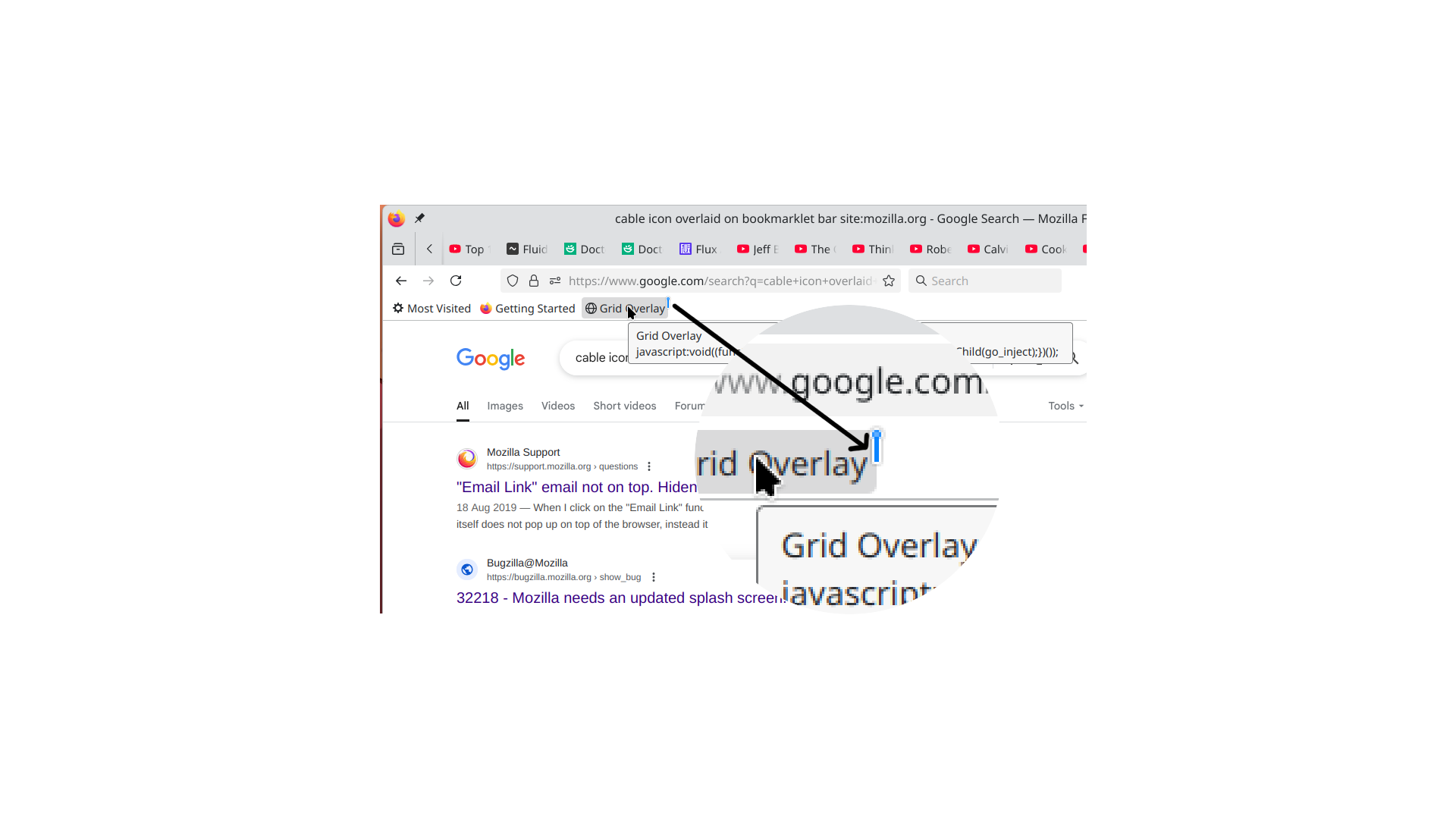
Reference: Firefox Desktop 139.0.1. See the attached image. What does the overlaid blue (cable with plug?) icon mean on top of my Grid Overlay bookmarklet? The overlay appeared after the update to v139.0.1 (desktop) on Arch Linux. And only on top of my bookmarklet. In case it's relevant. The bookmarklet consists of JS that injects some HTML in the rendered webpage and then beckons my grid overlay. Self developed to overlay my own web layouts.
所有回复 (4)
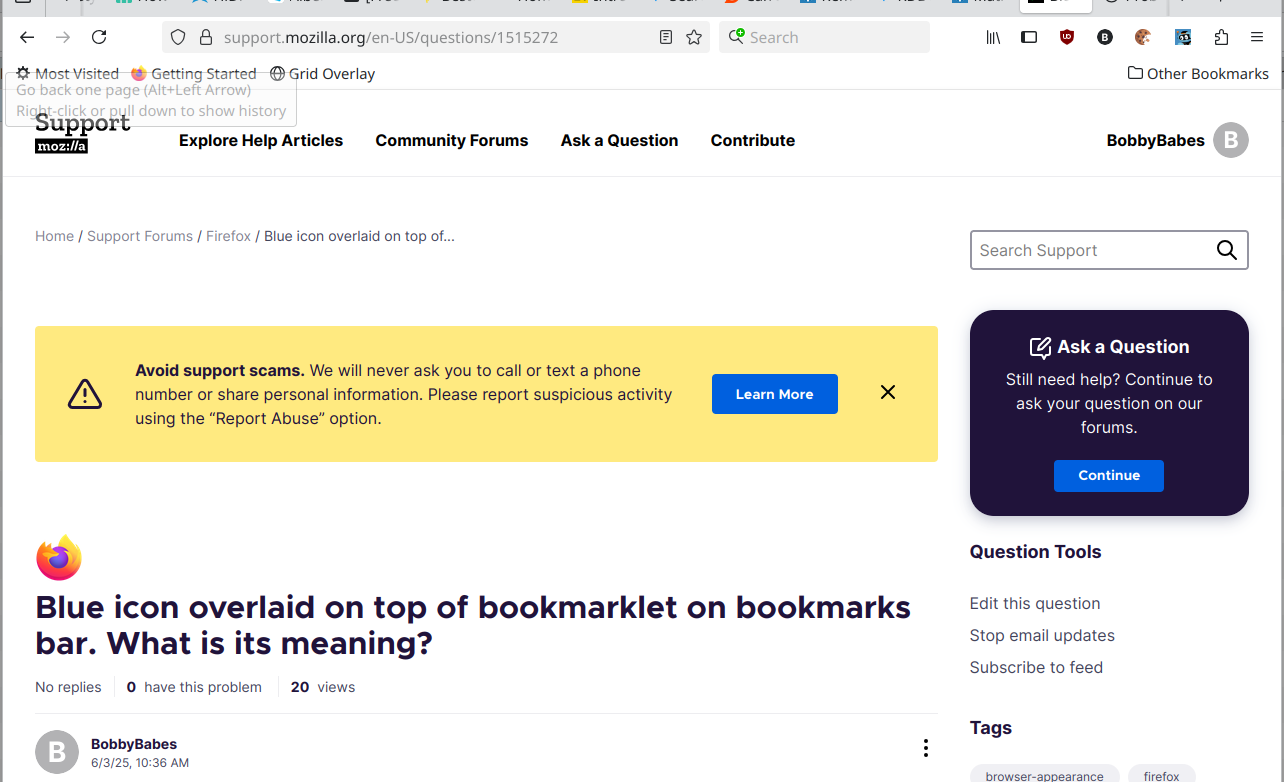
So it was removed, after today's update to FF 140.0
由BobbyBabes于修改
选择的解决方案
That insertion symbol usually appears when you are dragging the lock icon or a URL to the bar and Firefox indicates where a bookmark will be added. It shouldn't have been lingering.
That insertion symbol usually appears when you are dragging the lock icon or a URL to the bar and Firefox indicates where a bookmark will be added. It shouldn't have been lingering.
Now that you mention it. That's the same icon/symbol that appears on the tab bar when dragging tabs into a window to insert them. The thing is that I didn't drag anything onto the bookmarks bar. Nor did I do anything to the bookmarks bar. The symbol just appeared (and remained) after the update to FF 139.01. And remained even after a refresh of FF, and shutting down the PC.
Thanks for your response. I'll mark it as the resolution, because it is the explanation of what went wrong.