Youtube Picture In Picture mode resets video location when scrolling down and logged into specific account

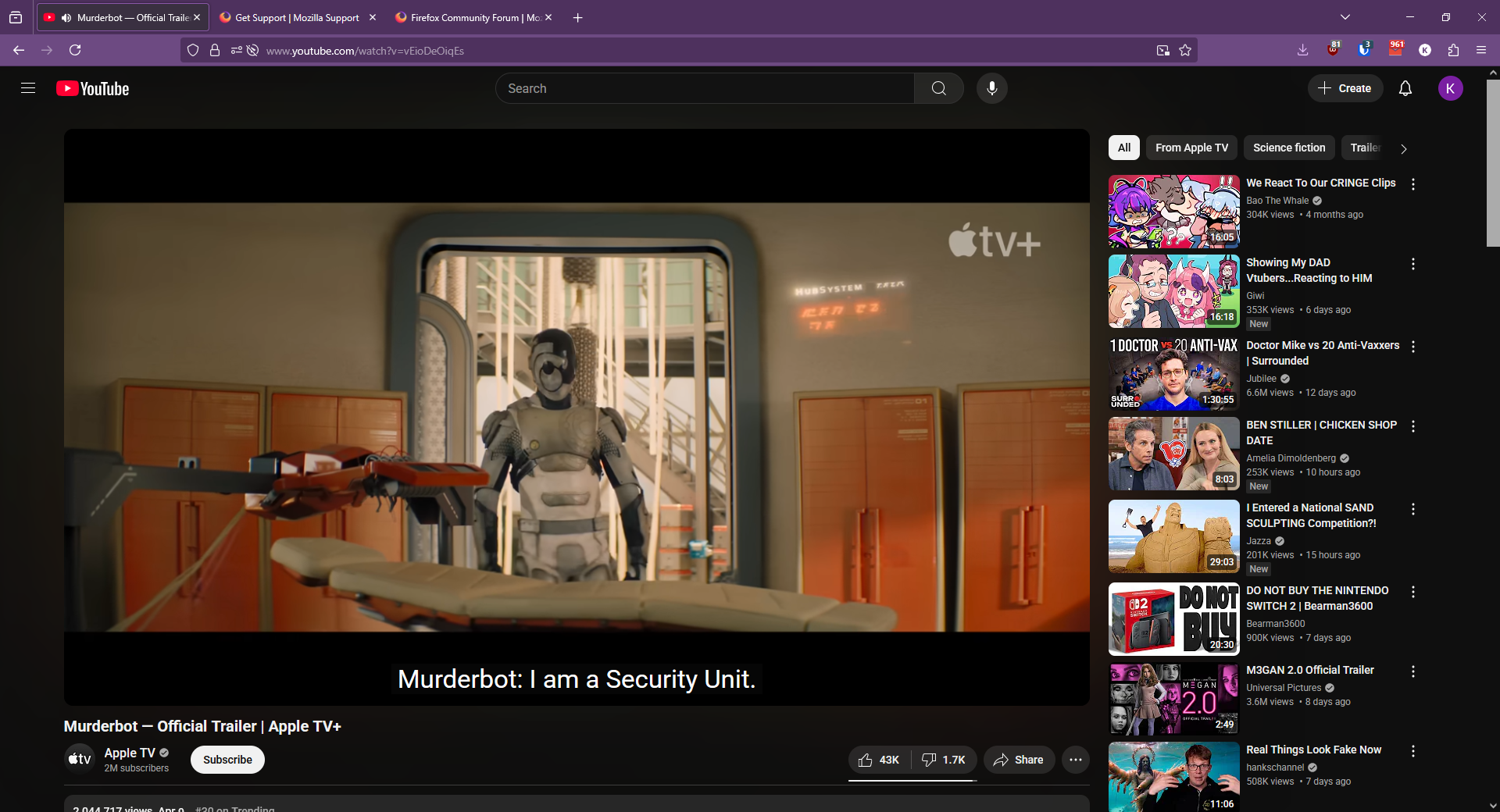
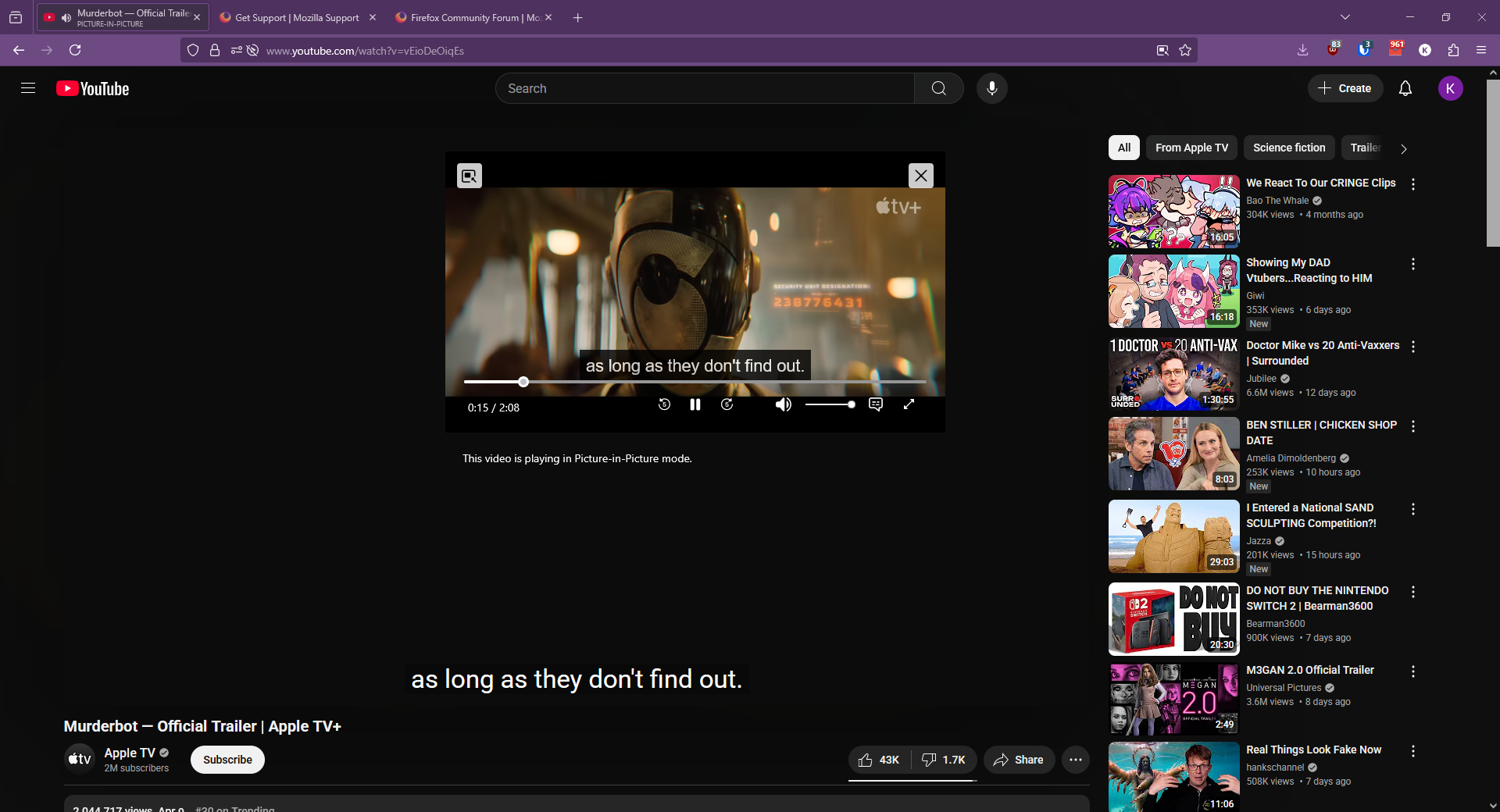
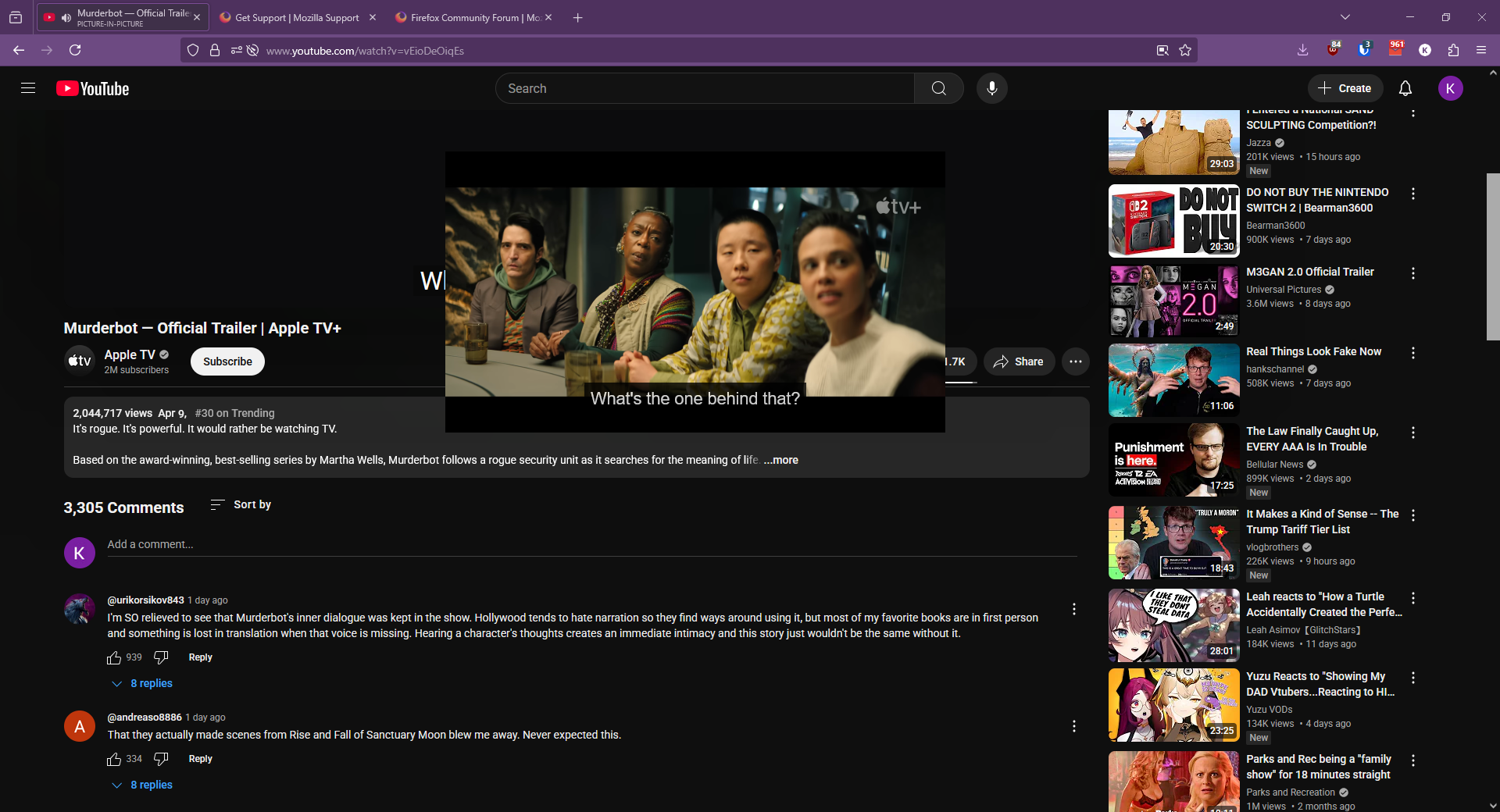
Can't use YT picture in picture mode on Firefox when logged into my YT account. When I enable picture in picture on a video and scroll down to the comments, picture in picture mode turns off as soon as I scroll past the bottom of the video.
Happens only when I'm logged into my YT account on Firefox. Logout, it works. Logged in on Edge, it works. Logged into my second YT account on Firefox, it works. Only doesn't work for this one account.
Attached images if that helps. Last image shows exactly when picture in picture mode turns off when I'm scrolling
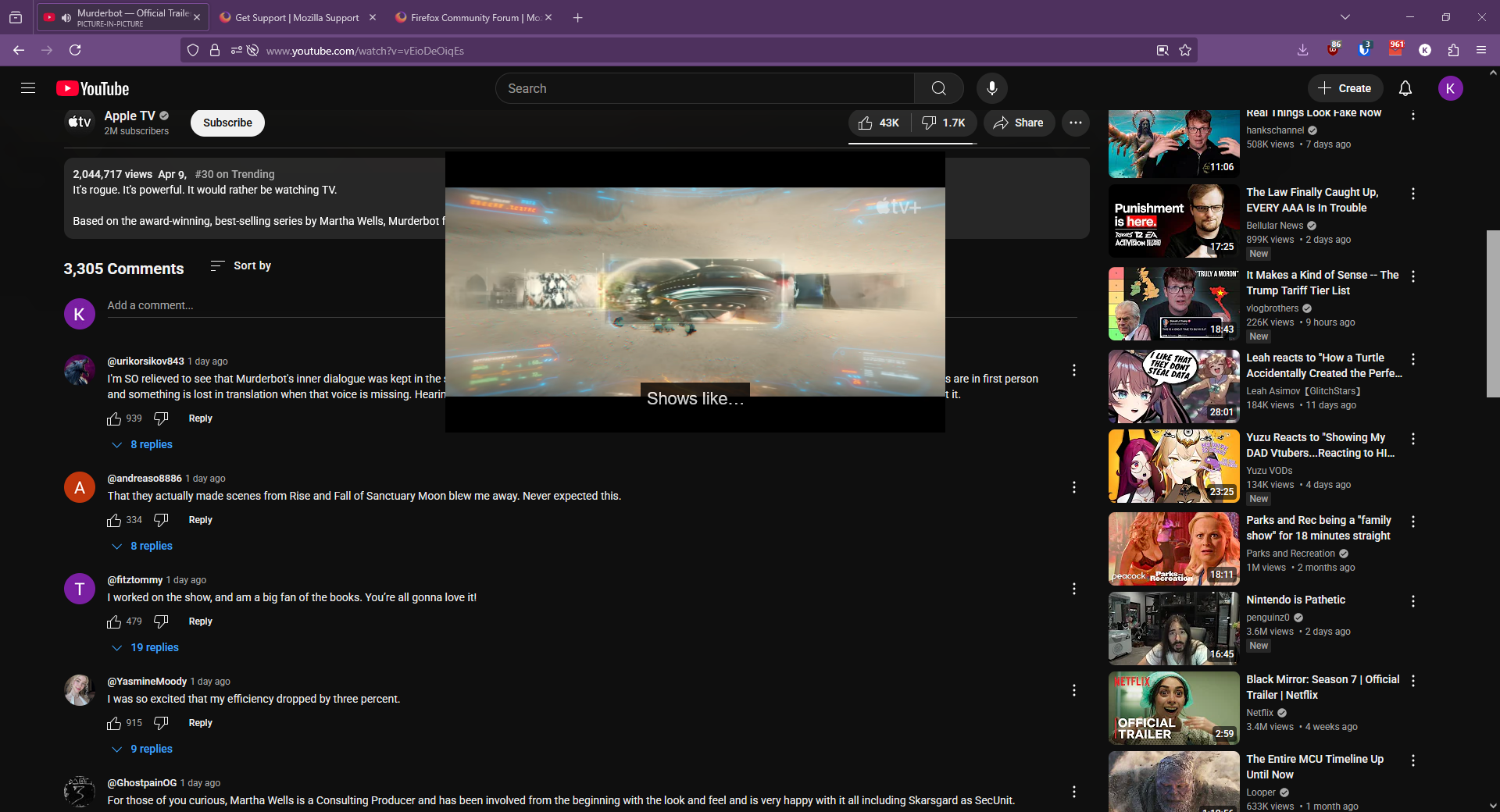
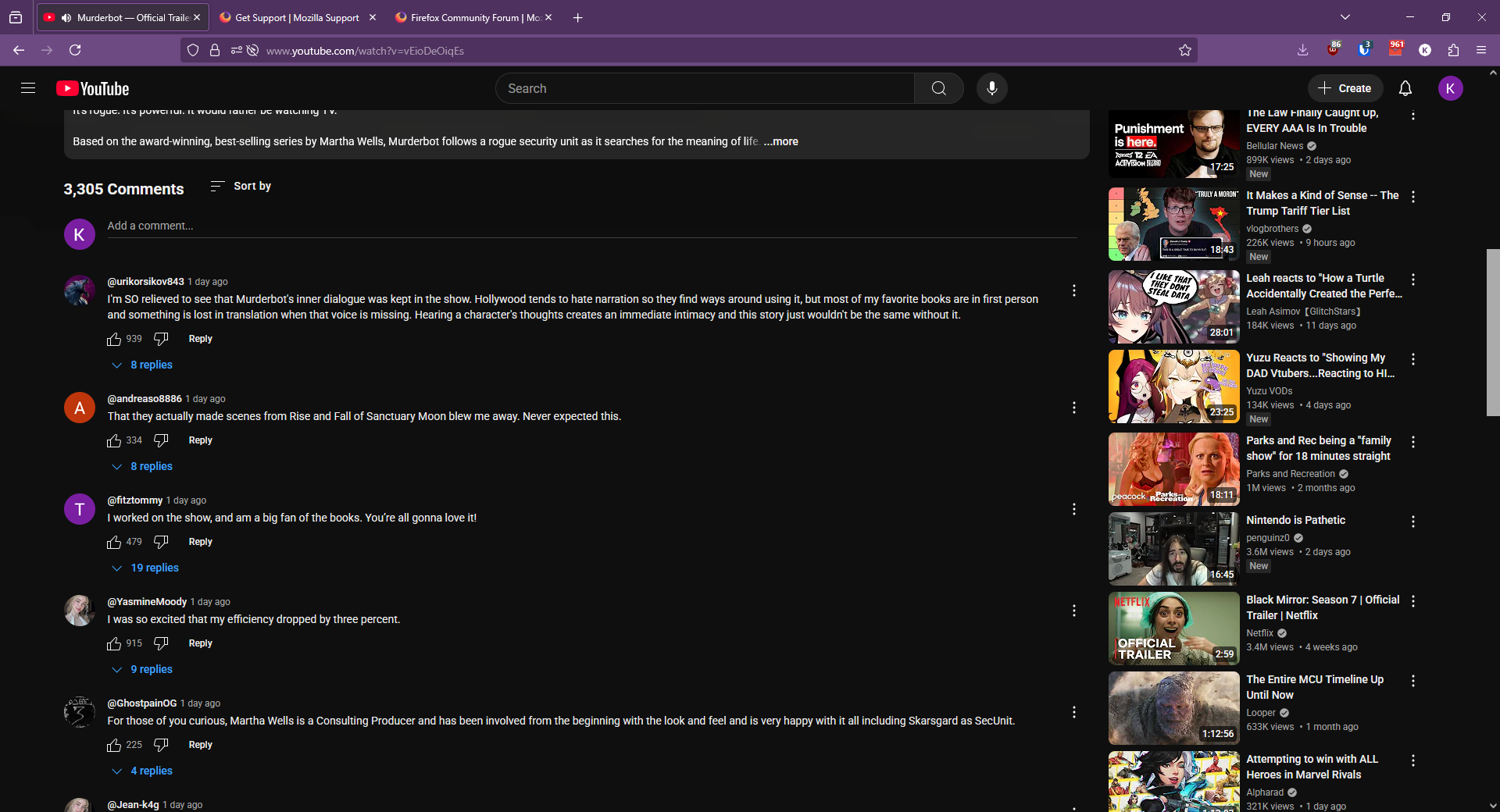
所有回复 (4)
What OS? If windows, what security software besides MS Defender are you running? What version of Firefox? I'm not able to replicate the issue. see screenshot Did you try with Firefox in Troubleshoot Mode? https://support.mozilla.org/en-US/kb/diagnose-firefox-issues-using-troubleshoot-mode#search
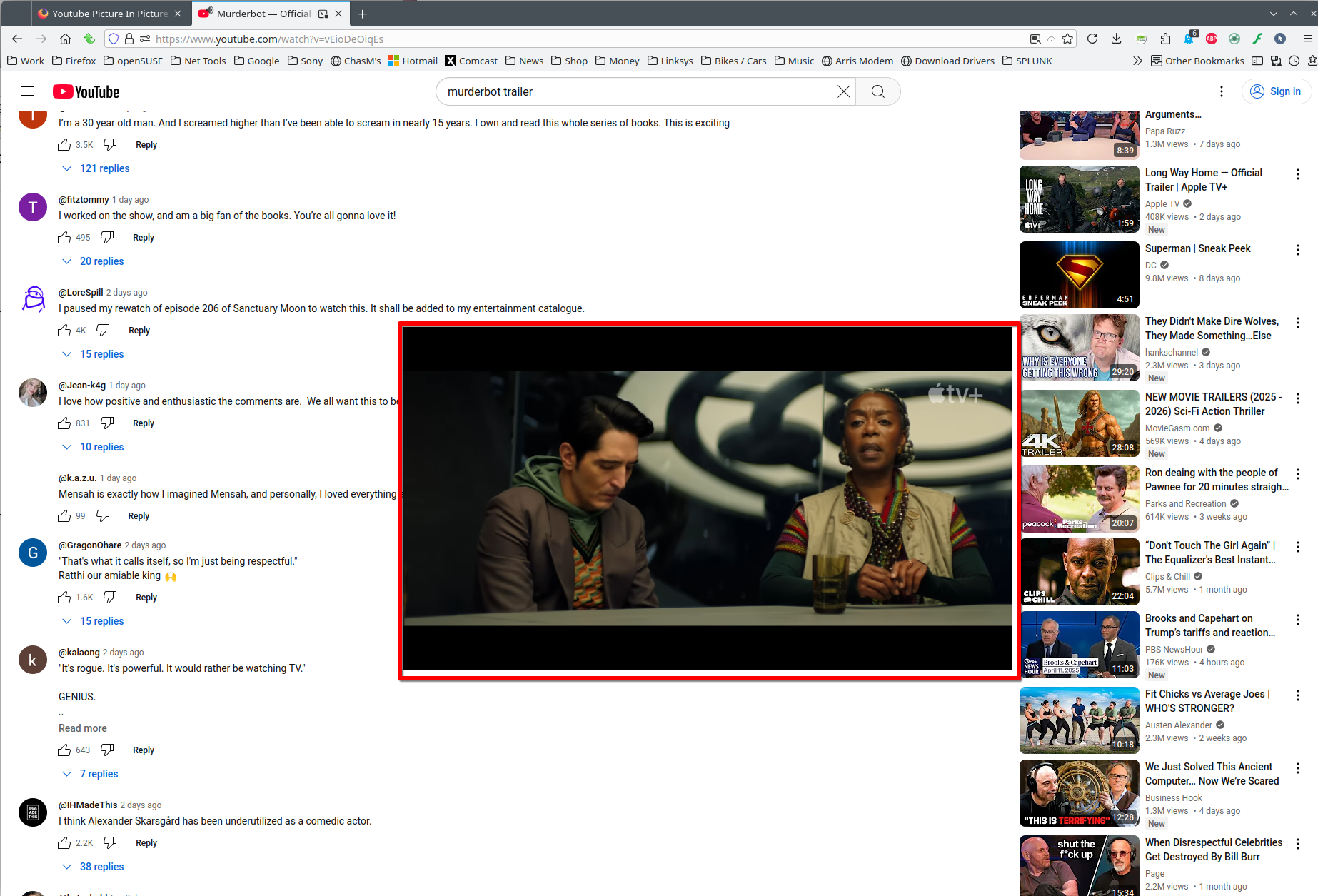
OS is Windows 10. Nothing else besides Defender. And Firefox version is the latest 137.0.1
I did experience the same issue in troubleshoot mode when logged into YT account. No issue if I log out, or if I'm in private mode, logged out. I also did Help->More troubleshooting info->Refresh Firefox to reset settings. I haven't tried reinstalling Firefox yet.
I noticed in your screenshot you aren't logged in, maybe it's a specific issue to my YT/Google account since it only happens when I'm logged in? I'd prefer not to switch to a whole new account though :/
Windows home or pro? If Windows Pro version, try testing in Windows Sandbox (VM) to see if you have the same issue. https://www.howtogeek.com/399290/how-to-use-windows-10s-new-sandbox-to-safely-test-apps/
Logged in and no issue. see screenshot
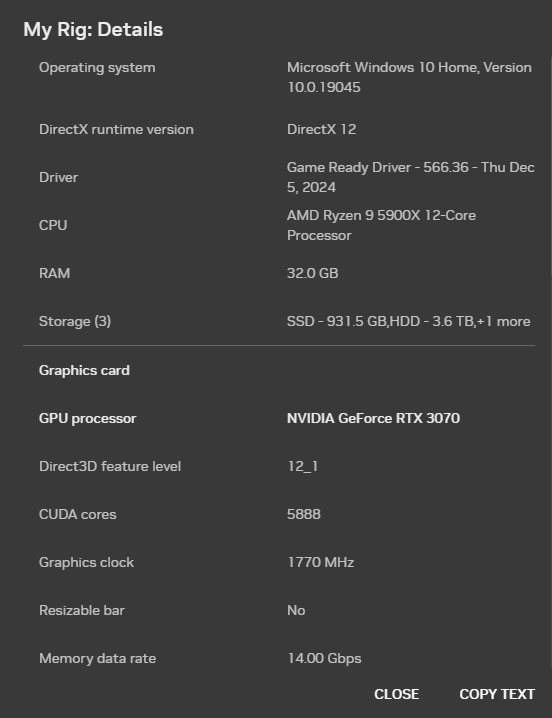
System info: If not DIY, what make and model computer? What graphics card and driver version?
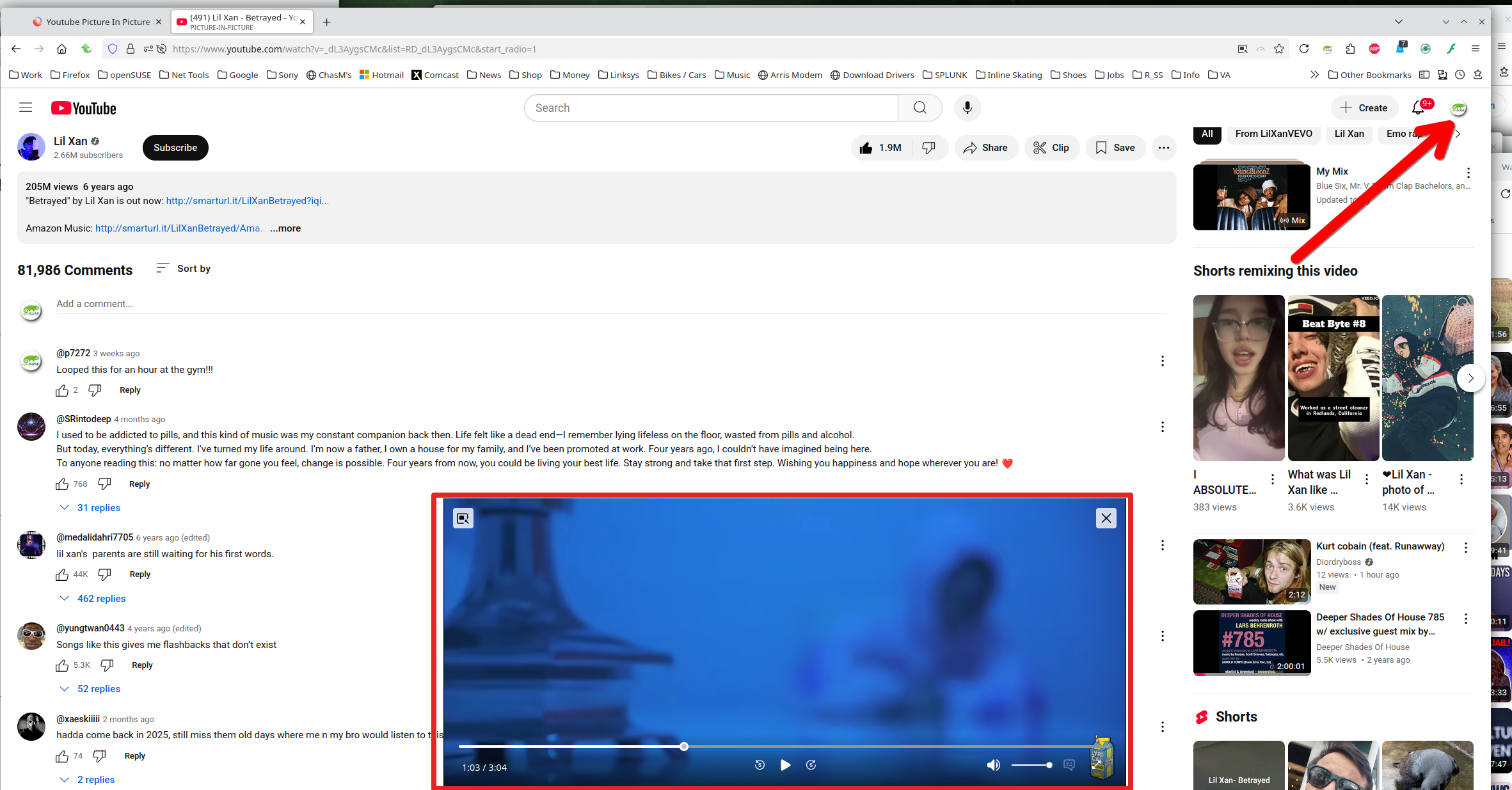
I have Windows Home. I tried a fresh install of Firefox also.
What's weird is my issue only happens when the video is running, in picture in picture mode and I scroll down. If I turn on PIP mode, PAUSE the video, and scroll down, start video, I see no issues.