


I need to see my extensions in the browser bar!!!!

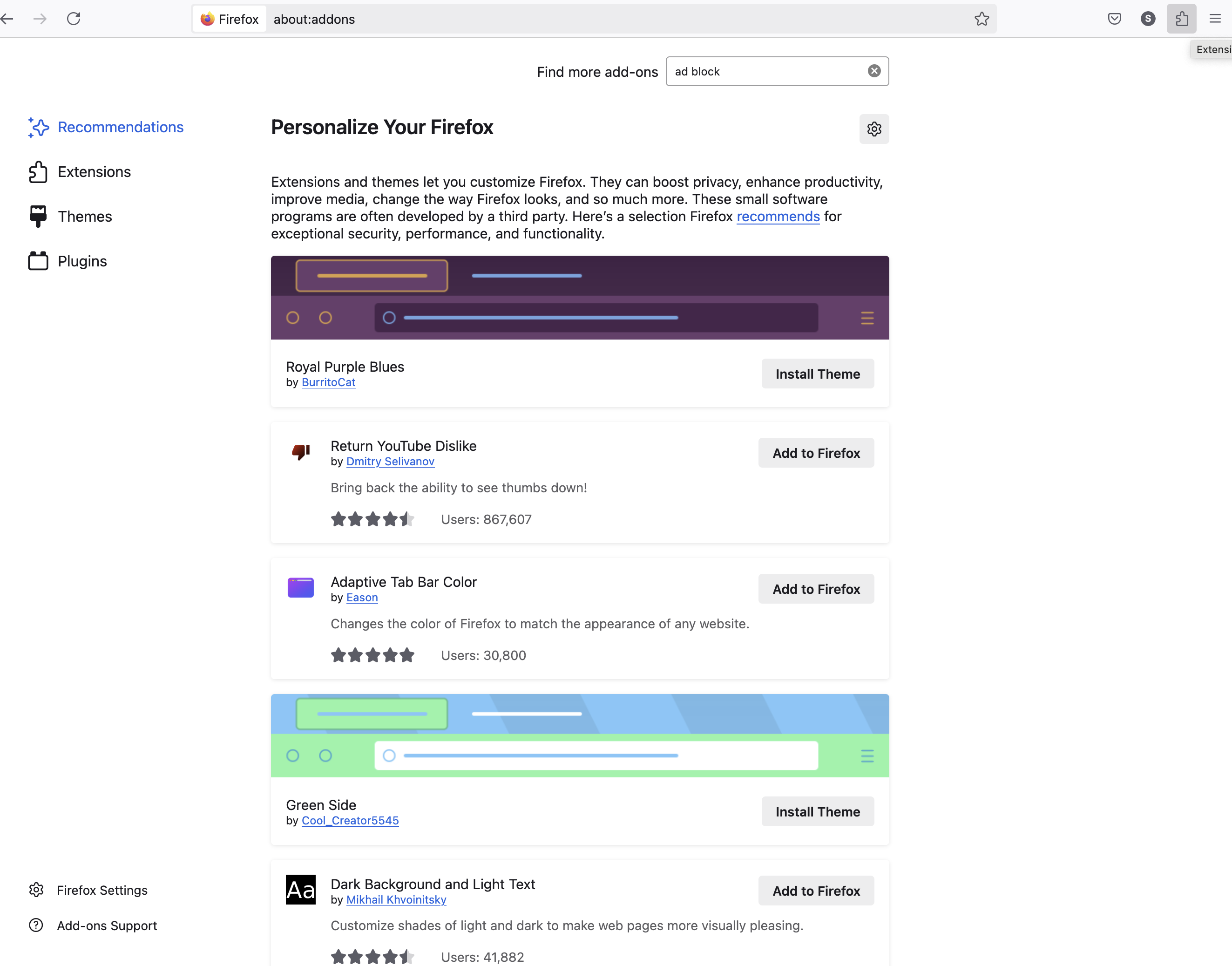
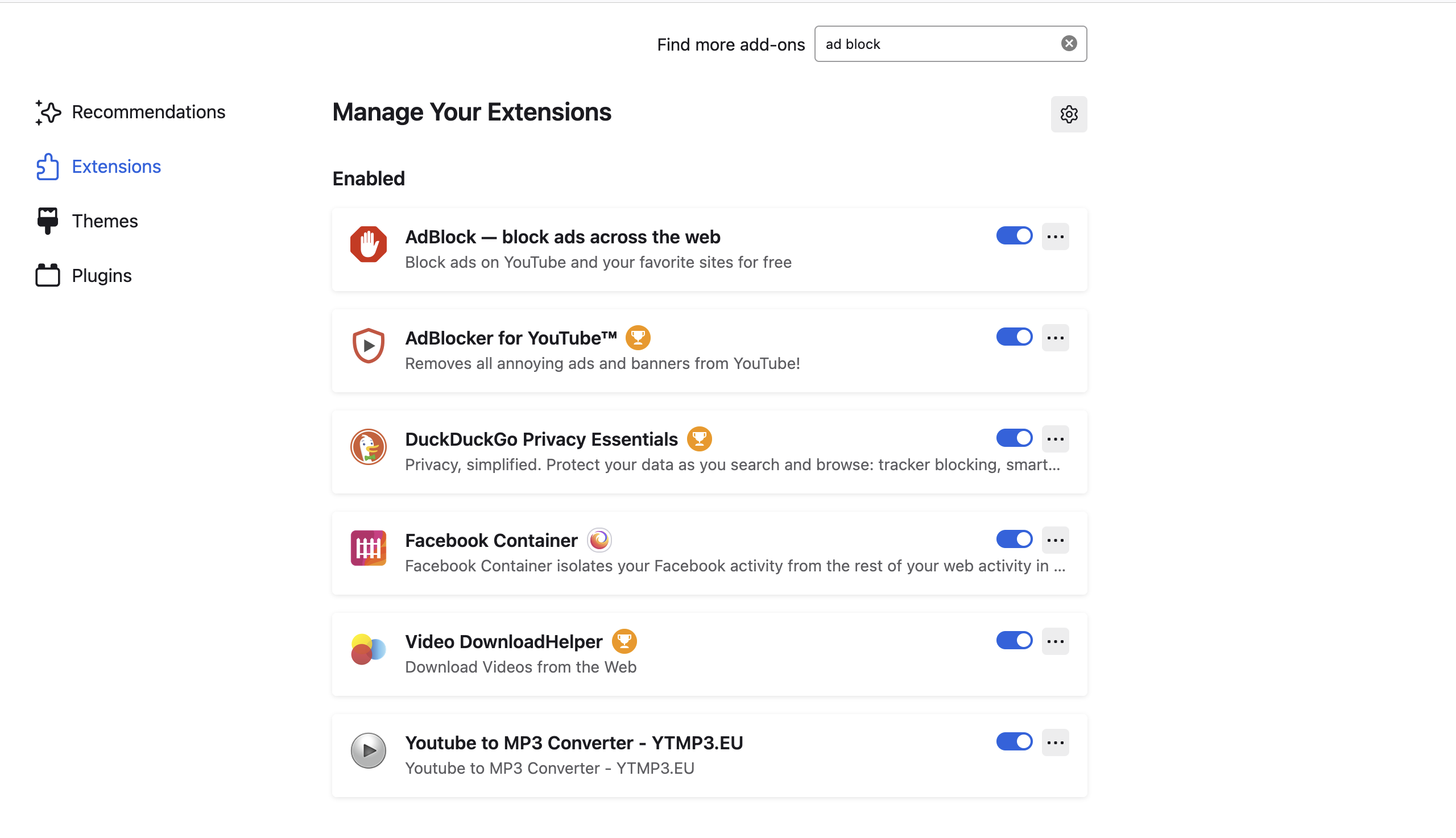
I need to see my extensions in the browser bar!!!! Why did you remove this feature. Super annoying. If I click where the extensions should be I get taken to (see screenshot) other screenshot are my extensions that I have to go into Firefox/settings/Manage Firefox themes in Extensions & Themes. It does absolutely no good if I cant access my extensions such as Video Downloader
所有回复 (4)

Look here. see screenshot

Hello,
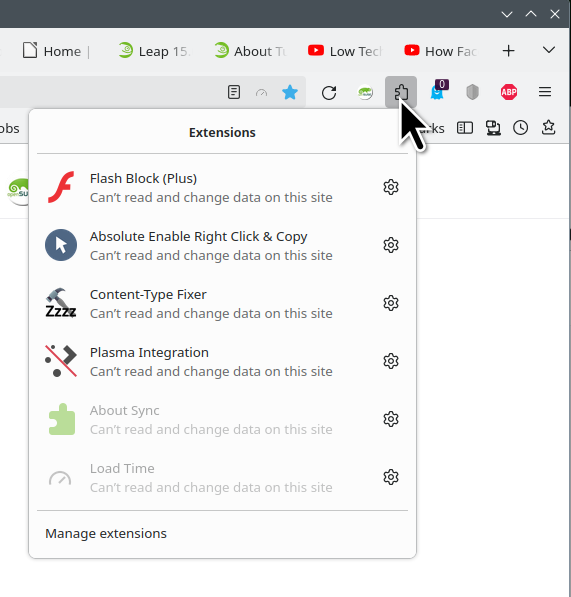
If you want to see a specific extension in the toolbar (like Video DownloadHelper), check the screenshot from jonzn4SUSE.
Click ⚙, then Pin to Toolbar.
Well, as seen in my screenshots, I am clicked on the puzzle icon the only things I see is a new tab opens and shows "Personalize Your Firefox". If I go into settings then find the extensions I can see them in the settings area. I need them in the browser bar. Thank you.
So when you left click on the puzzle icon in the toobar (not the one in Settings) your redirected to about:addons ? You don't have a menu with ⚙ next to the extension name?
You can go to File/New Private Window and check that the menu is displayed. Make sure you have an extension allowed to run in private windows or install a new one temporary.
I think the Troubleshoot Mode won't help in your case since add-on are temporary deactivated.
You can also have a look at Manage your extensions using the extensions button in the toolbar
What is your Firefox version? about:support in the address bar then Enter
If nothing work, you can create a new Profile about:profiles and install your extensions. Check for the first one if you can Pin to Toolbar.
Or Refresh Firefox (take a note with your extensions and customizations) The option is in about:support Start fresh to fix performance issues. This will remove your extensions and customizations. You won’t lose essential information like bookmarks and passwords.