


Youtube intentionally adding some lines to their videos

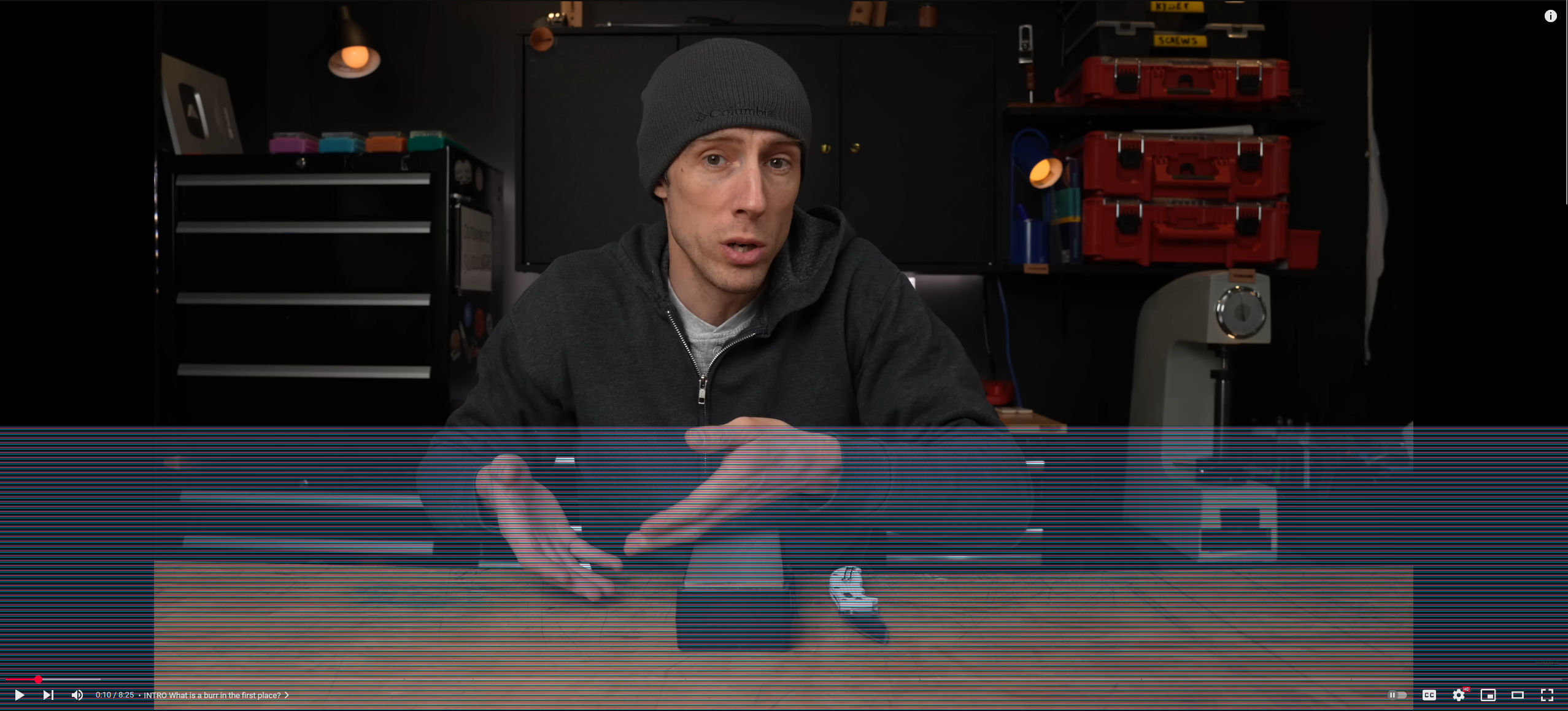
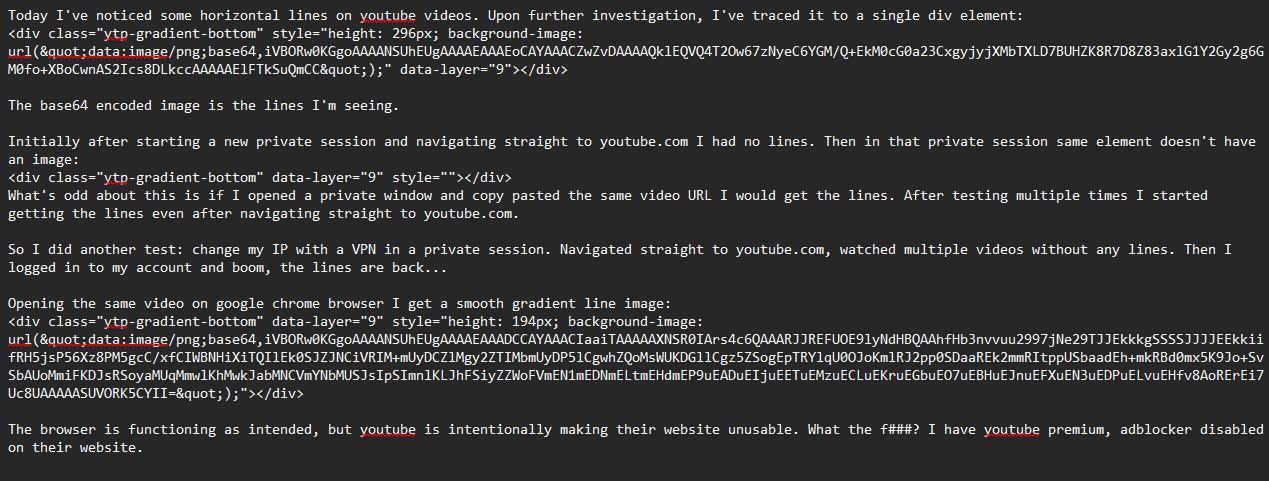
Today I've noticed some horizontal lines on youtube videos. Upon further investigation, I've traced it to a single div element:
The base64 encoded image is the lines I'm seeing.
Initially after starting a new private session and navigating straight to youtube.com I had no lines. Then in that private session same element doesn't have an image:
What's odd about this is if I opened a private window and copy pasted the same video URL I would get the lines. After testing multiple times I started getting the lines even after navigating straight to youtube.com.
So I did another test: changed my IP with a VPN in a private session. Navigated straight to youtube.com, watched multiple videos without any lines. Then I logged in to my account and boom, the lines are back...
Opening the same video on google chrome browser I get a smooth gradient line image:
The browser is functioning as intended, but youtube is intentionally making their website unusable. What the f###? I have youtube premium, adblocker disabled on their website.
所有回复 (3)
It seems this website stripped all the HTML code I've posted... Not sure how to post it here
Base64 image for the lines I'm seeing:
iVBORw0KGgoAAAANSUhEUgAAAAEAAAEoCAYAAACZwZvDAAAAQklEQVQ4T2Ow67zNyeC6YGM/Q+EkM0cG0a23CxgyjyjXMbTXLD7BUHZK8R7D8Z83axlG1Y2Gy2g6GM0fo+XBoCwnAS2Ics8DLkccAAAAAElFTkSuQmCC
Base64 image on google chrome: iVBORw0KGgoAAAANSUhEUgAAAAEAAADCCAYAAACIaaiTAAAAAXNSR0IArs4c6QAAARJJREFUOE9lyNdHBQAAhfHb3nvvuu2997jNe29TJJEkkkgSSSSJJJJEEkkiifRH5jsP56Xz8PM5gcC/xfCIWBNHiXiTQIlEk0SJZJNCiVRIM+mUyDCZlMgy2ZTIMbmUyDP5lCgwhZQoMsWUKDGllCgz5ZSogEpTRYlqU0OJoKmlRJ2pp0SDaaREk2mmRItppUSbaadEh+mkRBd0mx5K9Jo+SvSbAUoMmiFKDJsRSoyaMUqMmwlKhMwkJabMNCVmYNbMUSJsIpSImnlKLJhFSiyZZWoFVmEN1mEDNmELtmEHdmEP9uEADuEIjuEETuEMzuECLuEKruEGbuEO7uEBHuEJnuEFXuEN3uEDPuELvuEHfv8AoRErEi7Uc8UAAAAASUVORK5CYII=
由Dalius Kalvaitis于修改
选择的解决方案
As you know, they're doing it on purpose, adding this filter to ublock origin fixes it for me:
www.youtube.com/##.ytp-gradient-bottom
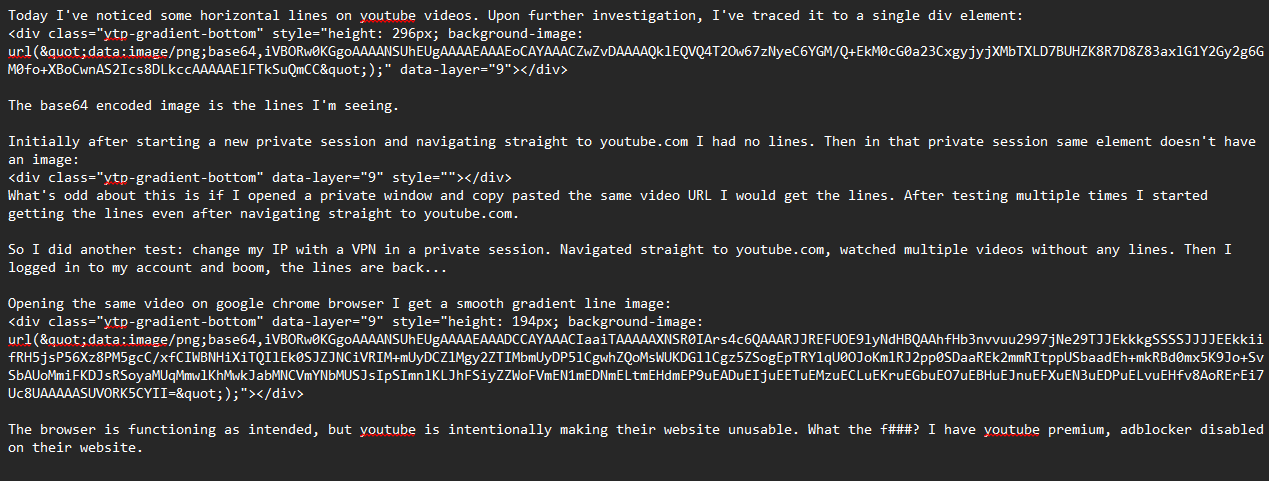
I've posted an image of my full question. Unfortunately posting the base64 string itself deleted my previous comment. Weird... Restored the Base64 string post. Needed moderator approval
Anyway, blocking .ytp-gradient-bottom on youtube as suggested by TyDraniu works.
由NoahSUMO于修改