


youtube not displaying properly after a firefox update

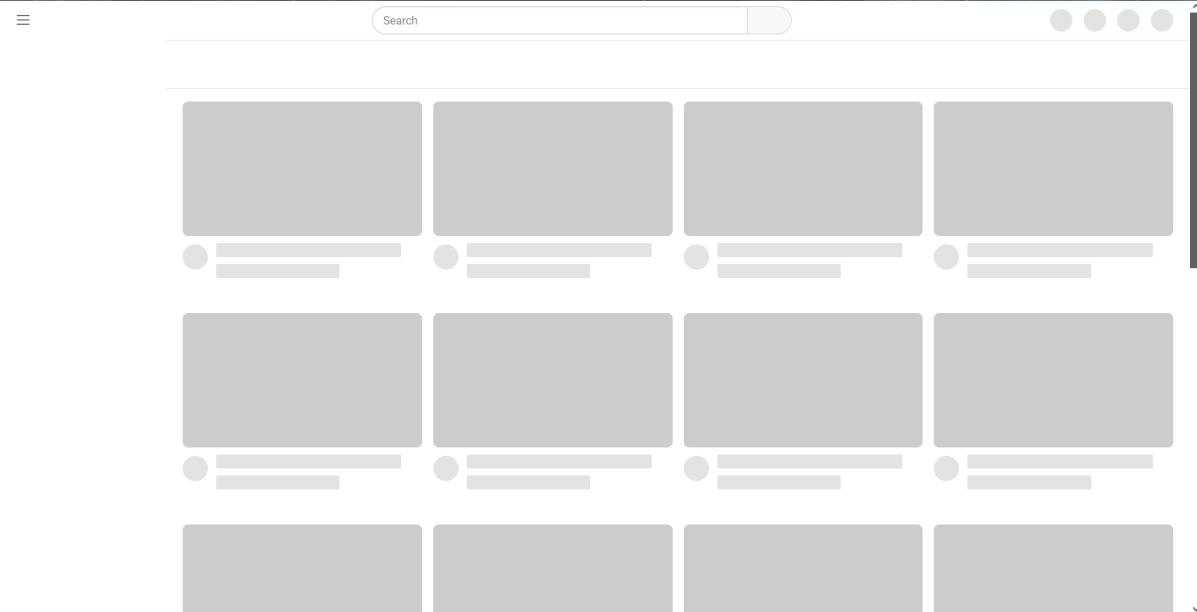
Ok, so it might just be a coincidence or not. But after an update on my portable version of FF, when I go to youtube.com I get lots of blank bits. (See 1st picture)
Can't click on any of the elements.
I've cleared youtube cookies, signed out, signed back in. Still the same.
New Private window does the same.
I haven't found any other sites/pages behaving badly.
Chrome displays youtube fine (See 2nd pic), so it's not youtube.
Any help would be great. Thanks. j

所有回复 (2)
Ok, I turned UBlock Origin off to see what would happen and youtube worked again. So, I updated my uBlock Origin plugin(I don't update until I really need to) and things seems to be working again. Cheers.
Hello,
I am glad to hear that your problem has been resolved. If you haven't already, please select the answer that solves the problem. This will help other users with similar problems find the solution.
Thank you for contacting Mozilla Support.