


YouTube wants me to leave Firefox

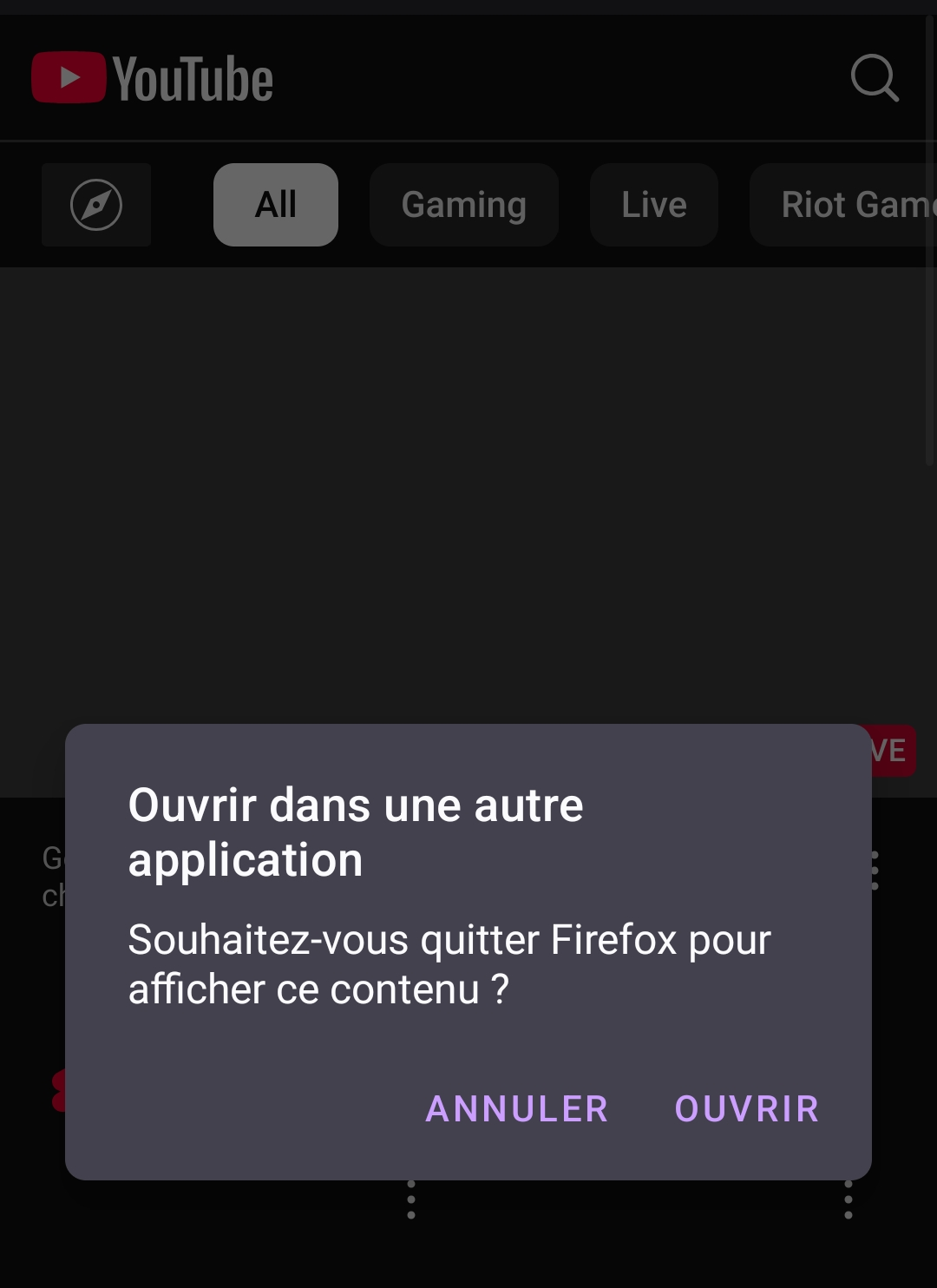
I just updated Firefox to version 135.0 on my mobile and now I get this really annoying thing:
Everytime I open a tab to go on the YouTube website, it asks me if I want to leave Firefox and use the YouTube app. Every single time. And it even launched it once without asking me.
I don't want to use the YouTube app, how can I make this stop?
Have a good day!
被采纳的解决方案
Just go to app info page of youtube than disable supported links that will disable youtube app to open via any browser or u can disable it in Firefox settings and scroll down u will find an option "open links in app" and change there
定位到答案原位置 👍 5所有回复 (3)

选择的解决方案
Just go to app info page of youtube than disable supported links that will disable youtube app to open via any browser or u can disable it in Firefox settings and scroll down u will find an option "open links in app" and change there
Thank you, it worked!
But it is strange that it changed like that after the update...
Same here
While in android firefox and on YouTube when i try to open another video in a new tab YouTube detects firefox and wont allow open on firefox but instead forces leave firefox and open in YouTube app. I have my YouTube app disabled and firewalled.
Just started today feb20
由Galen Thurber于修改