


Firefox don't work anymore on my Desktop-computer

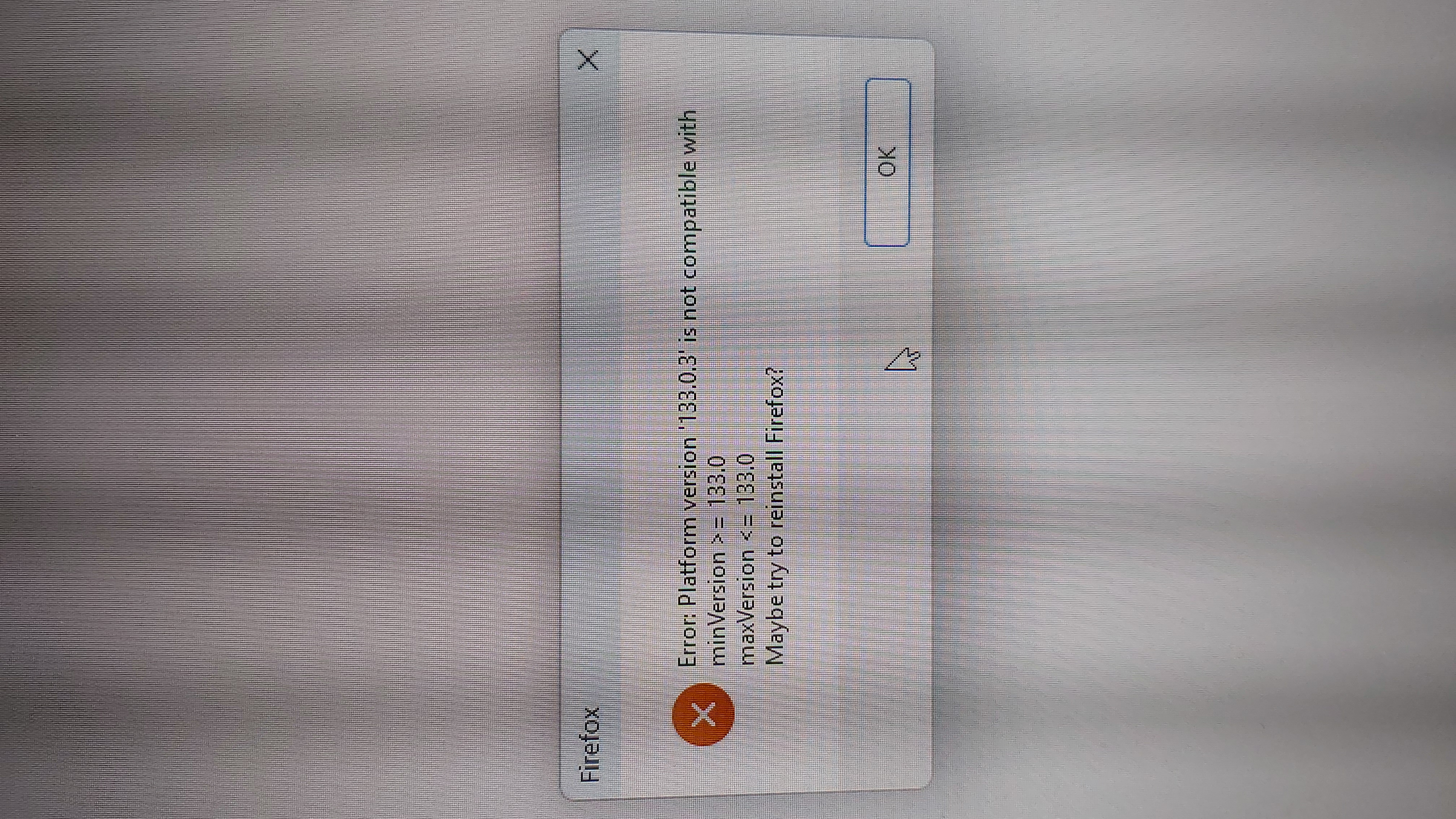
Ich kann mich auf meinem PC nicht mehr in Firefox anmelden. Error: 133.0.3 is not compatible with minVersion >=133.0“
所有回复 (1)
Install Firefox again with a full installer. You shouldn't lose any data.
The full offline setup for Windows can be downloaded from https://www.mozilla.org/firefox/all/#product-desktop-release as downloading Firefox for Windows from mozilla.org may serve you the small online stub installer.
An error message like XPCOM missing or about platform version or entry points not found can happen because of a failed Firefox update that left you with a mixture of old and updated files in the Firefox installation folder.
This can happen in case security software was keeping a handle of some of the files in the Firefox program folder preventing Firefox from replacing all the files.
You may have to disable security software temporarily in case the problem persists.