


URGENT PLEASE HELP

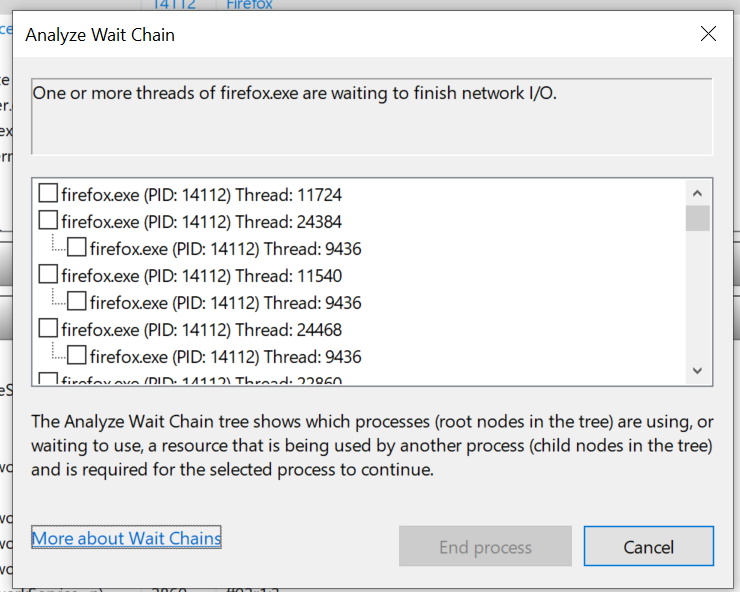
This happened too much, like 6 times when using firefox in this month. I dont want to shut the program because I got unsaved notes in it. I was listening to music and it just began to play it non stop. and it dont respond.
please help, a million thanks!
I try to restart network or suspend the process nothing works. If I could make firefox reopen to it's original state+ cookies; no site reloaded and get back my incogico it would be much appreaciated. ALso everything was saved in firefox since I did not end the task, I dont want to lose those.

所有回复 (2)

If your in incognito nothing can be saved you should check with the site on saving your sessions or activity to reload again. One should never use incognito for anything other then using computer that isn't their own.
If Firefox becomes completely nonresponsive, that's a serious problem and certainly makes it difficult to recover.
If Firefox is responsive but sluggish, it might still be possible to find the tab playing audio so you can stop or close it. If you can find an audio icon on the player tab, that is the most direct method, however, you could also try Firefox's built-in Task Manager, which you can open using Shift+Esc. You can use Ctrl+F Find in Page in Firefox's Task Manager and then kill the tab on the media site if it is using too many resources. Be careful not to kill the main Firefox program tab, though, if you don't want to crash Firefox.